

Agentic AI Coding Tools: Best AI Agents for Developers
Agentic AI coding tools are changing how software gets built. Instead of only finishing the line you are typing, these tools can take a task in plain English, plan the work, write the code, run tests, and fix their own mistakes. This guide explains what agentic AI coding tools are, how the best agentic coding tools work, and how to choose the right AI coding agent for your workflow.
Short answer: Agentic AI coding tools are AI systems that work toward a coding goal on their own, rather than waiting for you to approve every line. You describe what you want — a new feature, a bug fix, or a refactor — and the agent plans the steps, edits files, runs commands, and checks its own output. The best tools for you depend on your editor, your codebase, and how much autonomy you are comfortable giving the agent. Human review is still essential, because the agent can misunderstand a task or introduce a subtle bug.
What Are Agentic AI Coding Tools?
An agentic AI coding tool is a coding assistant with agency. Traditional AI code completion suggests the next few lines while you type. An agentic tool goes further: it can read your project, decide which files to change, make those changes, run the test suite, read the errors, and try again. The word “agentic” comes from “agent” — software that acts on your behalf toward a goal.
Think of the difference like this. A code completion tool is a helpful colleague looking over your shoulder. An AI coding agent is a junior developer you can hand a ticket to. You still need to describe the work clearly and check the result, but you do not need to guide every keystroke. That is why agentic ai tools are attracting so much attention from solo developers, startups, and large engineering teams alike.
How Agentic AI Coding Tools Work
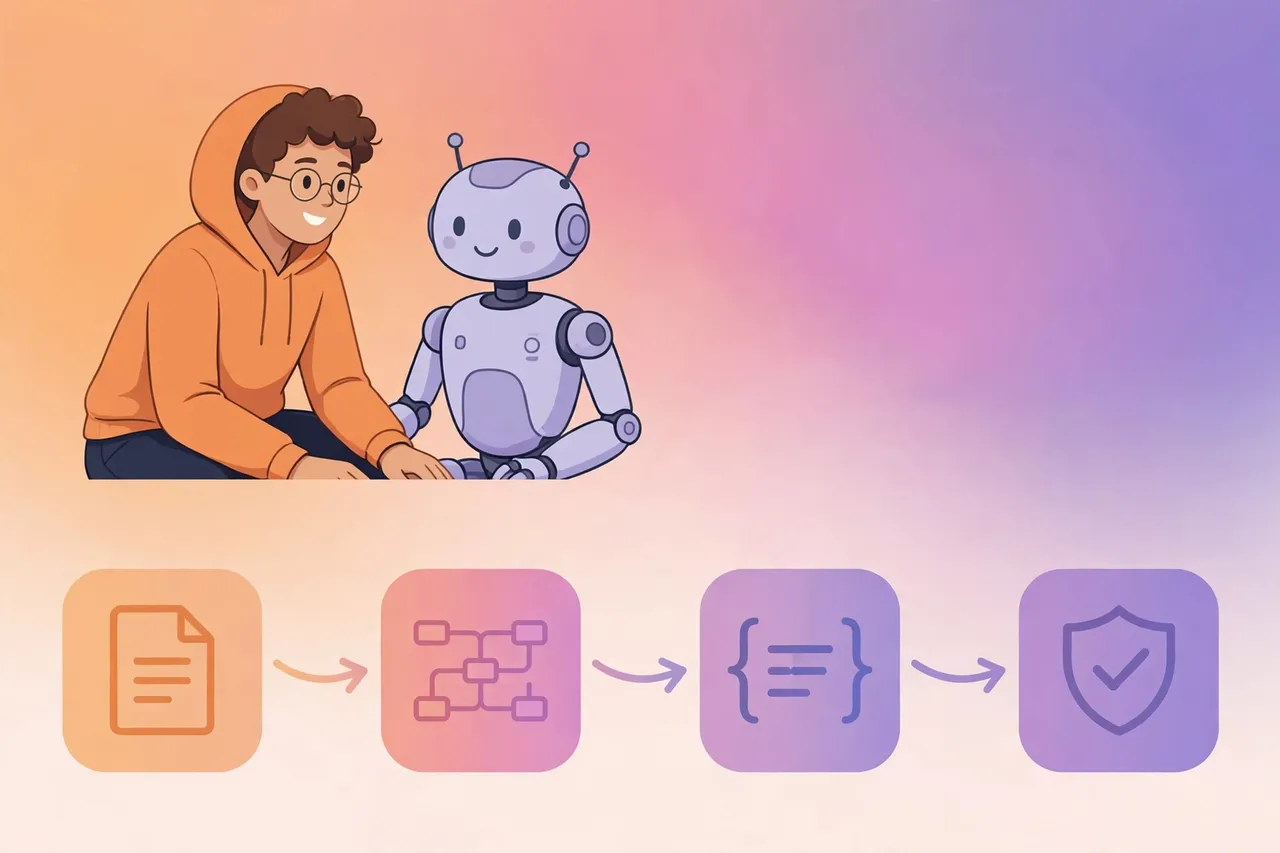
Under the hood, an AI coding agent follows a loop: understand, plan, act, and check. First, it reads your request and gathers context from your codebase, such as relevant files, existing functions, and project configuration. Then it breaks the task into steps. After that, it makes the changes, often one file at a time. Finally, it runs tests or builds the project and uses any errors to fix its own work.
Best Agentic Coding Tools: The Main Types
There is no single “best” tool for everyone, because the best agentic coding tools depend on how you work. It helps to think in categories rather than chasing one brand name. The main types are editor-based agents, terminal-based agents, and fully autonomous agents.
Editor-Based AI Coding Agents
Editor-based agents live inside your code editor and feel like a natural extension of writing code. You can highlight a block of code and ask the agent to explain it, refactor it, or write tests for it. Because the agent sees your open files and project structure, its suggestions tend to match your existing style. These tools suit developers who want help while they stay in control of each change.
Autonomous Coding Agents
Autonomous agents take the idea further and can work on a task for a long time with little supervision. They are often used for well-defined jobs such as fixing a reported bug, upgrading a library, or building a small feature from a detailed specification.
How to Choose Agentic AI Coding Tools for Developers
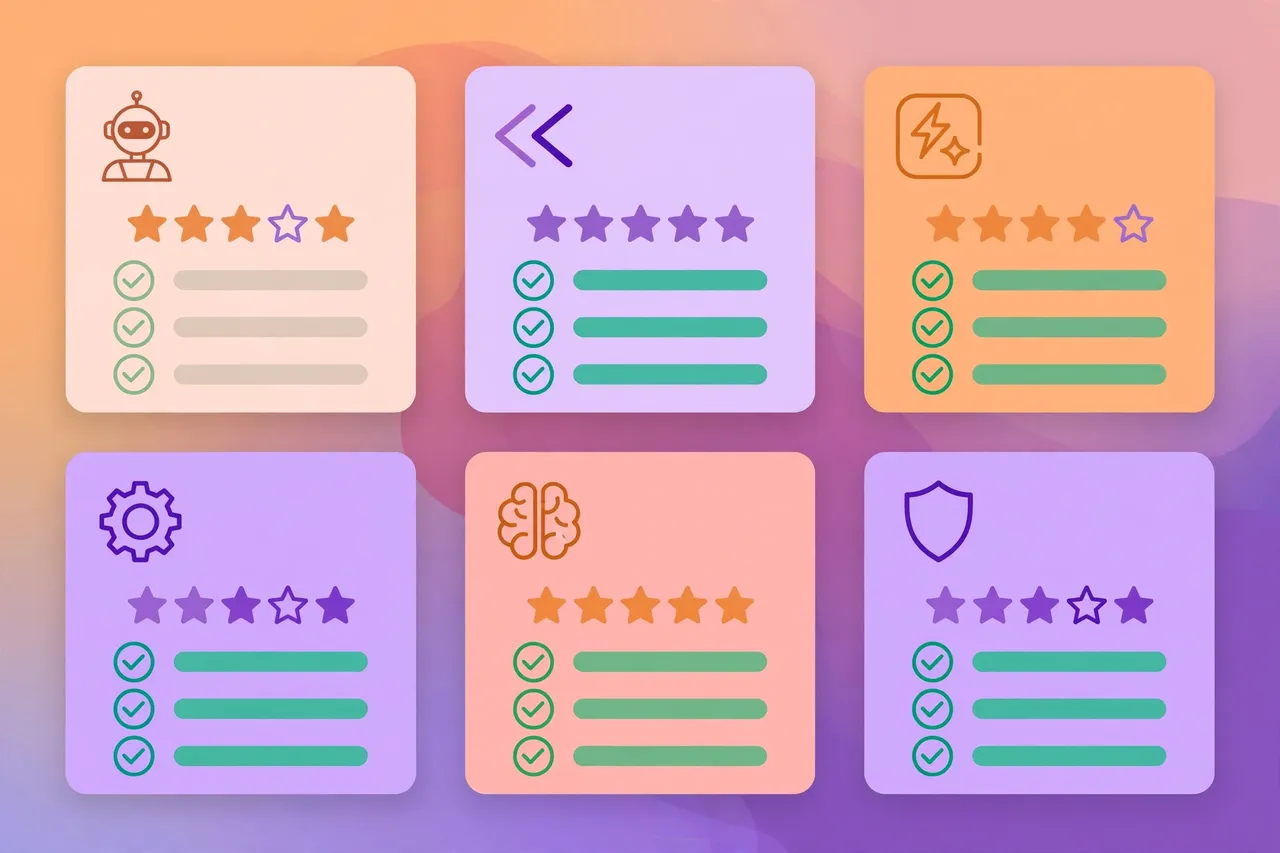
Choosing among agentic ai coding tools starts with your own workflow, not with a feature list. Ask yourself where you spend the most time. If you struggle with boilerplate and repetitive edits, an editor-based agent may help most. If you often juggle multi-file refactors or test failures, a terminal agent that can run commands may save more time. If you want to delegate whole tickets, an autonomous agent is worth testing — on a small, low-risk task first.
Next, check compatibility. Some tools work best with particular editors or languages, and some need access to your repository in the cloud. If you work on private or client code, read the tool’s privacy and data-handling documentation before you connect it to a real project. Never paste secrets, API keys, or passwords into an AI tool, and keep sensitive code out of tools you have not vetted.
Cost is another practical factor. Many agentic ai tools offer a free tier or trial, while heavier use usually requires a paid plan. Pricing models vary — some charge per month, others per amount of usage — so check the official pricing page before you commit. A free trial on a real but non-critical task is the most honest way to judge whether a tool earns its place in your workflow. For a broader look at coding assistants, see our guide to AI tools for coding.
Finally, consider how the tool fits your team. If you work with others, the agent’s output has to match the team’s conventions and pass the same code review as a human colleague’s work. Tools that respect your linter, formatter, and test suite will cause fewer arguments than tools that ignore them. Staying current also helps: our AI tools news page tracks new releases in this fast-moving space.
Limitations and Risks of Agentic AI Coding Tools
Agentic AI coding tools are impressive, but they are not magic, and their limits matter. First, they can misunderstand requirements. A vague instruction produces code that looks correct but does the wrong thing, and the error may only appear in production. Clear specifications, examples of expected behaviour, and good tests are your best defence.
Second, agents can introduce security problems. Generated code may use an outdated library, skip input validation, or handle credentials carelessly. Always review security-sensitive code yourself, and run your usual security checks. An agent is a productivity tool, not a security reviewer.
Third, costs and context limits can surprise you. Long tasks consume a lot of tokens, and some tools stop mid-task when they hit a limit. Start with small tasks, learn how much a typical job costs, and break large jobs into steps. If you publish or promote your own tools, our guide to the best AI tool directories for backlinks can help people find them.

Getting Started With Agentic AI Coding Tools
If you are new to agentic ai for developers, start small and build confidence step by step.
- Pick one tool and one project. Choose a tool that works with your editor or terminal, and test it on a side project or a low-risk part of your codebase.
- Write a clear task description. State what the code should do, which files are involved, and any rules to follow, such as using an existing library or matching the current style.
- Let the agent work, then review the diff. Read every change before you accept it. Ask the agent to explain anything you do not understand.
- Run the tests. Never merge agent-written code without running your test suite or, at minimum, building the project and checking the key flows by hand.
- Keep a note of what worked. Record which prompts produced good results so you can reuse them, and note where the agent struggled so you can give better instructions next time.
Troubleshooting Common Problems
The agent keeps editing the wrong files. Narrow the scope in your prompt. Name the exact files or folders it should touch, and tell it which parts of the project are off-limits.
The code looks right but the tests fail. Paste the error message back to the agent and ask it to fix the specific failure. If it loops on the same error, stop and fix that part yourself — some bugs need human judgement.
The agent ignores your project conventions. Point it at a good example file and ask it to match that style. Many tools also let you add a project instructions file that the agent reads every time.
Frequently Asked Questions About Agentic AI Coding Tools
What are agentic AI coding tools?
Agentic AI coding tools are AI systems that can work toward a coding goal with limited supervision. You describe a task, and the tool plans the steps, edits files, runs commands, and checks its own work, instead of only suggesting the next line of code.
What is the difference between AI code completion and an AI coding agent?
Code completion suggests text while you type. An AI coding agent can take a whole task, such as fixing a bug or adding a feature, and work through it across multiple files, running tests and fixing errors along the way.
Are agentic AI coding tools safe to use on private code?
It depends on the tool’s data-handling policy. Some tools process your code on their servers, while others offer stricter privacy options. Read the official privacy documentation before connecting any tool to private or client code, and never share secrets or credentials with it.
Can agentic AI coding tools replace developers?
No. They are strong at routine and well-defined tasks, but they still need humans to define requirements, judge trade-offs, review security-sensitive code, and take responsibility for the result. They change what developers spend time on rather than removing the developer.
Which agentic AI coding tool should a beginner try first?
Start with an editor-based agent that works inside the editor you already use, and test it on a small side project. That gives you the benefit of agentic help while keeping you close to every change the agent makes.
Conclusion
Agentic AI coding tools are a genuine step forward for developers: they turn a plain-English task into planned, written, and tested code with far less manual effort than older assistants. The best agentic coding tools are the ones that fit your editor, respect your project conventions, and match the level of autonomy you are comfortable with. Start small, write clear instructions, review every diff, and run your tests. Used that way, an AI coding agent becomes a reliable junior partner — fast, tireless, and always in need of a careful human review.
Sources: Meta, Google Support