

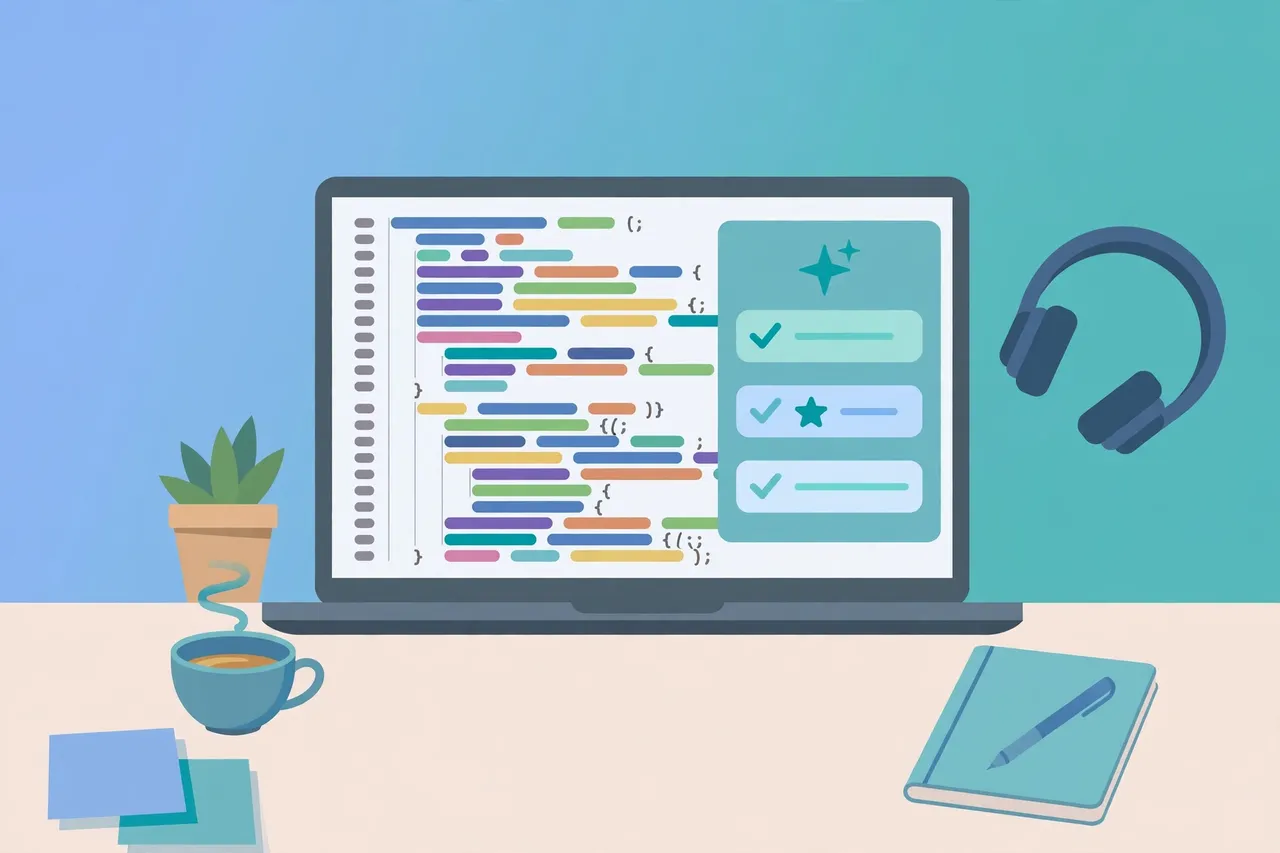
AI tools for coding have changed the way developers write software. Instead of typing every line from scratch, programmers can now get suggestions, explanations, and even whole functions generated in seconds. Whether you are a complete beginner or an experienced developer, the right AI coding assistant can help you work faster and spend less time on repetitive tasks.
In this guide, we explain what AI tools for coding are, how they work, and which options are worth your attention.
What Are AI Tools for Coding?
AI tools for coding are software assistants powered by large language models that understand programming languages. They read the code you are writing and offer helpful suggestions in real time.
These tools can:
- Suggest the next line or block of code as you type
- Explain code in plain, simple language
- Find and fix common bugs
- Write tests, documentation, and comments
- Convert code from one programming language to another
- Answer questions about frameworks, libraries, and syntax
Most AI coding tools work as extensions inside popular code editors such as Visual Studio Code, or as chat interfaces you can ask questions in. Some are built directly into full development environments.

How AI Coding Tools Work
AI coding tools are trained on large amounts of publicly available code and technical documentation. When you type, the tool analyses your code and comments to predict what you probably want next.
There are three main ways these tools help you:
1. Code Completion
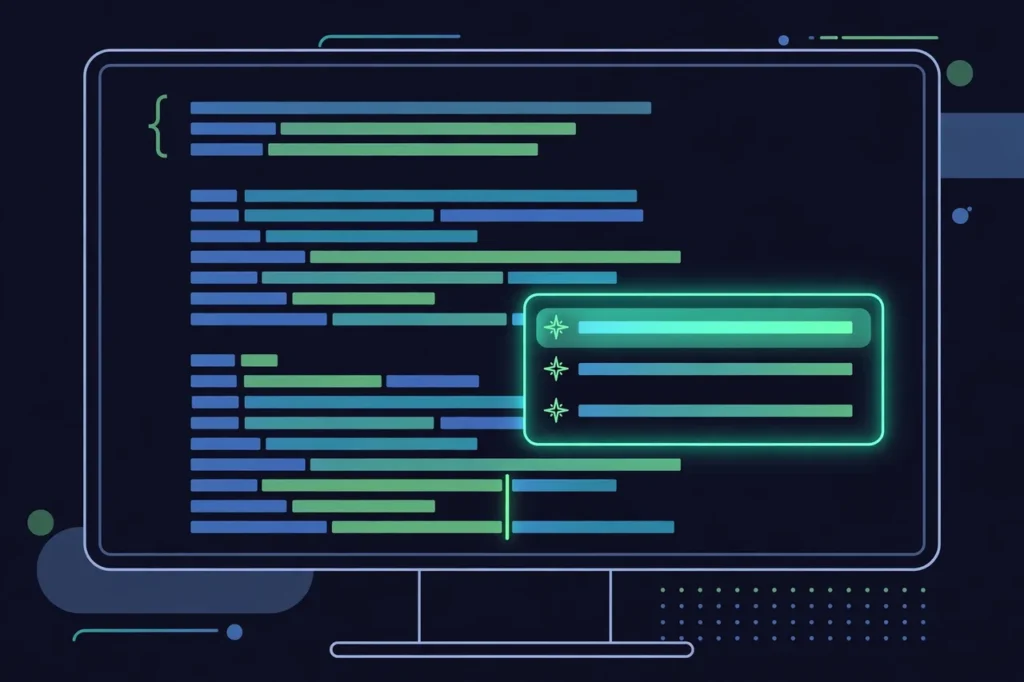
As you type, the tool suggests completions for the current line or the next few lines. This is the most common feature and the oone mostdevelopers use every day. It is especially useful for boilerplate code and remembering the exact syntax of a library you do not use often.
2. Chat-Based Help
Many tools include a chat panel where you can ask questions in plain English, such as “How do I sort a list of dictionaries in Python?” The assistant answers with an explanation and a code example you can copy into your project.
3. Autonomous Agents and Multi-Step Tasks
Some newer tools can handle larger tasks on their own. You describe what you want — for example, “add a login form to this page” — and the tool edits several files and reports back. These agent-style tools are powerful, but they still need careful review, because a small misunderstanding can create bugs across your project.
The Best AI Tools for Coding in 2026
There is no single best tool for everyone. The right choice depends on your editor, your programming language, and whether you are learning or building professionally. Here are the most widely used options, described in general terms — features and pricing change often, so always check the official website before you sign up.
1. GitHub Copilot
GitHub Copilot, developed by GitHub, is one of the most popular AI coding assistants. It works inside Visual Studio Code, JetBrains IDEs, and other editors, suggesting code as you type, answering questions in a chat panel, and helping with tasks such as writing tests and explaining unfamiliar code.
Copilot supports many programming languages, including Python, JavaScript, TypeScript, Java, and C++. It is a good all-round choice for developers who already use GitHub.
2. ChatGPT
ChatGPT, from OpenAI, is a general-purpose AI chatbot that is also very useful for coding. You can paste code into it, ask it to explain an error message, request a function in a specific language, or ask it to review your code for problems.
Its main strength is flexibility. It is not tied to one editor, so you can use it alongside any setup, and you can ask follow-up questions until you truly understand a concept.
3. Gemini Code Assist
Gemini Code Assist is Google’s AI coding assistant, built on the Gemini models. It offers code completion, code generation, and a chat interface inside popular editors and Google Cloud environments.
It is a strong option for developers who already work with Google Cloud or who want an assistant with a generous free tier for individual use. Check the official site for current availability and limits in your region.
4. Cursor
Cursor is an AI-first code editor built on top of Visual Studio Code. Instead of adding AI to an existing editor, it is designed around AI from the start. You can ask it to edit code across multiple files, explain a whole codebase, or generate new features from a plain-language description.
Cursor is popular with developers who want deeper, project-wide help rather than simple line-by-line suggestions. If you are curious about the wider world of developer software, our guide to the best software tools covers more options, and our roundup of the best AI startups to watch in 2026 shows how AI companies are shaping this space.
5. Tabnine
Tabnine is an AI code assistant known for its focus on privacy and customisation. It offers code completion in many editors and languages, and it can be configured to run in ways that keep your code private — an important feature for companies with strict security rules.
6. JetBrains AI and Amazon Q Developer
JetBrains AI is built into JetBrains IDEs such as IntelliJ IDEA and PyCharm, so it feels natural if you already use those editors. It offers completion, chat, and code explanation without leaving your development environment.
Amazon Q Developer, from Amazon Web Services, is aimed at developers building on AWS. It can generate code, explain resources, and help with cloud-related tasks.
AI Tools for Coding Beginners
If you are just starting to learn programming, AI coding tools can be a great study partner — but only if you use them the right way.

A beginner-friendly approach is to:
- Ask for explanations, not just answers. When the tool gives you code, ask it to explain each part in simple words.
- Type the code yourself. Copying and pasting teaches you nothing. Typing helps you remember syntax and patterns.
- Try first, then ask. Attempt the problem on your own for a few minutes before turning to the AI.
- Start with a chat tool. Chat-based assistants such as ChatGPT or Gemini are often easier for beginners, because you can ask questions in plain English.
One common question beginners ask is whether they need to learn coding at all for related careers. If you are interested in digital marketing, read our guide on whether digital marketing requires coding.
How to Choose the Right AI Coding Tool
Use this simple checklist to pick the tool that fits you best:
- Check your editor. Choose a tool that works well with the editor you already use, whether that is Visual Studio Code, a JetBrains IDE, or another environment.
- Check your language. Most tools support popular languages such as Python and JavaScript, but support varies for less common languages.
- Think about privacy. If you work on private or client code, look for a tool with clear privacy controls and data policies.
- Try the free option first. Many tools offer a free tier or trial. Use it for a week on real tasks before paying for anything.
- Consider your goal. Learners benefit most from chat and explanations; professional developers often value fast completion and multi-file editing.
Limitations and Things to Watch Out For
AI coding tools are helpful, but not perfect:
- They can be wrong. AI tools sometimes suggest code that looks correct but contains subtle bugs or uses outdated methods. Always test the code before you rely on it.
- They do not understand your whole project. A suggestion may work in isolation but conflict with the rest of your application.
- Security matters. Never paste passwords, API keys, or private customer data into an AI tool. Check the tool’s privacy policy to understand how your data is handled.
- Over-reliance slows learning. If you accept every suggestion without understanding it, you will struggle when the tool is not available.
Treat the AI as a helpful junior colleague: its suggestions are a starting point, not a final answer.
Tips to Get the Most Out of AI Coding Tools
- Write clear comments. A short comment describing what a function should do helps the AI generate better suggestions.
- Give context in your prompts. When using chat, mention the language, framework, and what you have already tried.
- Break big tasks into small steps. Ask for one function at a time instead of a whole application at once.
- Review every change. Read the suggested code, run it, and test it before moving on.
Frequently Asked Questions
Are AI tools for coding free?
Many AI coding tools offer a free tier or a free trial for individuals, while advanced features usually require a paid plan. Free limits and prices change often, so check the official website of each tool for current details.
Can AI tools for coding replace programmers?
No. AI tools can write routine code and speed up common tasks, but they cannot fully understand a business problem, design a system, or take responsibility for the final product. Human judgement and creativity remain essential in software development.
Which AI tool is best for coding beginners?
Chat-based tools such as ChatGPT and Gemini are often the best starting point for beginners, because you can ask questions in plain English and get explanations. Once you are comfortable with the basics, an autocomplete tool such as GitHub Copilot can speed up your daily coding.
Do AI coding tools work with all programming languages?
Most tools support popular languages such as Python, JavaScript, TypeScript, Java, C++, and Go. Support for less common languages varies, so check the tool’s documentation for the language you use.
Is it safe to use AI tools for coding?
It is generally safe if you follow basic precautions: never paste passwords, API keys, or sensitive data into the tool, review all generated code before using it, and read the tool’s privacy policy. For confidential projects, choose a tool with privacy controls that meet your organisation’s requirements.
Conclusion
AI tools for coding are now a normal part of modern software development. They help you write code faster, understand unfamiliar code, fix bugs, and learn new languages. Tools such as GitHub Copilot, ChatGPT, Gemini Code Assist, Cursor, and Tabnine each have their strengths, and the best choice depends on your editor, your language, and your goals.
Practical takeaway: pick one tool, try its free tier for a week on real tasks, and review every suggestion before using it. Used this way, AI speeds up your work without replacing the understanding that makes you a good developer.