
Discover the best free online backup tools in 2026 to protect your files from loss. Explore top options like IDrive, Google Drive & MEGA with tips, benefits, and setup guide.
What are free online backup tools?
Free online backup tools are cloud-based services or software that allow users to automatically or manually upload copies of files, folders, or entire devices to remote servers for secure, off-site storage, often with encryption and versioning, at no cost (typically with storage limits like 5-15GB).
Introduction
Imagine waking up to find your laptop crashed, photos from years gone missing after a phone theft, or important documents corrupted by ransomware. In today’s digital world, data loss happens more often than we think—hardware failures, cyberattacks, accidental deletions, and natural disasters put irreplaceable files at constant risk. Without a reliable backup, recovering that family album, work projects, or financial records can be impossible or extremely costly.
This is where free online backup tools come in as a lifesaver. These cloud-based solutions let you store copies of your data securely off-site, accessible from anywhere, at no cost (though free tiers have limits). They offer peace of mind through automatic syncing, encryption, and easy restores. Whether you’re a student, freelancer, or home user, adopting one can prevent heartbreak and save time. In this guide, we’ll explore the best free online backup tools, their benefits, how to choose and use them effectively, and tips to maximize protection in 2026.
Why Data Loss Is a Growing Threat in 2026

Data loss isn’t rare. Ransomware attacks have surged, with many targeting personal users. Hard drives fail unexpectedly, and mobile devices get lost or damaged. Without backups, recovery often relies on expensive services or is impossible. Online backups add off-site protection—unlike local drives that can be destroyed in the same event.
Common challenges include:
- Forgetting to back up regularly
- Limited storage in free plans
- Privacy concerns with cloud providers
- Slow uploads for large files
- Confusion over true backup vs. simple sync
These issues make many skip backups altogether, leaving data vulnerable.
The Power of Free Online Backup Tools
Fortunately, free online backup tools solve these problems affordably. They provide:
- Off-site storage — Protects against local disasters
- Automatic backups — Set it and forget it
- Versioning — Recover older file versions
- Encryption — Keeps data private
- Cross-device access — Restore from phone, tablet, or another computer
Many integrate with popular clouds or offer dedicated apps.
Top Free Online Backup Tools in 2026
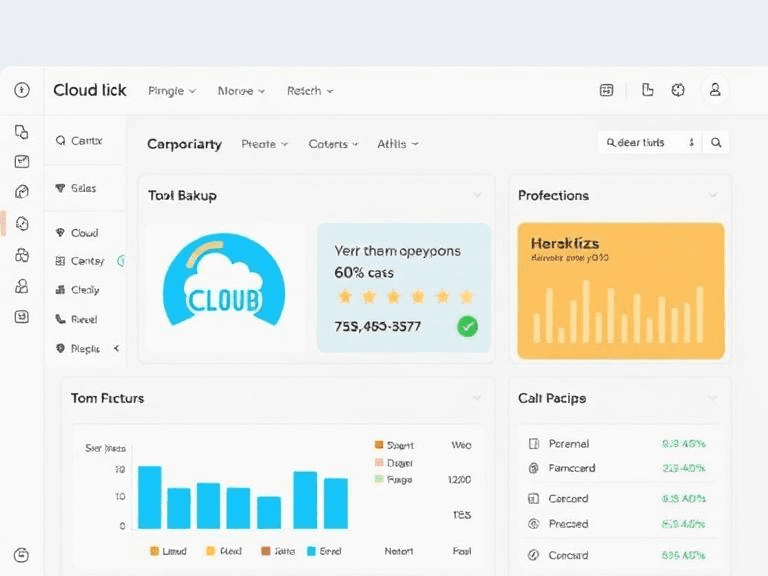
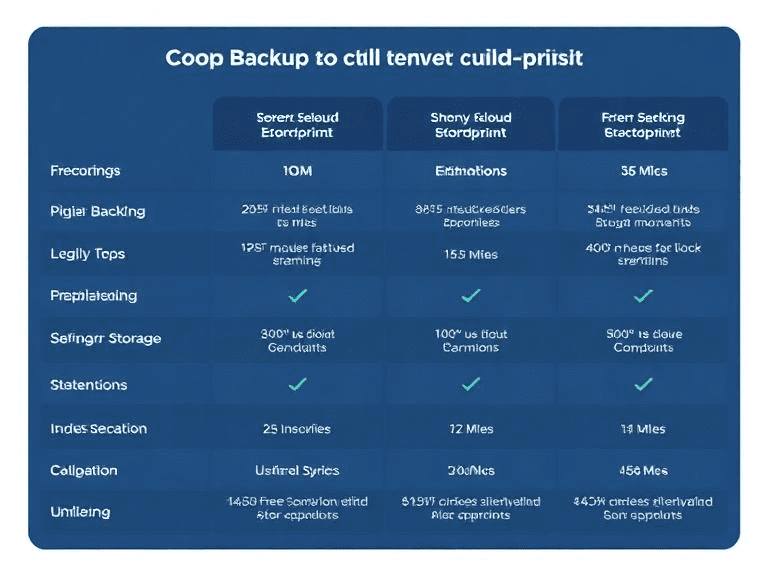
Here are standout options based on recent expert tests for reliability, ease, and features.
1. IDrive (Free 10GB Plan)
IDrive offers one of the most generous free tiers, supporting unlimited devices on a single account. It includes strong encryption and fast uploads.
2. Google Drive (15GB Free, Shared with Gmail/Photos)
Excellent for seamless integration with Google services. It excels at synchronization and collaboration but is more focused on synchronization than on pure backup.
3. pCloud (Up to 10GB Free)
Privacy-focused with optional client-side encryption. Lifetime plans are available, but the free tier is sufficient for basic needs.
4. MEGA (20GB Free Base)
Known for generous storage and zero-knowledge encryption, ideal for privacy-conscious users.
5. EaseUS Todo Backup Free
Robust desktop tool for local + cloud backups (integrates with clouds). Great for full system images.
Other notables: Duplicati (open-source, encrypts to any cloud), MSP360 Free (supports Backblaze B2, etc.), and Icedrive (10GB free with strong privacy).
Key Benefits of Using Free Online Backup Tools
- Cost savings — No subscription needed for basic needs
- Accessibility — Access files anywhere with the internet
- Security features — Many include AES-256 encryption
- Scalability — Upgrade easily if you outgrow free limits
- Peace of mind — Follows 3-2-1 rule (3 copies, 2 media, 1 off-site)
In 2026, with rising cyber threats, these tools are more crucial than ever.
How to Choose the Right Free Online Backup Tool
Consider:
- Storage needs — Start with 10-20GB free options
- Device support — Windows, macOS, mobile?
- Privacy — Zero-knowledge encryption?
- Speed — Test upload times
- Features — Versioning, scheduling, incremental backups
For most users, start with IDrive or Google Drive for simplicity.
Step-by-Step Guide to Setting Up a Free Online Backup
- Choose a tool (e.g., sign up for IDrive free).
- Download the app or client.
- Select files/folders to back up.
- Enable encryption and scheduling.
- Run initial backup (be patient for large sets).
- Verify restores periodically.
Test recovery to ensure it works.
Best Practices and Tips for Effective Backups
- Follow the 3-2-1 rule
- Use strong, unique passwords + 2FA
- Schedule automatic backups
- Exclude temporary/large unnecessary files
- Monitor storage usage
- Combine with local backups
- Regularly test restores
These habits maximize reliability.

Industry Trends in Online Backup for 2026
Ransomware protection, AI-driven automation, and zero-trust security dominate. Free tiers improve, with more encryption and cross-platform support. Open-source tools like Duplicati gain traction for custom needs.
Common Mistakes to Avoid
- Relying only on sync (not true backup)
- Ignoring versioning
- Not encrypting data
- Forgetting mobile backups
- Skipping tests
Avoid these for robust protection.
FAQ
What are the best free online backup tools in 2026?
Top picks include IDrive (10GB), Google Drive (15GB), pCloud (10GB), MEGA (20GB), and EaseUS Todo Backup Free for versatile features and security.
Are free online backup tools secure?
Many use AES-256 encryption and support zero-knowledge options (e.g., pCloud, MEGA). Always enable 2FA and strong passwords.
How much storage do free online backup tools offer?
Ranges from 3GB (NordLocker) to 20GB (MEGA), with IDrive at 10GB supporting multiple devices.
Can free tools back up my entire computer?
Some like EaseUS Todo Backup Free do full images; others focus on files/folders. Check limits.
Is Google Drive good for backups?
Yes for easy use and integration, but pair with versioning tools for true backup vs. sync.
What if I exceed the free storage limit?
Most allow easy upgrades; delete unneeded files or add another free account.
Image: data recovery success from cloud backup
Alt text: Successful file restore from a free online backup tool after data loss
Conclusion
Data loss can strike anytime, but free online backup tools provide an accessible, effective defense. By addressing risks with off-site storage, encryption, and automation from options like IDrive, Google Drive, or MEGA, you protect what matters most.
Start today—pick one tool, set up your first backup, and test a restore. Your future self will thank you. For more tech tips and resources, explore related guides on our site.
This short message carries notable depth and relevance.
Optimize product descriptions to increase CTR and conversions with expert E-commerce Meta Descriptions. Try it now! #EcommerceSEO #CTR https://vxd.mobi
[…] for long-term success. Start applying these strategies today, and explore more actionable tips on Pixwox Digital Tips to maintain a competitive edge in your […]