
Wondering does Instagram notify when you screenshot a story, a post, or a DM? You are not alone — this is one of the most-searched Instagram privacy questions, and the answer depends entirely on what you screenshot. In most cases, Instagram does not tell the other person. But there is one important exception where it does, and it can catch you off guard if you do not know about it.
In this guide, we explain exactly when Instagram sends a screenshot notification and when it stays silent — for stories, feed posts, profile pictures, Reels, regular DMs, and disappearing photos and videos. We also cover screen recording, what the other person actually sees, and how to protect your own privacy.
The Short Answer: Does Instagram Notify When You Screenshot?
No, Instagram does not notify the user in most cases. You can screenshot stories, feed posts, Reels, profile pictures, and regular chat messages without the other person ever knowing.
The only exception is disappearing content in direct messages: if you screenshot a disappearing photo or video — sent with “view once” or in vanish mode — Instagram tells the sender. A small note appears in the chat, such as “screenshot taken.”
Here is the quick breakdown:
| What you screenshot | Does Instagram notify? |
|---|---|
| Instagram story | No |
| Feed post or photo | No |
| Reel | No |
| Profile picture | No |
| Regular DM (text or photo) | No |
| Disappearing photo/video in DM | Yes |
| Vanish mode message | Yes |
Keep this table in mind, because the rest of the article explains each case in detail — including the grey areas people often get wrong.
Does Instagram Notify When You Screenshot a Story?
No. Instagram does not notify someone when you screenshot their story. The person who posted it will not receive any alert, and your name will not appear anywhere special because of the screenshot.
This is a common worry because Instagram does show the story owner a list of people who viewed the story. But viewing and screenshotting are treated differently: viewing is recorded, screenshotting is not. Instagram briefly tested screenshot notifications for stories years ago, but that test was never rolled out widely and is not part of the app today. If you want to watch a story without appearing on the viewer list at all, see our guide on viewing Instagram stories anonymously.
Does Instagram Notify When You Screenshot a Post or Reel?
No. Screenshots of feed posts, photos, carousels, and Reels do not trigger any notification, even if the Reel belongs to a private account you follow. The same applies to comments, captions, and anything you find on the Explore page.
The only thing the other person might notice is engagement: if you like, comment, or share the post, they will see that activity. A screenshot on its own leaves no trace. If you regularly save posts you like, Instagram’s built-in Save feature keeps them organised in collections without cluttering your camera roll. You can also learn how to download Instagram videos to your phone if you want to keep a video offline.
Does Instagram Notify When You Screenshot a Profile Picture?
No. Instagram does not notify a user when you screenshot their profile picture. In fact, on the Instagram app you cannot even zoom in on a profile picture by tapping it — so screenshots are one of the few ways people view a profile photo up close.
There is no alert, no log, and no way for the account owner to find out that you took a screenshot of their profile picture. This applies to public and private accounts alike.
If you need a closer look at a profile photo for legitimate reasons — for example, to check whether an account is genuine before following it — our guide on downloading an Instagram DP in HD explains the safe way to do it without sharing your password with any third-party site.
Does Instagram Notify When You Screenshot a DM?
This is where the answer splits in two, so pay close attention.
Regular DMs: No Notification
If you screenshot a regular direct message — a normal text chat, a shared post, or a photo sent as a regular attachment that stays in the chat — Instagram does not notify the other person. Ordinary conversations are not monitored for screenshots.
Disappearing Photos and Videos: Yes, Notification
If you screenshot a disappearing photo or video in a DM — the kind sent with “view once” or “allow replay,” or any message sent while vanish mode is on — Instagram does notify the sender. The chat will show a small system message such as “screenshot taken” next to the disappearing message.
This is the one situation where a screenshot is reported, and it exists for a reason: disappearing messages are meant to be temporary, so Instagram warns the sender when someone keeps a copy.
What About Vanish Mode?
Vanish mode is a chat setting where messages disappear after they are seen and the chat is closed. Screenshots taken while vanish mode is on are treated the same as disappearing media: the other person is notified. To use vanish mode, swipe up in an existing DM thread to turn it on, and swipe up again to turn it off. Both people in the chat are told when vanish mode is switched on or off — so there is no way to use it secretly.
When a screenshot notification is triggered, the sender sees a small note inside the DM thread — for example, “screenshot taken” — next to the disappearing message. It is not a push notification on their lock screen; it is a line of text inside the chat, visible when they open the conversation. For everything else — stories, posts, Reels, profile pictures, and regular DMs — the other person sees nothing at all. There is no list of “people who screenshotted your content” anywhere in the app.
How to Screenshot on Instagram Without Worry
Now that you know the rules, here are a few practical tips. Stories, posts, and Reels are safe to screenshot — no notification is sent. Think twice before screenshotting disappearing media, because the sender will be told; if the photo was meant to be seen once, respect that, or ask the sender before keeping a copy. Do not rely on airplane-mode tricks — old advice says to turn on airplane mode before screenshotting a disappearing photo, but this is unreliable and Instagram can still register the screenshot when you reconnect. Use Save instead of screenshots where possible, and respect other people’s privacy: just because a screenshot is undetected does not mean it is always the right thing to do. Never share someone’s private photos or messages without their permission. Screen recording follows the same rules as screenshots — silent for stories, posts, and regular DMs, but reported for disappearing media.
How to Protect Your Own Privacy
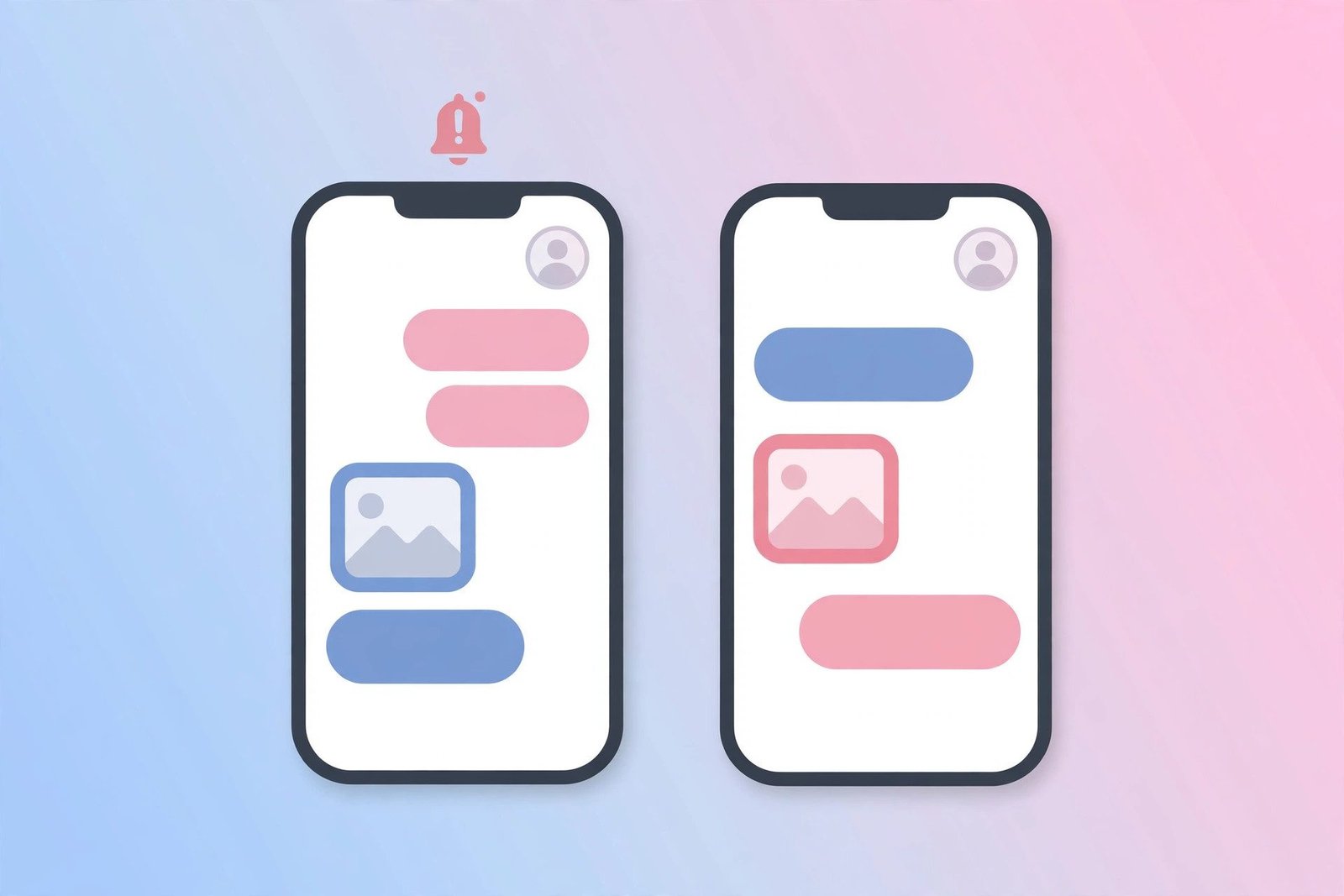
If you are on the other side of this question — worried about people screenshotting your content — here is what you can actually control. Send sensitive photos as disappearing messages, so you are at least notified if someone screenshots them. Use vanish mode for private conversations. Keep your account private if you only want approved followers to see your posts and stories, and remove followers you do not trust. And remember: for stories and posts, Instagram will not tell you if someone screenshots. If something is too sensitive to risk being copied, do not post it.
Also beware of third-party apps that claim to show who screenshotted your posts or stories. Instagram gives no app access to this information, so any app making that promise is either guessing or trying to steal your login. Never enter your Instagram password anywhere except the official app or instagram.com.
Troubleshooting
I screenshotted a disappearing photo and the sender knew. Can I undo it? No. Once the “screenshot taken” note appears in the chat, it cannot be removed. The honest option is to explain why you took it.
Someone claims they know I screenshotted their story. Is that possible? Not through Instagram. They may have seen your name on the story viewer list and assumed you took a screenshot. There is no screenshot list for stories.
Does Instagram notify if I screenshot on a computer? The same rules apply on the web version of Instagram: no notification for stories, posts, or regular DMs, and a notification for disappearing media in DMs.
I got a notification saying someone screenshotted my disappearing photo. Is it real? Yes — if it appears as a system note inside the DM thread, it is genuine. Instagram shows this automatically.
FAQs
Does Instagram notify when you screenshot a story in 2026?
No. As of 2026, Instagram does not send any notification when someone screenshots your story. The story owner can see that you viewed it, but not that you took a screenshot.
Does Instagram notify when you screenshot a DM?
Only for disappearing photos and videos. Regular text messages, shared posts, and normal photo attachments in DMs can be screenshotted without any notification.
Does Instagram notify when you screenshot a disappearing photo?
Yes. If you screenshot a disappearing photo or video sent with “view once” or in vanish mode, Instagram shows a “screenshot taken” note in the chat to the sender.
Can someone see if I screenshot their Instagram profile picture?
No. There is no notification for profile picture screenshots, and Instagram has no feature that shows who screenshotted a profile photo.
Does Instagram notify when you screen record a story?
No. Screen recording a story, post, or Reel does not trigger a notification. Only screen recording disappearing media in a DM is reported to the sender.
Conclusion
So, does Instagram notify when you screenshot? For almost everything — stories, posts, Reels, profile pictures, and regular DMs — the answer is no. Instagram stays silent, and the other person will never know.
The single exception is disappearing photos and videos in direct messages, including vanish mode chats. Screenshot those, and Instagram tells the sender with a note in the chat. That is the rule to remember before you tap the screenshot buttons.