
Instagram never sends a notification when someone blocks you, so there is no single button that gives you the answer. The good news is that a block leaves a clear pattern of clues. One clue on its own can mean something else, but when three or four of them appear together, you can be almost certain. This guide walks through the six checks, in the order that gives you the fastest, most reliable answer.
The short answer
If you have been blocked, the person’s profile disappears from your search results, their old comments and likes vanish from your posts, you cannot follow them again, and any message thread you shared stops working properly. If the account was deleted or deactivated instead, you will see the same disappearance from every account, not just yours. The checks below help you tell the difference.
Sign 1: Their profile no longer appears in search
Open Instagram, tap the search icon and type the person’s exact username.
- If the account does not appear at all, that is the first and strongest clue.
- If the profile appears but shows “No posts yet”, zero posts, and you cannot see their followers or following lists, you are very likely blocked.
A private account you do not follow also shows a locked profile, but it still shows the post count, profile photo and follower numbers. A blocked profile hides almost everything.
Sign 2: The direct profile link says the page is unavailable
If you know the username, type instagram.com/username into a browser where you are NOT logged in, then try the same link while logged in to your account.
- If the profile loads in the logged-out browser but not in your account, you have been blocked. This is one of the most reliable tests there is.
- If it fails to load in both, the account may be deleted, deactivated or renamed.
Sign 3: Your old conversations change
Open your Direct Messages and find your thread with that person.
- After a block, their profile photo in the thread usually disappears and their name may change to plain “Instagram User”.
- You can still type a message, but it will never be delivered or read, and you will not be able to start a voice or video call with them.
Note that “Instagram User” can also appear when an account is deleted, so use this clue together with the others, not on its own.
Sign 4: Their likes and comments vanish from your posts
When someone blocks you, Instagram removes their likes and comments from your photos and reels. Check a post you are sure they liked or commented on. If their activity is gone while other people’s comments are untouched, that points to a block (or to them deleting their account).
The opposite is also true and worth knowing: blocking is two-way. If you ever block someone, your likes and comments disappear from their posts too.
Sign 5: You cannot follow them again
If you find a version of their profile, try tapping Follow.
- If nothing happens, the button flips back instantly, or you get an error, you are blocked.
- If the follow request simply sits as “Requested”, that is a private account you have not been accepted by, which is different.
Sign 6: Mutual friends can still see the profile
Ask a friend who also follows the person, or check from a second account if you have one. If everyone else can see the profile normally and only your account cannot, the answer is confirmed: you have been blocked, because a deleted or deactivated account disappears for everybody.
This is also the moment to be honest with yourself about the difference between a block, a restriction and a mute. If you can still see their profile and posts but they never see your comments, you may be restricted instead. And if their stories simply stopped appearing for you, they may have hidden their story from you, which is much softer than a block. Our guide on how to hide followers on Instagram explains the privacy settings from the other side.
Blocked vs deleted vs deactivated: a quick comparison
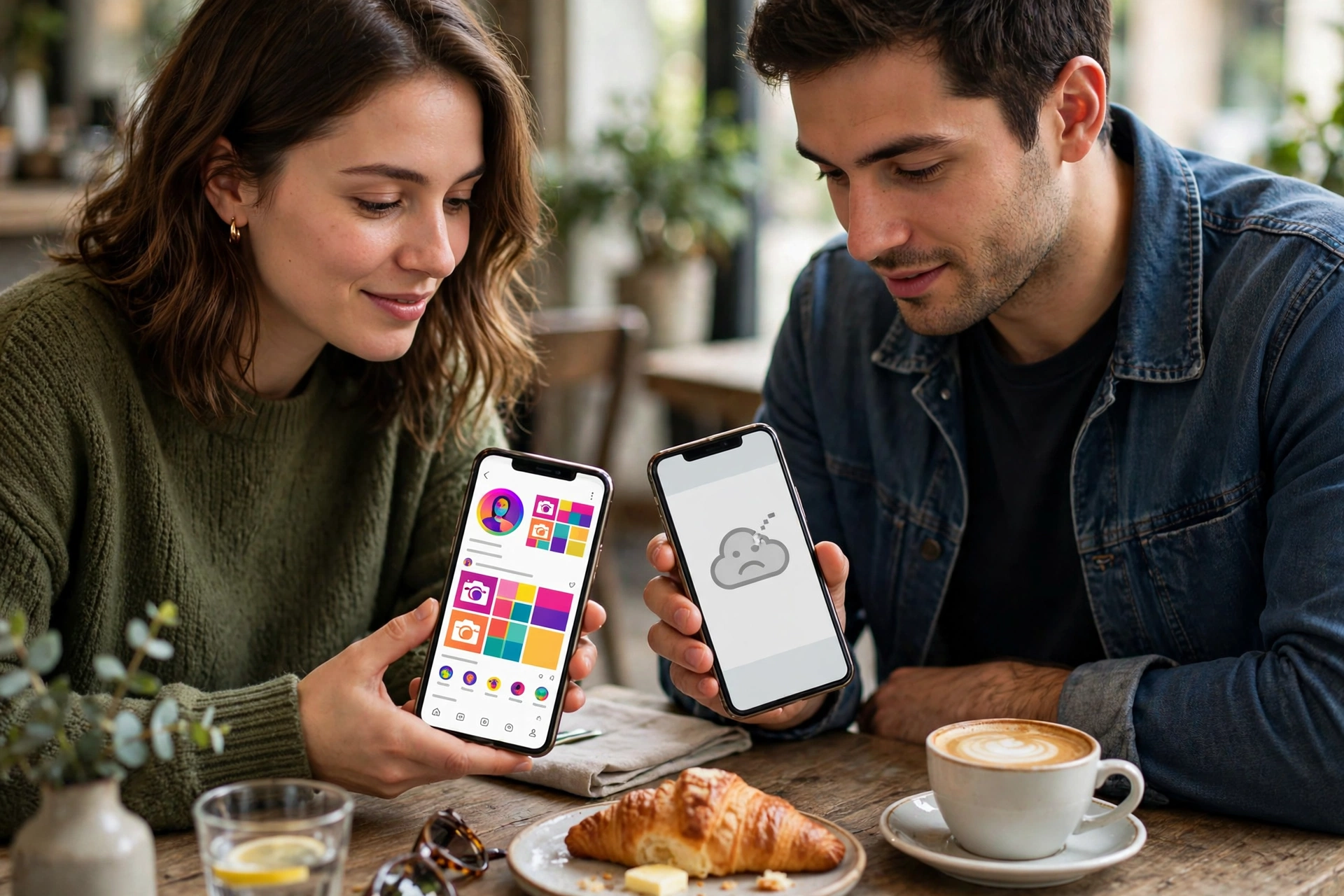
| Check | Blocked | Deleted / deactivated |
|---|---|---|
| Profile in search | Missing or empty for you only | Missing for everyone |
| Profile via logged-out browser | Loads normally | Does not load |
| Old likes/comments on your posts | Gone | Gone |
| Message thread | Shows “Instagram User”, messages never delivered | Shows “Instagram User” |
| Mutual friends | Can still see the profile | Cannot see it either |
What happens when you are blocked?
A block on Instagram is complete and mutual in effect. Neither of you can see the other’s profile, posts, stories or reels, send messages that arrive, or find each other in search. It is stronger than unfollowing and stronger than restricting. If you are curious about what the other person sees when they view profiles quietly, read our guide on viewing Instagram without an account and the one on whether Instagram notifies when you screenshot.
What should you do about it?
Honestly, the healthiest answer is: usually nothing. A block is a boundary, and trying to get around it with fresh accounts can get your new accounts blocked too, and can cross into harassment. If the person is a friend or family member, the better route is an offline conversation, not a workaround. If you believe the block was a mistake, one polite message through another channel is enough; after that, accept the answer.
If you run a business account and the block came from a customer, check first whether your account was reported or flagged, and review Instagram’s own guidance in the Instagram Help Centre.
Frequently asked questions
Can I see exactly who blocked me on Instagram?
No. Instagram does not provide a list of people who blocked you, and any third-party app that promises to reveal your blockers is unreliable and often a scam that risks your account. The manual checks in this guide are the only safe way.
If I block someone and later unblock them, will they know?
They will not get a notification, but your profile will become visible and searchable to them again, and they will need to follow you again if they want to; unblocking does not restore the old follow automatically.
Does blocking delete our old messages?
No. The message thread stays in both inboxes, but new messages are not delivered while the block is in place, and the other person’s name and photo may display as “Instagram User”.
What is the difference between blocking and restricting?
Blocking hides everything and cuts all contact. Restricting is quieter: the person can still see your posts, but their comments are only visible to them unless you approve them, and their messages move to Message Requests. If you want fewer interactions without a hard cut-off, restricting is the better tool.
Can a blocked person still see my public posts from another account?
If your account is public, anyone, including someone you blocked, can view it from a different account or a logged-out browser. If that matters to you, switch to a private account so only approved followers can see your posts.
Final word
There is no official “blocked” label, but you do not need one. Search, the logged-out browser test, your message thread and a mutual friend’s view give you a clear answer in a couple of minutes. Once you know, the best move is to respect the boundary and move on. For more practical Instagram help, browse the rest of the guides on Pixwox.