
If you want to know how to hide followers on Instagram, here is the honest answer first: Instagram has no “hide followers” button. There is no setting that hides your followers list while keeping your account public. But you can still control who sees it, using the privacy tools Instagram already gives you.
In this guide, you will learn the five real methods that work: switching to a private account, removing followers, blocking people, and using Close Friends and restrictions for stories. We will also cover how to hide your following list on Instagram, because the two questions almost always go together. No third-party apps, no fake tricks, and no risk to your account.
Can You Hide Your Followers on Instagram?
Instagram offers no direct way to hide your followers list on a public account. Anyone — even people who do not follow you — can tap “followers” on your profile and see the full list. The same is true for your following list.
That is the key fact most articles skip. Any app or website that promises to hide your followers on a public account is either lying or asking you to hand over your login details. Never give your Instagram password to a third-party app for this. It will not work, and it puts your account at risk.
What you can do is change who is allowed to see those lists in the first place. The methods below do exactly that, using only tools built into Instagram.
Method 1: Switch to a Private Account (The Only Full Solution)
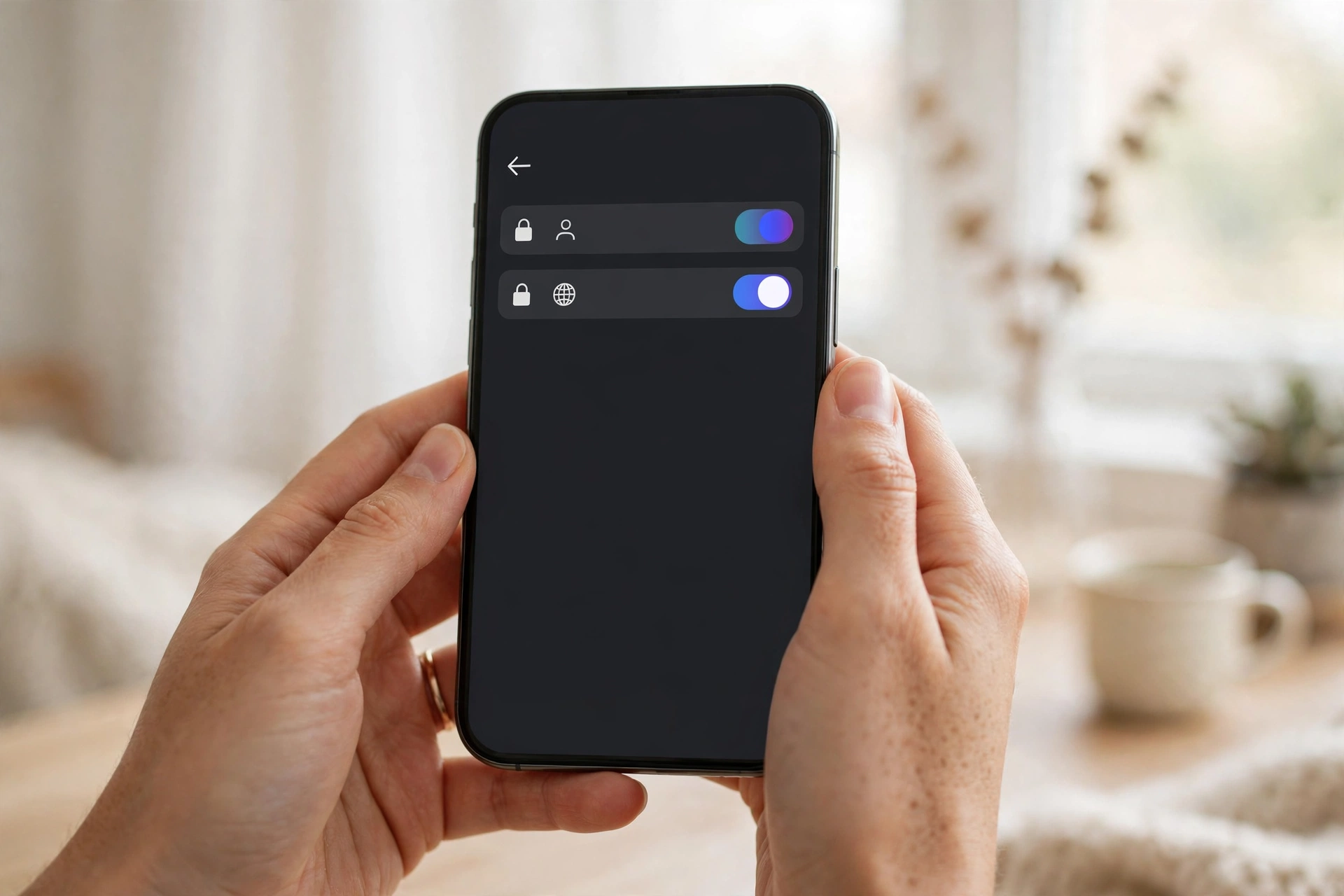
Making your account private is the only method that hides your followers and following lists from strangers. Only your approved followers can see your posts and lists; everyone else sees just your profile picture, bio, and follower count.
Follow these steps to make your account private:
- Open Instagram and tap your profile picture in the bottom right.
- Tap the three lines (menu) in the top right, then tap Settings.
- Tap Account privacy.
- Turn on Private account and confirm.
That is all it takes. From now on, anyone who wants to follow you must send a request, and you decide whether to approve it. People who already follow you stay.
One trade-off: your approved followers can still see your lists, and your posts will no longer appear on Explore or in hashtag searches for non-followers, so your reach will drop. If growth matters to you, weigh that before switching. You can switch back to public at any time.
Method 2: Remove Specific Followers
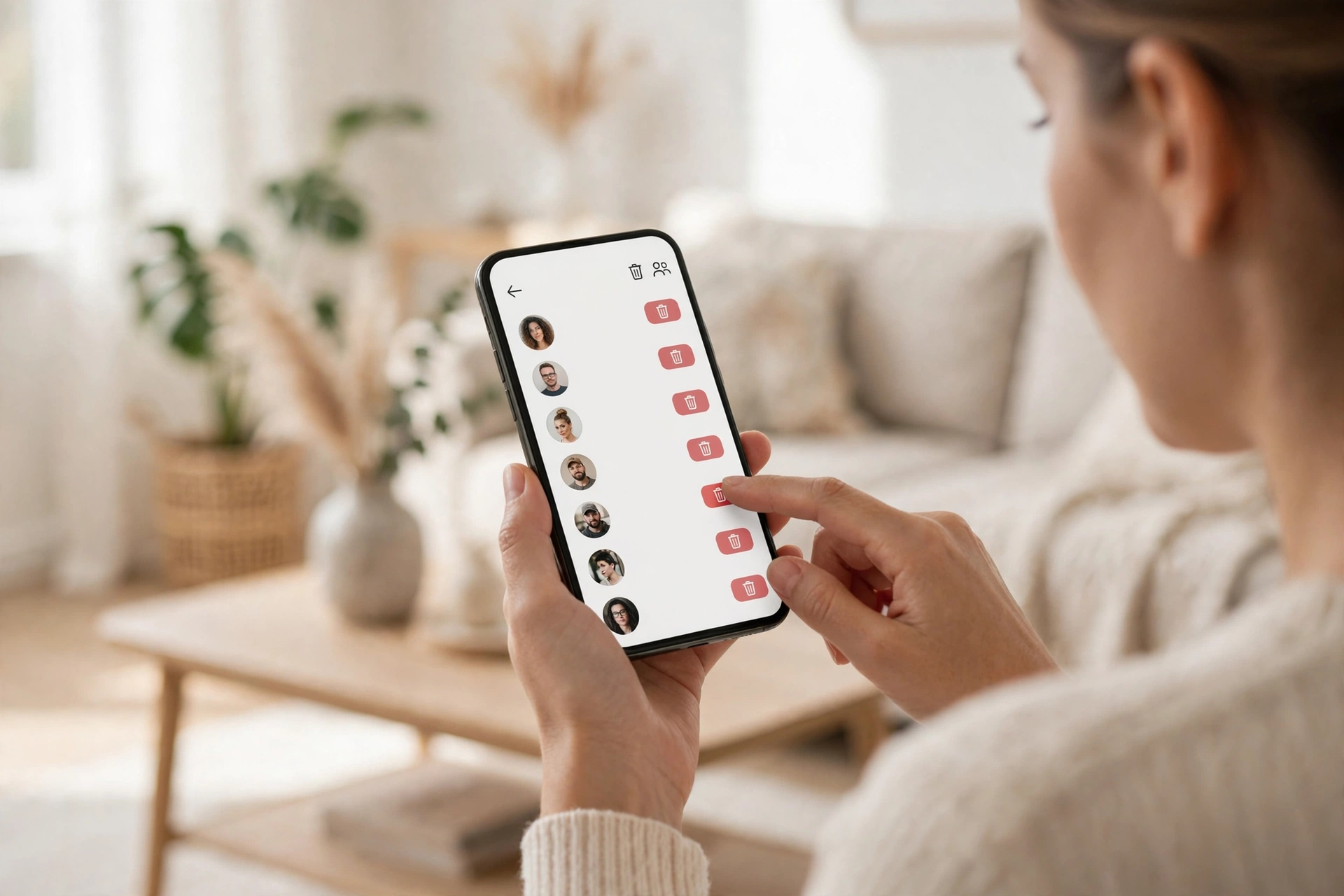
On a private account, removing a follower is the most precise way to hide your followers list from one person. They can no longer see your posts, stories, or lists, and they are not told you removed them.
Here is how to remove a follower:
- Go to your profile and tap Followers.
- Find the person you want to remove.
- Tap Remove next to their name, then confirm.
You can also do it from their profile page: tap the three dots and select Remove follower.
Removing works best when only a handful of people are the problem — an ex, a nosy colleague, or a stranger you do not recognise. It is quiet and does not alert the other person. But it only works well on a private account: on a public account, the removed person can simply follow you again.
Method 3: Block Someone Completely
Blocking is the strongest option when someone keeps bothering you or re-following you after you remove them. A blocked person cannot find your profile, see your posts or lists, or message you.
To block someone:
- Go to the person’s profile.
- Tap the three dots in the top right.
- Tap Block, choose whether to block just this account or any new accounts they may create, then confirm.
Blocking is not silent in the same way removing is — the person will realise they are blocked when they can no longer find your profile. Use it for harassment or spam, not for casual privacy. You can unblock someone at any time from Settings > Blocked accounts.
Method 4: Hide Your Following List on Instagram
Many people ask how to hide their following list on Instagram specifically. Unfortunately, Instagram treats it exactly like the followers list: there is no separate setting to hide it.
The same methods apply. A private account hides your following list from everyone who does not follow you. Removing a follower stops that person from seeing who you follow. Blocking stops them entirely.
There is one extra detail worth knowing. On a private account, your approved followers can still see your full following list. If you want to stop a specific follower from seeing who you follow, your only built-in options are removing or blocking that follower.
Note that Instagram does not let you hide individual accounts from your following list — the only way to remove a name from it is to unfollow that account.
Method 5: Use Close Friends and Restrictions for Stories
Hiding your followers list is about your profile. But the real worry for many people is stories — who sees what you post day to day. Instagram has two tools for this that work even on a public account.
Close Friends lets you share a story with only a small list of people you choose. Set it up from your profile menu under Close Friends, then pick the Close Friends option (the green star) when you share a story.
Restrict is a quieter tool for one person. Their comments on your posts stay visible only to them until you approve them, and their messages go to your requests folder. They are not told. To restrict someone, go to their profile, tap the three dots, and choose Restrict.
Neither of these hides your followers list, but they give you real control over who sees your everyday content without the drama of blocking or removing someone.
What Does Not Work (Avoid These)
- Third-party “hide followers” apps: They cannot change Instagram’s settings. At best they do nothing; at worst they steal your login or get your account banned.
- Hiding your follower count: Instagram does not let you hide your follower count. It is always visible on your profile.
- Archiving or deleting posts: This hides individual posts, not your followers or following lists.
- Changing your username: This does not hide anything. Anyone who already follows you will still see your lists.
If a website or video promises a secret trick to hide your followers on a public account, it is not real.
Troubleshooting: Common Problems
“I switched to private, but a stranger can still see my followers.” Check that the switch saved: go to Settings > Account privacy and confirm Private account is on. Remember your existing followers can still see your lists — only non-followers are locked out. Remove anyone you do not want there.
“I removed someone, but they followed me again.” On a public account, anyone can re-follow you. Switch to private so new followers need your approval, or block the person if they keep coming back.
“My account is private, but my posts still appear in searches.” Old public posts can take a few days to disappear from search results and Explore. Also check you have not linked your Instagram to a public Facebook page that shares your posts.
“I cannot find the Private account toggle.” Update Instagram to the latest version. The setting is under Settings > Account privacy; on very old versions it may sit under Settings > Privacy instead.
“Someone I blocked made a new account to find me.” When you block someone, Instagram offers to block any new accounts they create as well — choose that option. If they are already using a new account, block it too and report it if they are harassing you.
Conclusion
There is no single hide button, but the privacy tools Instagram already gives you do the job. A private account hides your lists from strangers completely, removing handles specific people quietly, blocking handles anyone persistent, and Close Friends plus Restrict give you control over your stories.
Start with the method that matches your problem. If strangers are the issue, go private. If it is one or two people, remove or block them. And never trust an app that promises to hide your followers on a public account.
If you want to browse Instagram without an account at all, see our guide to viewing Instagram without an account.
For keeping your whole social presence safer, our Facebook security and privacy guide covers the same ideas on Facebook.
And if you need a closer look at a profile photo, our guide on downloading an Instagram DP in HD explains the safe way.
Frequently Asked Questions
Can I hide my followers on Instagram without making my account private?
No. On a public account, anyone can see your followers list. The only built-in way to hide it from strangers is to switch to a private account. Removing or blocking people hides it from those specific people only.
How do I hide my following list on Instagram?
There is no separate setting for the following list. A private account hides it from non-followers, and removing or blocking a person hides it from that person. Your approved followers can always see who you follow.
Can I hide followers from one person only?
Yes. Remove that person as a follower, or block them. On a private account, removing them is enough — they will no longer see your lists. They are not notified.
Will people know if I remove them as a follower?
No, Instagram does not send a notification when you remove a follower. They may notice later if they visit your profile and find they can no longer see your posts.
Do third-party apps that hide followers really work?
No. No third-party app can hide your followers list, because Instagram provides no setting or permission for it. These apps usually ask for your password and can get your account hacked or disabled. Use only Instagram’s own privacy settings.