

Insta Downloader: How to Save Instagram Photos & Videos Safely
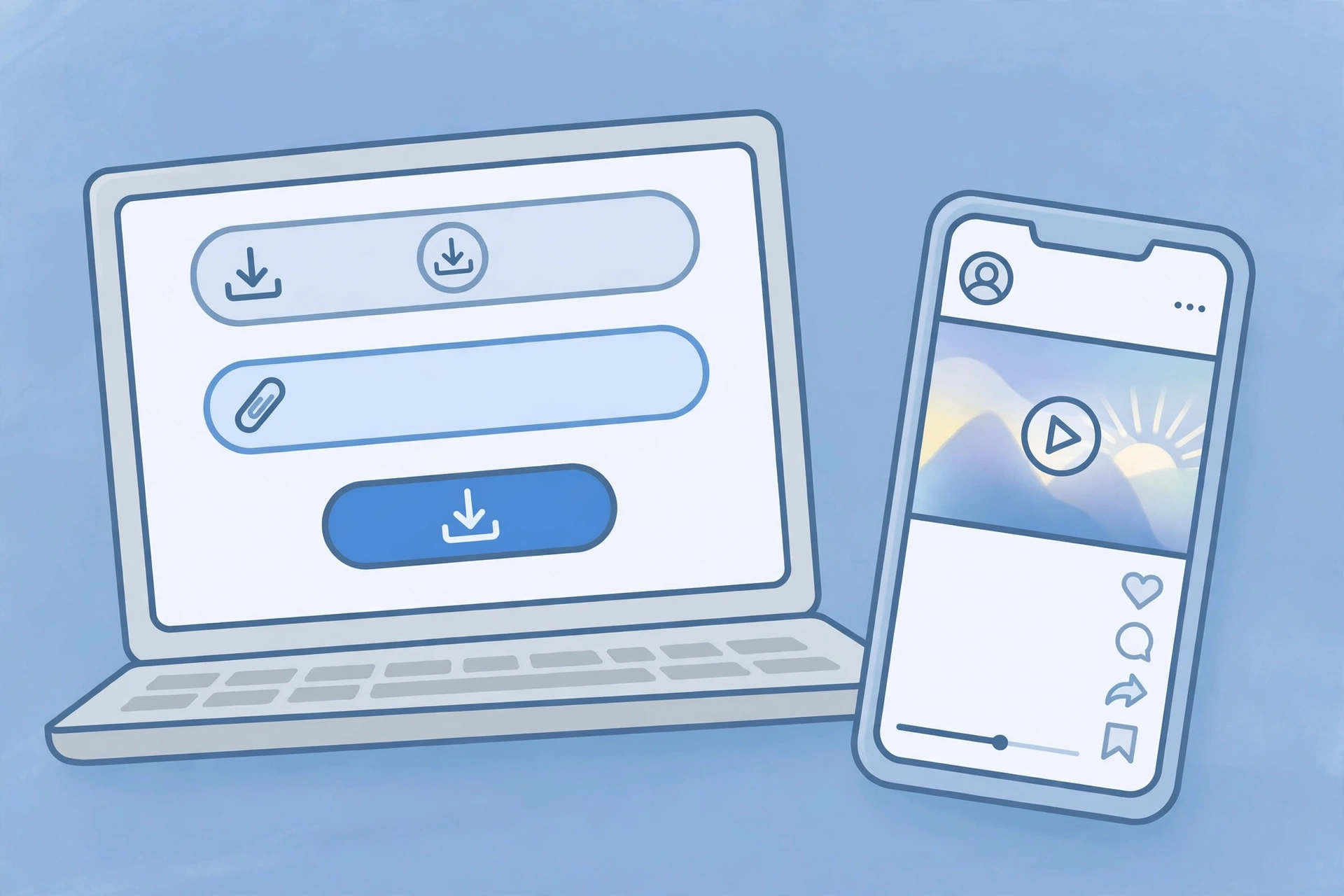
An insta downloader is a simple web tool that saves Instagram photos and videos to your device. You copy the link of a post, paste it into the downloader, and download the file — no app to install, no account to create, and no Instagram login required. It is the quickest way to keep a photo, a Reel, or a story for offline viewing, or to back up content you posted yourself.
This guide explains what an insta downloader is, what it can and cannot do, how to use one step by step, and how to tell a safe tool from a risky one. It also covers which formats to expect and the copyright rules that apply when the content belongs to someone else.
What is an Insta downloader?
An insta downloader is a browser-based tool built for one job: taking a public Instagram post and giving you the original media file. Most of them work the same way. You give the tool the link to a post, it fetches the photo or video from Instagram, and it offers you a download button. The file is usually a JPG for photos and an MP4 for videos.
The name is a shortened, informal version of “Instagram downloader”, and people search for it when they want the fastest possible route to saving something. Unlike Instagram’s own in-app Save feature, which only bookmarks a post inside the app, an insta downloader gives you the actual file on your own device, so you can watch it offline or move it to another device.
Good downloaders run entirely in the browser. They do not ask you to install an app, create an account, or log in with Instagram. If a tool asks for any of those things, it is not the kind of downloader you want.
What you can download with an Insta downloader
A good insta downloader handles every type of public Instagram content. Here is what to expect from each one.
- Photos: Single photos and carousel slides download as JPG files, usually at the full resolution Instagram serves. For a detailed guide, see our Instagram photo downloader article.
- Videos and Reels: Feed videos and Reels download as MP4 files, often with a choice of quality. Our Instagram video downloader guide covers this in detail, and our step-by-step guide explains how to download Instagram video on any device.
- Stories: Public stories can be downloaded while they are still live. Because stories disappear after 24 hours, saving one quickly is the only way to keep it.
- Profile pictures: Some downloaders can fetch a profile picture at full size. Instagram itself only shows a small version, so this is useful when you want to see a photo clearly.
- Carousels: Posts with several photos or videos let you pick which slide to download, so you can save one image without the rest.
What no downloader can do is fetch content from a private account. Private posts are only visible to approved followers inside Instagram, and no web tool can get past that. Any site that claims it can download private content is a scam.
How to use an Insta downloader
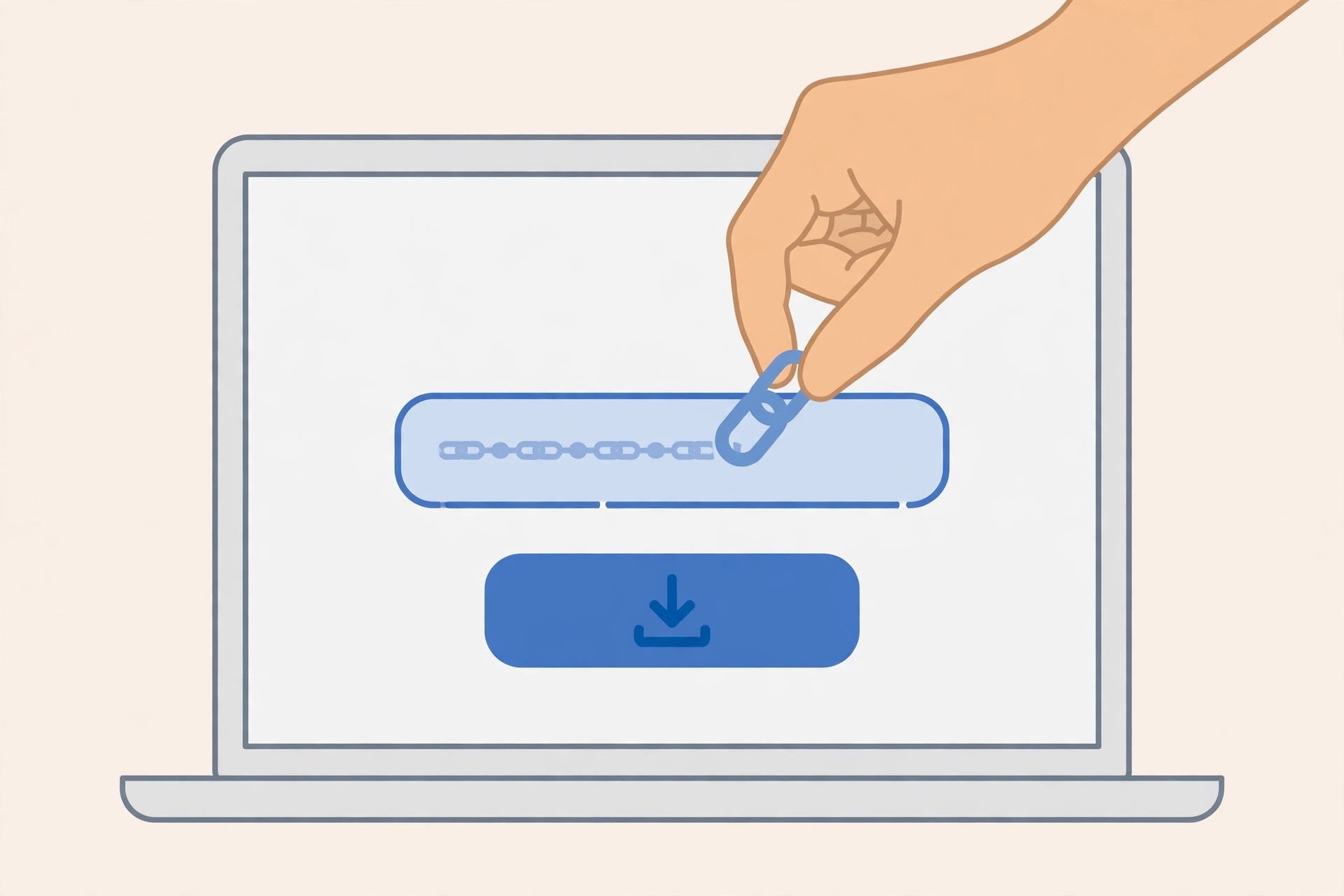
Using an insta downloader takes about a minute, and the steps are the same on Android, iPhone, and desktop.
Step 1: Copy the link of the post
Open Instagram and find the photo or video you want to save. Tap the share icon, the paper plane, under the post, then tap Copy link. On a computer, open the post and copy the URL from your browser’s address bar. For a story, tap the three dots in the top-right corner and choose Copy link.
Step 2: Open the downloader and paste the link
Go to a reputable insta downloader website in your browser. Paste the copied link into the input box. You do not need to sign in, and the tool should not ask you to.
Step 3: Preview and download
Tap the download or search button. The tool shows a preview of the media, usually with quality options for videos. Choose the quality you want, then tap the download link. The file saves to your device: on Android, usually to the Downloads or Gallery folder; on iPhone, to the Files app, from where you can move it to Photos; on a computer, to your Downloads folder.
If the file opens and plays in your browser instead of downloading, long-press it on mobile, or right-click it on desktop, and choose the save or download option.
How to spot a safe Insta downloader
Most insta downloaders are simple, harmless tools. A small number are not, and they are usually easy to recognise once you know what to look for.
Signs of a safe downloader
- It works in the browser, with no app install and no account.
- It never asks for your Instagram username or password.
- It does not ask for your phone number, email address, or payment details.
- It shows a preview of the media before downloading.
- It has a clean page with a single input box, not a maze of pop-ups.
Warning signs to walk away from
- Login required. Any downloader that asks you to log in with Instagram is trying to steal your account. Instagram never asks for your password outside its own app and website.
- “Verify you are human” surveys. Pages that make you complete surveys, install apps, or enter personal details before downloading are harvesting your data, not serving a file.
- Promises about private accounts. No tool can download from private accounts. Claims otherwise are a trap.
- Endless pop-ups and redirects. If clicking download opens new tabs, closes the page, or starts a download you did not ask for, leave the site.
- Claims of “free followers” or “profile viewers”. These are almost always scams, and they are often bundled with downloaders to catch people searching for shortcuts.
As a general rule, if a downloader asks for anything beyond a post link, close the tab and try a different one. There are plenty of safe tools, and none of them need your personal information.
Insta downloader vs Instagram’s own Save feature
Instagram already has a Save feature, so why use a downloader at all? It comes down to what you get. Saving a post inside Instagram bookmarks it in a private collection. You can find it again easily, but only inside the app, only while online, and only while the original post still exists.
An insta downloader gives you the file itself. You can watch it offline, keep it after the original is deleted, or move it between devices. The trade-off is that a download is a copy, so it comes with more responsibility: it is yours to keep for personal use, not to repost as your own work.
For your own content, Instagram’s built-in options are the best choice. You can save your own stories and Reels from inside the app, or request a full copy of your data from the Accounts Centre.
Do you need an app, or is a website enough?
For most people, a website is enough, and it is the safer choice. A browser-based insta downloader needs no install, no permissions, and no access to your photos, contacts, or storage beyond the single file you save.
Downloader apps exist, but they come with real downsides. They ask for storage and sometimes broader permissions, they show more ads, and a bad one can be hard to remove. On iPhone, apps that download Instagram content are also frequently removed from the App Store. Unless you download Instagram content every day, the website route is simpler and safer.
Copyright and fair use: what you can and cannot do
Downloading a photo or video does not transfer any rights over it. The creator still owns it, and Instagram’s terms do not permit downloading other people’s content. That does not mean every download is a problem: saving a post to watch offline, or keeping a copy of your own content, is normal, everyday behaviour.
Problems start when a download becomes a repost. Uploading someone else’s photo or video as your own, using it in an ad or a monetised video, or selling it, can infringe the creator’s copyright, and the creator can report it. The safe approach is to ask the creator first, and to share the original post with a link instead of re-uploading the file.
Troubleshooting common problems
- “Invalid link” error. Make sure you copied the post link, not the profile link, and that the link is complete. Copy it again from the share menu.
- The download has no sound. Some stories and Reels store audio separately. Try another quality option, or a different downloader, since some tools handle audio better than others.
- The file saves as a photo instead of a video. On a carousel, make sure you selected the video slide, not the photo slide.
- The page is full of pop-ups. Close it. A good downloader has a clean page, and a page full of pop-ups is not worth the file.
Frequently asked questions
Is an Insta downloader free?
Most browser-based insta downloaders are free, supported by ads on the page. You should never need to pay, subscribe, or enter payment details to download a photo or video.
Do I need to log in to use an Insta downloader?
No. A legitimate insta downloader works with just the link of a public post. Any tool that asks for your Instagram username or password is unsafe and should be avoided.
Can an Insta downloader save content from private accounts?
No. Private account content is only visible to approved followers inside Instagram, and no web tool can access it. Sites that promise this are scams.
Does the person get notified when I download their post?
No. Instagram does not notify creators when someone downloads or saves their posts. Downloading leaves no trace on the original post.
What format do downloads come in?
Photos usually download as JPG files and videos as MP4 files, at the resolution Instagram serves. Videos may offer a quality choice, usually HD or standard.
Final word
An insta downloader is a handy tool when you use it the right way: copy the link of a public post, paste it into a clean browser-based tool, and save the file. Pick a downloader that asks for nothing but the link, keep your downloads for personal use, and never enter your Instagram password anywhere except Instagram itself.
Sources: Instagram Help Center — https://help.instagram.com/; Meta Accounts Centre — https://accountscenter.instagram.com/