

Save from Story: How to Save Instagram Stories Before They Expire
Instagram stories are designed to disappear. A photo or video you post to your story is visible for 24 hours, and then it is gone, unless you saved it first. That is why so many people search for how to save from story: they want to keep a memory, a recipe, a workout, or a friend’s announcement before the clock runs out.
This guide covers every way to save from story, for your own stories and for public stories posted by others. It explains Instagram’s built-in tools, the copy-link method for saving someone else’s public story, how Highlights and archives work, and how to organise the stories you keep so you can actually find them again.
Why stories disappear after 24 hours
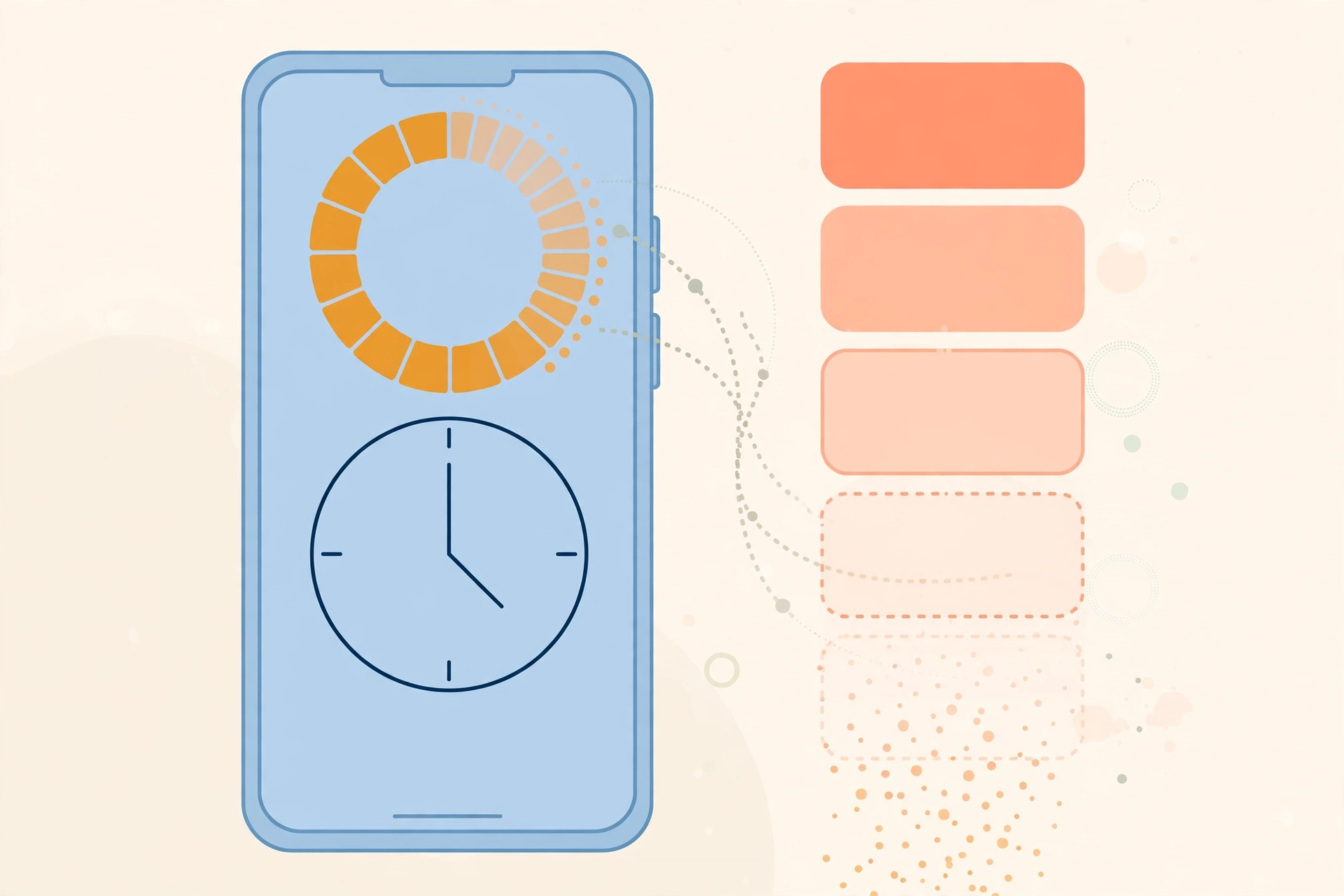
Stories are Instagram’s temporary format. Unlike feed posts, which stay on a profile until deleted, a story is only live for 24 hours from the moment it is posted. After that, it disappears from the profile, from the stories tray, and from viewers’ screens.
There are two exceptions. If the person who posted the story saves it as a Highlight, it stays on their profile in a Highlight circle until they remove it. And if the person has story archiving turned on, their own stories are kept privately in their archive, where only they can see them. Neither of these helps you if you are viewing someone else’s story and the 24 hours have already passed.
One more thing worth knowing: once a story expires, no viewer tool, downloader, or trick can bring it back. The file is removed from Instagram’s servers. If a site claims it can recover expired stories, it is not telling the truth.
Saving your own stories

Your own stories are the easiest to save, because Instagram gives you several built-in ways to do it. No third-party tool is needed.
Save a story to your camera roll
While your story is still live, open it, tap the three dots in the bottom-right corner, and choose Save. You can save the photo or video to your camera roll, and on some versions of the app you can choose to save the story with or without stickers and text. This is the quickest option when you want the file on your phone right now.
Turn on automatic saving
If you post stories often, turn on automatic saving so you never have to remember. In the Instagram app, go to your profile, open Settings, then Archiving and downloading, and turn on Save story to camera roll or Save story to archive. From then on, every story you post is saved automatically.
Keep stories as Highlights
Highlights are the way to keep a story visible on your profile after the 24 hours. Open your live story, tap Highlight at the bottom, and either add it to an existing Highlight or create a new one with a name and a cover. Highlights appear as circles under your bio, and they stay there until you remove them. They are the best option for stories you want other people to keep seeing, such as a travel trip, a product launch, or a favourite memory.
Find old stories in your archive
If you have archiving turned on, every story you post is kept privately in your archive. To find it, go to your profile, tap the menu, and open Archive. You can view old stories there, re-share one, or save it to your camera roll. The archive is private: only you can see it.
How to save from story: public stories posted by others
Instagram does not offer a download button for other people’s stories. If you want to keep a public story that someone else posted, the copy-link method is the way to do it, and it works while the story is still live.
Step 1: Copy the story link
Open the story in the Instagram app, tap the three dots in the top-right corner, and choose Copy link. Do this as soon as you see a story worth keeping, since the 24-hour clock may already be nearly finished.
Step 2: Paste the link into a downloader
Open a reputable story downloader or Instagram downloader in your browser, and paste the copied link into the input box. A good tool works without a login, without an app install, and without asking for your Instagram password. Our guide to the Instagram video downloader explains how to choose a safe tool, and the step-by-step guide on how to download Instagram video covers the same method for Reels and feed videos.
Step 3: Preview and save the file
The tool shows a preview of the story, photo or video. Tap the download link, and the file saves to your device as an image or MP4 video. On Android it usually goes to your Downloads or Gallery folder. On iPhone, save it from Safari to the Files app, then move it to Photos. On a computer, it lands in your Downloads folder.
What if the story has already expired?
Then it is gone. Expired stories cannot be downloaded, screenshotted, or recovered by any tool, including Instagram itself, unless the person who posted it saved it to a Highlight or has it in their archive. If it matters to you, message the person and ask them to resend it or add it to a Highlight.
Save from story without an app: screen recording and screenshots
If a downloader is not working, two fallbacks can still save a story while it is live.
Screenshots work for story photos. Take the screenshot while the story is playing, then crop out the interface in your Photos app. The result is a little lower in quality than the original file, but it is instant and needs no tool at all.
Screen recording works for story videos. Start your phone’s built-in screen recorder, play the story in full screen, stop the recording, and trim the start and end. On iPhone, screen recording lives in the Control Centre. On most Android phones, it is in the quick settings panel.
Neither method notifies the person who posted the story. Instagram does not send alerts for screenshots or recordings of stories, so you can save a story quietly. That said, the same respect applies as with any download: keep it for personal use, and do not repost someone else’s story as your own.
Can you save stories from a private account?
No, not with any legitimate tool. Stories from private accounts are only visible to approved followers inside Instagram, and no downloader can access them. If you follow a private account, you can watch its stories in the app, and you can screenshot or screen-record them while they are live, just as you would with any other story. But a site that promises to download private stories without you following the account is a scam, and it is usually after your login details.
Organising your saved stories
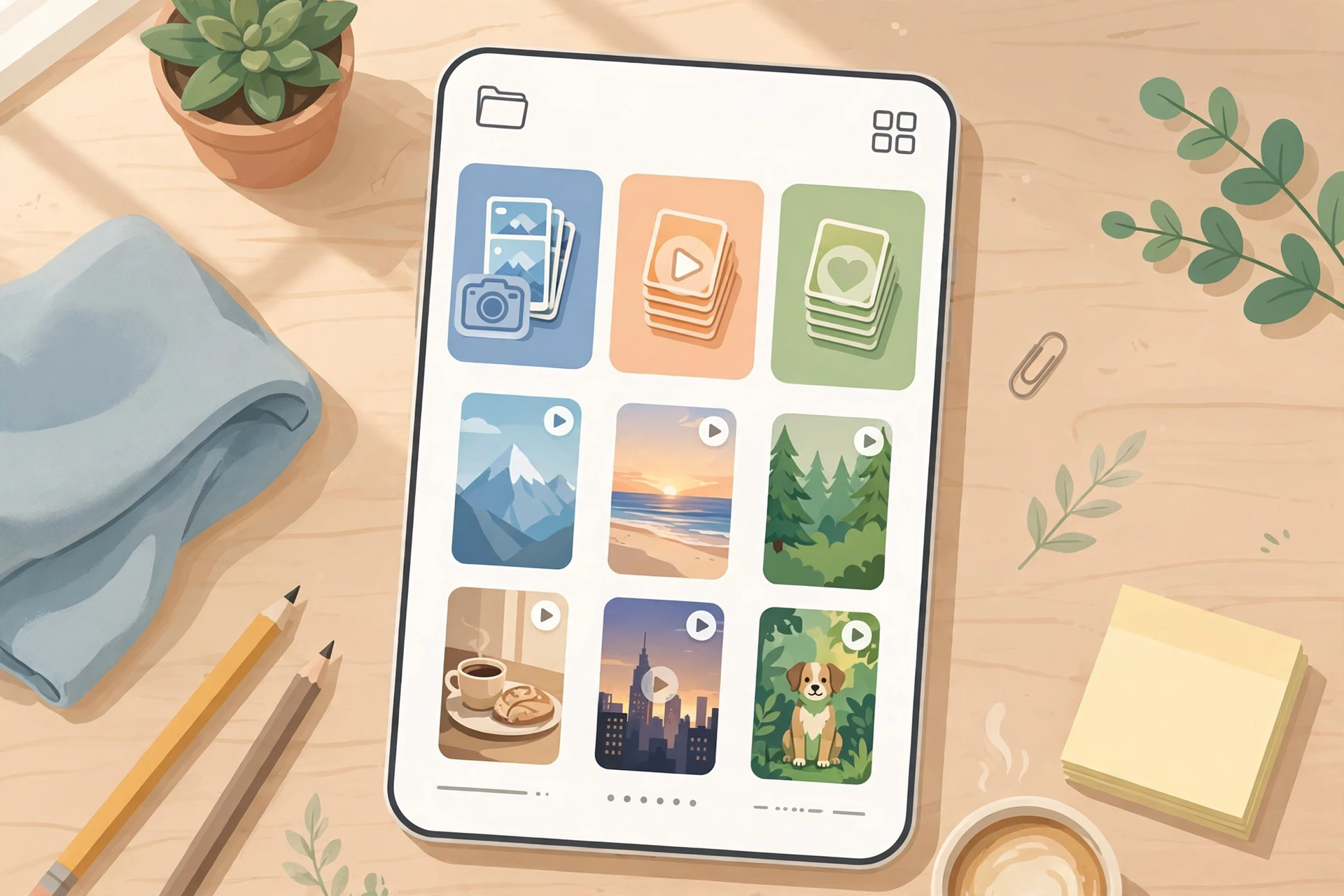
Saving stories is only half the job. If you save them often, they pile up fast, and a folder full of files named with random numbers is useless when you need one of them again.
Make a dedicated album in your Photos app, called something like “Saved Stories”, and move each download there the day you save it. Rename the file while you are at it, with the person’s name and the date, or the topic: a recipe story becomes “pasta-recipe-ana-nov-2026”. It takes ten seconds, and it saves you a long search later.
For stories you want to keep long term, back them up. Phone storage fills up, and a phone can be lost or replaced. Copy the album to a cloud backup or to your computer once a month, and the stories you saved will survive a broken phone.
Does saving a story notify the person who posted it?
No. Instagram does not send a notification when someone saves, screenshots, or screen-records a story. The person who posted it can see who viewed their story, in the viewer list, for as long as the story is live, but saving is invisible. That is different from some other apps, such as Snapchat, which does notify about screenshots in certain cases.
One exception to keep in mind: if you download a story and then repost it, the original creator will very likely notice, especially if you tag them or share it publicly. Saving quietly is private. Reposting is public, and it needs permission.
Frequently asked questions
How can I save an Instagram story before it disappears?
For your own story, open it, tap the three dots, and choose Save, or add it to a Highlight. For someone else’s public story, copy the story link and paste it into a reputable story downloader while the story is still live.
Can I download someone else’s Instagram story?
Yes, if the account is public and the story is still live. Copy the story link and use a browser-based downloader to save it as a photo or video file. You cannot download stories from private accounts, or stories that have already expired.
Where do saved Instagram stories go?
Your own saved stories go to your camera roll, your archive, or a Highlight, depending on the option you choose. Stories you download from others save to your Downloads or Gallery folder on Android, the Files app on iPhone, or the Downloads folder on a computer.
How long do Instagram stories stay available?
A story stays live for 24 hours from the moment it is posted. After that it disappears, unless the person saved it as a Highlight on their profile.
Is it legal to save someone else’s Instagram story?
Saving a public story for personal, offline viewing is widely done and leaves no trace. Reposting, selling, or using someone else’s story in your own content without permission can infringe their copyright, so always ask first before sharing it publicly.
Final word
To save from story, act while the story is still live: save your own stories from inside the app or keep them as Highlights, and for public stories posted by others, copy the link and use a reputable downloader. Once the 24 hours pass, the story is gone for good, so save it early, store it in a named album, and keep it for personal use.
Sources: Instagram Help Center — https://help.instagram.com/; Meta Accounts Centre — https://accountscenter.instagram.com/