
Instagram Recent Followers: How to See Who Followed You Recently
Your Instagram recent followers are the people who followed you most recently, and Instagram already shows them to you — no extra app, no tool, and no trick needed. The followers list on your profile is ordered with the newest follower at the top, so the first names you see are the people who followed you last. That simple fact answers most of what people search for, but there are a few details worth knowing: how the order works, how to check new followers as they arrive, and what third-party follower apps can and cannot do.
This guide explains how to see your recent followers on the app and on desktop, how to check someone else’s recent followers, why the order sometimes looks strange, and how to keep your followers list private. It also explains why you should be careful with apps that promise exact follow dates or unfollower lists.
How the followers list is ordered
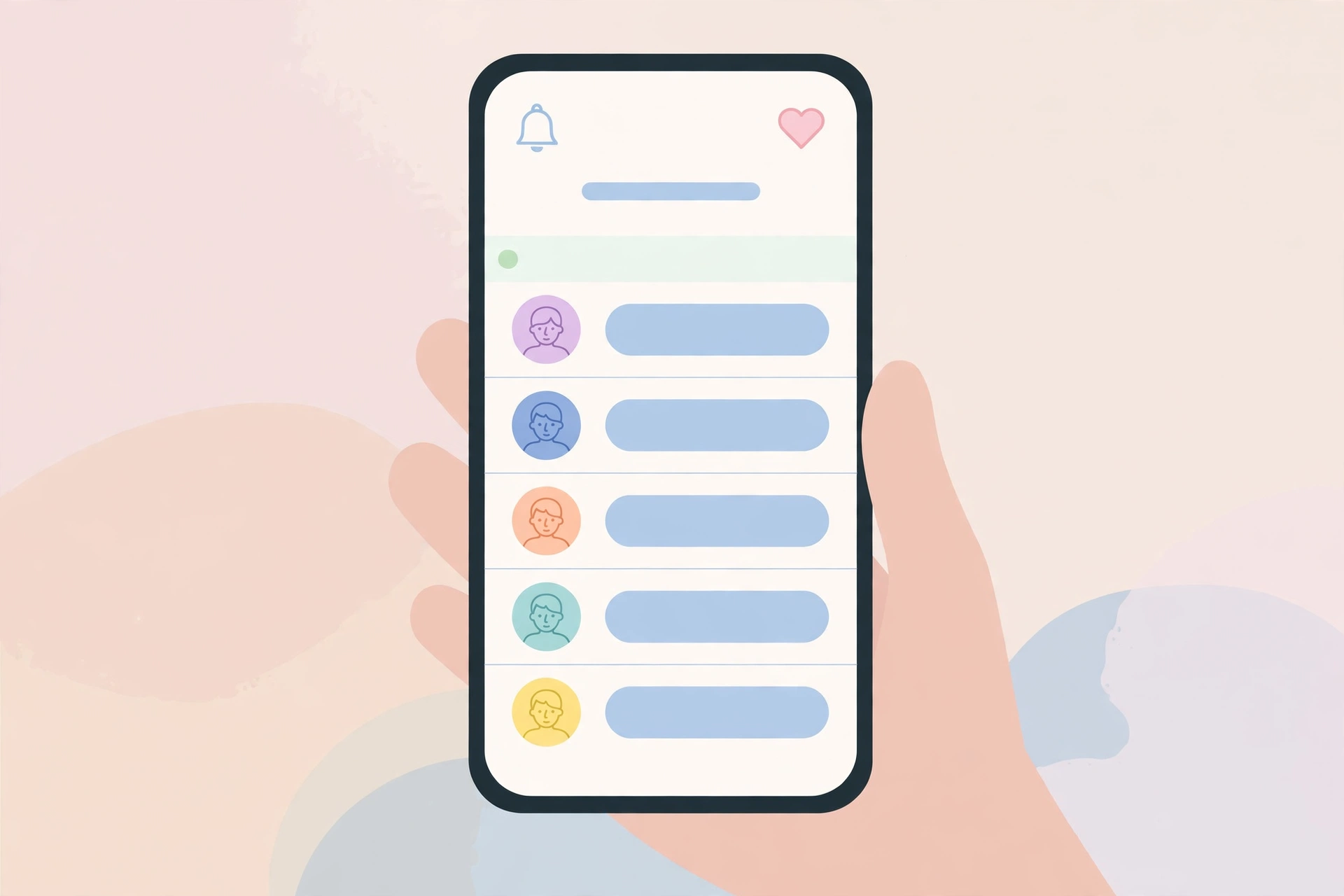
On your own profile, Instagram shows your followers list in reverse chronological order: the person who followed you most recently appears at the top, and the people who followed you months or years ago sit further down the list. That means your recent followers are simply the first few names you see when you open the list.
There is no sort button and no “sort by date” option. Instagram does not let you reorder the list, filter it by date, or jump to a particular month. The order is fixed, and it updates automatically every time someone new follows you: the new follower goes straight to the top.
Instagram does not show the exact date someone followed you — only the order. Any app that claims to show exact follow dates is estimating, not reading real data from Instagram.
How to see your recent followers on the app
Checking your recent followers takes a few seconds, and the steps are the same on Android and iPhone.
Step 1: Open your profile
Open the Instagram app and tap your profile picture in the bottom-right corner to go to your profile page.
Step 2: Tap Followers
Tap the Followers number at the top of your profile. This opens your full followers list.
Step 3: Look at the top of the list
The names at the top are your most recent followers, in order, newest first. Scroll down to go further back in time. You can also use the search bar at the top of the list to check whether a particular person follows you.
If you have a lot of followers, the list loads in batches as you scroll. That is normal: Instagram does not load thousands of names at once.
How to see your recent followers on desktop
The same list is available on a computer. Open Instagram in your browser, go to your profile, and click the Followers number. The list opens in a pop-up window, again with the most recent followers at the top.
The desktop list works the same way as the app list: newest first, no sort options, no follow dates. The main difference is that scrolling through a long list is easier with a mouse wheel than with a thumb, so desktop is the better choice if you want to look back through months of followers.
Checking new followers through notifications
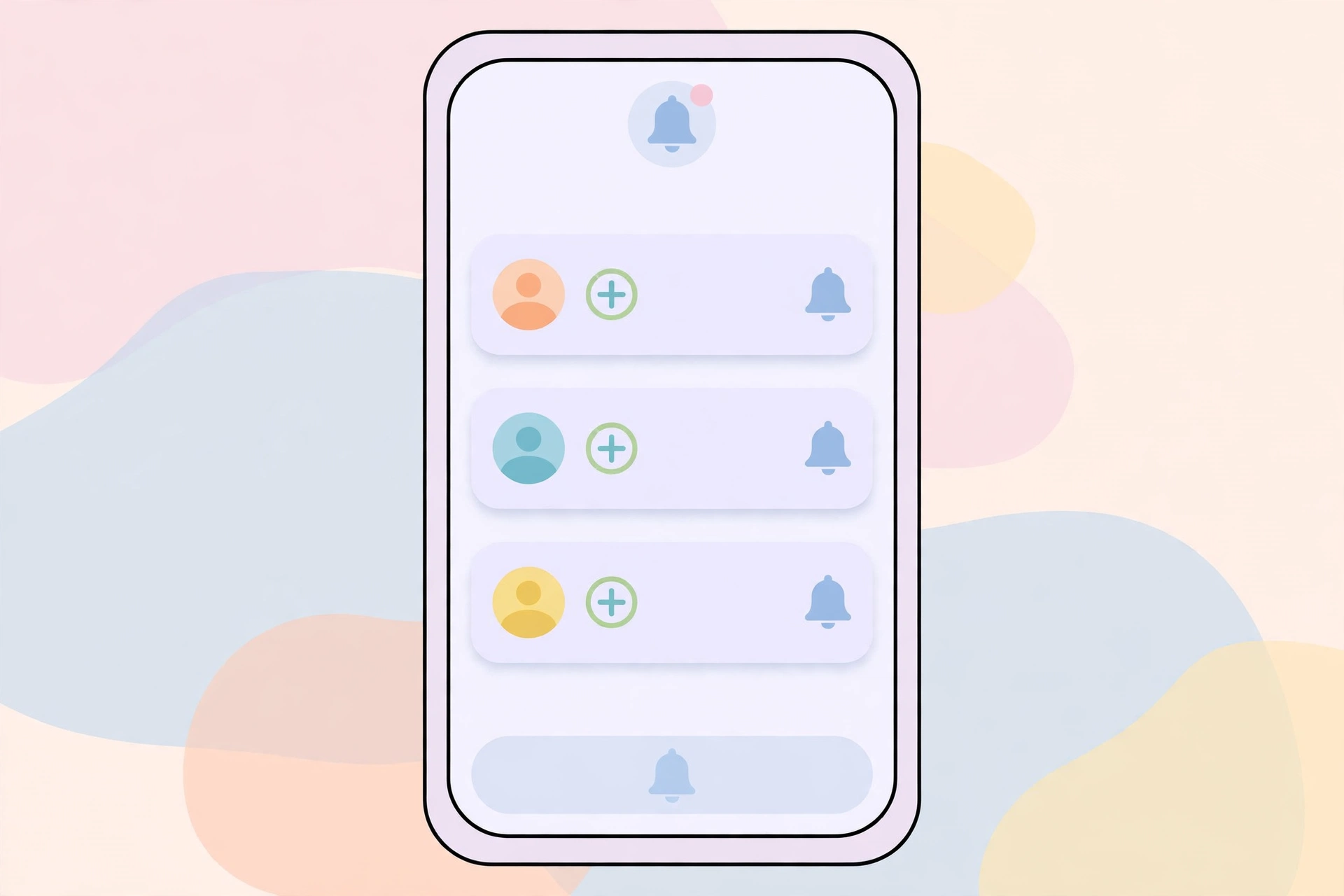
The followers list tells you who your recent followers are, but notifications tell you the moment it happens. Every time someone follows you, Instagram sends you a notification, as long as you have follow notifications turned on.
To check them, tap the heart icon at the top of your home screen to open your Activity, then look for “started following you” entries. Older follow notifications disappear after a while, so notifications are best for catching new followers in the moment.
If you are not getting follow notifications, check your settings: go to your profile, open Settings, then Notifications, then Following and followers, and make sure the option is turned on. If it is off, you will only find out about new followers by opening the list yourself.
Can you see someone else’s recent followers?
Yes, with limits. You can open another person’s profile and tap their Followers number, and you will see their followers list — but only if their account is public, or if it is private and they have accepted your follow request. If the account is private and you do not follow it, you cannot see the list at all.
There is one important difference: the order you see on someone else’s list is not always the same newest-first order you see on your own. Instagram has changed how other people’s follower lists are ordered over time, and the list you see may be sorted by relevance — mutual followers and people you interact with near the top — rather than strictly by follow date. So on someone else’s profile, the top of the list is a rough guide to their recent followers, not a reliable one.
The same rule applies to seeing who someone followed recently. Tap the Following number on their profile and you will see the accounts they follow, with the same ordering limits.
Why the followers order sometimes looks strange
Sometimes the order does not look newest-first, and that confuses people. A few things can explain it.
First, the list you see on someone else’s profile may be ordered by relevance, not by date, as explained above. Second, if you follow someone back, their position in your own followers list does not change: it is ordered by when they followed you, not by when you followed them back.
Third, Instagram occasionally tests different orderings, and an old version of the app can show a stale list. Update the app if the order looks wrong. Finally, the list only shows people who still follow you: if someone followed you yesterday and unfollowed you today, they will not appear at all.
Third-party apps that promise recent follower tracking
A search for recent followers will show you dozens of apps that promise exact follow dates, unfollower alerts, and follower analytics. Most of them are not worth installing, and some are actively risky. For more on what viewer tools can really do, see our guide on Instagram account viewer tools.
The honest truth is that Instagram does not give third-party apps access to your follow history. Apps that claim to show exact follow dates are guessing from the order of your followers list, or from data they collected after you installed them. They cannot tell you when someone followed you before you installed the app.
Worse, many of these apps ask you to log in with your Instagram username and password. Giving your login to a third-party app puts your account at risk: the app can read your messages, post on your behalf, and follow or unfollow accounts without asking.
If you want to track your followers over time, the safe way is to check the list yourself and note the number regularly. A simple note on your phone — the date and your follower count — tells you how fast you are growing, without handing your password to anyone.
Who can see your recent followers
On a public account, anyone can see your followers list, including people who do not follow you and people who do not even have an Instagram account. They can open your profile in a browser and tap Followers, and the list is there. There is no setting to hide your followers list while keeping your posts public: Instagram treats the list as part of your public profile.
The only built-in way to limit who sees it is to switch to a private account. On a private account, only your approved followers can see your followers list, your posts, and your stories. Everyone else sees only your profile picture, bio, and follower count. For the full set of methods, including removing and blocking specific people, see our guide on how to hide followers on Instagram.
If you are worried about a specific person watching who follows you, removing or blocking that person stops them from seeing your list entirely, whether your account is public or private. A blocked person cannot find your profile at all.
Frequently asked questions
How do I see who recently followed me on Instagram?
Open your profile, tap Followers, and look at the top of the list. Instagram orders your followers with the most recent follower first, so the first few names are your newest followers.
Does Instagram show the exact date someone followed me?
No. Instagram shows the order but not the date. You can see who followed most recently, but not the exact day they followed. Apps that claim to show exact dates are estimating, not reading real Instagram data.
Can I see someone else’s recent followers?
You can open their followers list if their account is public or you follow them, but the order may be sorted by relevance rather than by follow date, so it is only a rough guide. If the account is private and you do not follow it, you cannot see the list at all.
Why is my followers list not in order?
On your own profile the list is newest first. On someone else’s profile Instagram may order it by relevance instead. An outdated app version can also show a stale list, so update the app if the order looks wrong.
Do follower tracker apps really work?
Only partly. They can track changes that happen after you install them, but they cannot show exact follow dates from before that, because Instagram does not share follow history with third-party apps. Many of them also ask for your Instagram password, which puts your account at risk. Checking the list yourself is safer.
Final word
To see your Instagram recent followers, open your profile, tap Followers, and look at the top of the list — Instagram puts the newest follower first, no tool needed. Notifications catch new followers as they arrive. Do not hand your Instagram password to a follower tracker app for dates Instagram itself does not show, and if you want your followers list to stay private, a private account is the only built-in option.
Sources: Instagram Help Center — https://help.instagram.com/; Meta Accounts Centre — https://accountscenter.instagram.com/