

IG Anon Viewer: Watch Instagram Anonymously Without an Account
An IG anon viewer is a web tool that lets you look at public Instagram content — profiles, stories, posts, highlights, and Reels — without logging in and without leaving any trace. “Anon” is short for anonymous: your name never appears on a story viewer list, you need no Instagram account, and the person whose content you looked at cannot tell you were there.
People use IG anon viewers for simple, everyday reasons: previewing a story before deciding whether to follow an account, checking a brand’s latest posts without an account, or looking at a public profile from a work computer where you are not logged in. This guide explains what an IG anon viewer is, how it works, what you can and cannot view with one, how to use one step by step, and how to tell a safe tool from a risky one.
What is an IG anon viewer?
An IG anon viewer is a browser-based tool that shows you the public content of an Instagram account. You type in a username, and the tool displays that account’s current stories, recent posts, highlights, and profile information — the same public content anyone could see by visiting that profile in a browser while logged out. Because you never open the content inside Instagram, your view is never recorded.
The key difference from the Instagram app is what gets recorded. Inside the app, every story view is logged, and the person who posted the story can see exactly who watched it. An anon viewer reads the same public data through the web, so your username never appears on any viewer list.
“IG anon viewer”, “anonymous Instagram viewer”, and “Instagram viewer without an account” all describe the same kind of tool. The name changes; the idea does not. For a guide focused only on stories, see our article on viewing Instagram stories anonymously. This article covers the whole tool: profiles, posts, stories, highlights, and Reels.
What you can view with an IG anon viewer
A good anon viewer covers every type of public Instagram content. Here is what to expect from each one.
- Profiles: The profile picture at full size, the bio, and the follower and following counts.
- Stories: Current stories from the account, watched without appearing on the viewer list. Stories only stay live for 24 hours, so a viewer can only show stories that are still live.
- Posts and Reels: Recent feed posts and Reels, which you can watch in the viewer.
- Highlights: Saved story Highlights, which stay on a profile after the 24 hours. For a guide focused on highlights, see our article on how to view Instagram highlights anonymously.
What no anon viewer can do is show content from a private account. Private profiles, posts, and stories are only visible to approved followers inside Instagram, and no web tool can get past that. Any site that claims it can view private accounts is a scam.
How to use an IG anon viewer
Using an IG anon viewer takes less than a minute, and the steps are almost the same on every reputable tool.
Step 1: Find the exact username
Note the exact username of the account you want to view — for example, a brand, a creator, or a public figure. You need the username, not the display name: the handle after the @ symbol, with no spaces. If you type it wrong, you will get the wrong profile or no results at all.
Step 2: Open the viewer and search
Go to an anon viewer website in your browser. Type the username into the search box and tap the search button. Pick a tool that does not ask you to log in, install anything, or complete a survey.
Step 3: Browse the profile
The tool shows the profile, with the account’s current stories at the top and recent posts below. Tap a story to open it. You can move through the story slides, pause a video, and mute or unmute the sound, just like inside Instagram. Tap a post or Reel to view it in full.
If the tool asks you to download an app or create an account before showing anything, close it and try a different one. A real anon viewer shows the content in the browser, straight away.
IG anon viewer vs Instagram account viewer
The terms overlap. An IG anon viewer is defined by privacy: the point is watching without being seen and without an account. An Instagram account viewer is defined by access: viewing an account’s content without logging in, which usually also means watching anonymously. Most tools do both, so if a tool shows public profiles without a login and without recording your views, it is an anon viewer whatever it calls itself. Our guide to the Instagram account viewer explains the account-viewing side in more detail, including what to do when a profile does not load.
How to spot a safe IG anon viewer
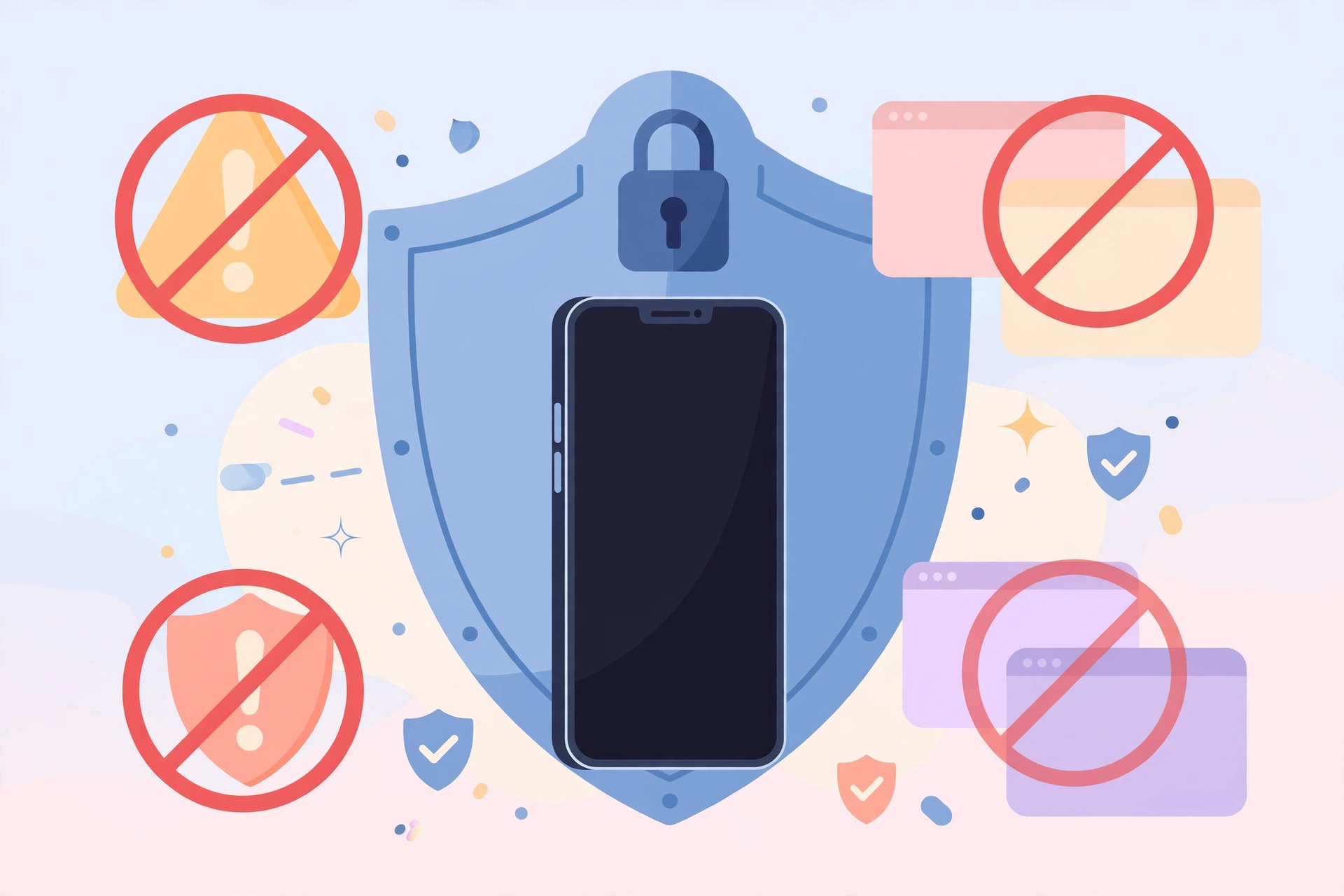
Most anon viewers are simple, harmless tools. A small number are not, and they are usually easy to recognise once you know what to look for.
Signs of a safe viewer
- It works in the browser, with no app install and no account.
- It never asks for your Instagram username or password.
- It does not ask for your phone number, email address, or payment details.
- It shows public content straight away, after a single search.
- It has a clean page with a single search box, not a maze of pop-ups.
Warning signs to walk away from
- Login required. Any viewer that asks you to log in with Instagram is trying to steal your account. Instagram never asks for your password outside its own app and website.
- “Verify you are human” surveys. Pages that make you complete surveys, install apps, or enter personal details before showing content are harvesting your data, not serving a profile.
- Promises about private accounts. No tool can view private accounts. Claims otherwise are a trap.
- Endless pop-ups and redirects. If searching opens new tabs or starts a download you did not ask for, leave the site.
- Claims of “free followers” or “see who viewed your profile”. Instagram has no profile-visitor feature, and these offers are almost always scams, often bundled with viewers to catch people searching for shortcuts.
As a general rule, if a viewer asks for anything beyond a username, close it and try a different one. There are plenty of safe tools, and none of them need your personal information.
What an IG anon viewer cannot do
An anon viewer has hard limits, and knowing them saves you time. It cannot view private accounts, and it cannot view content that has been deleted or stories that have already expired. It cannot show you who viewed your own profile, because Instagram does not record that information for anyone. It cannot send messages, like posts, or follow accounts on your behalf: it is a viewer, not a replacement for Instagram.
It also cannot show you an account’s full history. Most viewers show recent posts and current stories, not everything an account has ever posted. And it cannot hide you if you interact: watching is anonymous, but liking, commenting, or following is not. The moment you tap like or follow, you are doing it as your logged-in self, and the account owner will see it.
Do you need an app, or is a website enough?
For most people, a website is enough, and it is the safer choice. A browser-based IG anon viewer needs no install, no permissions, and no access to your photos, contacts, or storage. You can use it once and never open it again.
Viewer apps exist, but they come with real downsides. They ask for storage and sometimes broader permissions, they show more ads, and a bad one can be hard to remove. On iPhone, apps that view Instagram content anonymously are also frequently removed from the App Store. Unless you use an anon viewer every day, the website route is simpler.
Troubleshooting common problems
- “Profile not found” error. Check the spelling of the username. One wrong letter gives no results. Remember to use the username, not the display name.
- The profile loads but stories are empty. The account may not have posted a story in the last 24 hours. Stories disappear after 24 hours, and an empty story tray is normal.
- Only some posts load. Some viewers limit how many posts they show. Try refreshing the page.
- The page is full of pop-ups. Close it. A good viewer has a clean page, and a page full of pop-ups is not worth the profile.
- The viewer asks for your password. Stop immediately. A legitimate anon viewer never needs your Instagram login. Close the site and use a different tool.
Frequently asked questions
Can someone see that I viewed their profile with an IG anon viewer?
No. Instagram does not show profile visits to anyone, and an anon viewer does not record your visit at all.
Do I need an Instagram account to use an IG anon viewer?
No. That is the main point of these tools. You only need the username of a public account. No login, no account, and no app install are needed.
Can an IG anon viewer show private accounts?
No. Private account content is only visible to approved followers inside Instagram, and no web tool can access it. Sites that promise this are scams.
Is it legal to view Instagram anonymously?
Viewing public content that anyone can see in a browser is not hacking and breaks no law. But downloading someone else’s content and reposting it as your own, or using it commercially without permission, can infringe their copyright. Keep viewing to viewing, and ask before you reuse anything.
Does an IG anon viewer work for Reels and highlights?
Most viewers show recent Reels and saved Highlights alongside posts and stories. Highlights stay on a profile after the 24 hours, so they are available as long as the account keeps them.
Final word
An IG anon viewer is a handy tool when you use it the right way: type the username of a public account into a clean browser-based viewer, and browse its stories, posts, highlights, and Reels without logging in and without leaving a trace. Pick a viewer that asks for nothing but a username, remember that private accounts stay private, and never enter your Instagram password anywhere except Instagram itself.
Sources: Instagram Help Center — https://help.instagram.com/; Meta Accounts Centre — https://accountscenter.instagram.com/