
Instagram Follower Tracker: What It Is and How to Track Followers Safely
An instagram follower tracker is a tool that shows you who follows your account, who unfollowed you, and how your follower count changes over time. If you run a creator page or a small business profile, that information feels useful: you want to know whether your content is working and which posts bring new followers.
The problem is that not every tracker works as claimed. Some give rough estimates instead of exact lists, and others ask for your Instagram login and put your account at risk. This guide explains what a follower tracker can and cannot do, and how to track your followers safely.
Quick answer: An instagram follower tracker monitors changes in your follower list, such as new followers, unfollowers, and growth over time. The safest way to track Instagram followers is Instagram’s built-in Insights, which shows follower growth, reach, and audience details without sharing your password. Third-party tracker apps that ask for your login can get your account flagged or compromised, and their unfollower lists are often incomplete or wrong.
What Is an Instagram Follower Tracker?
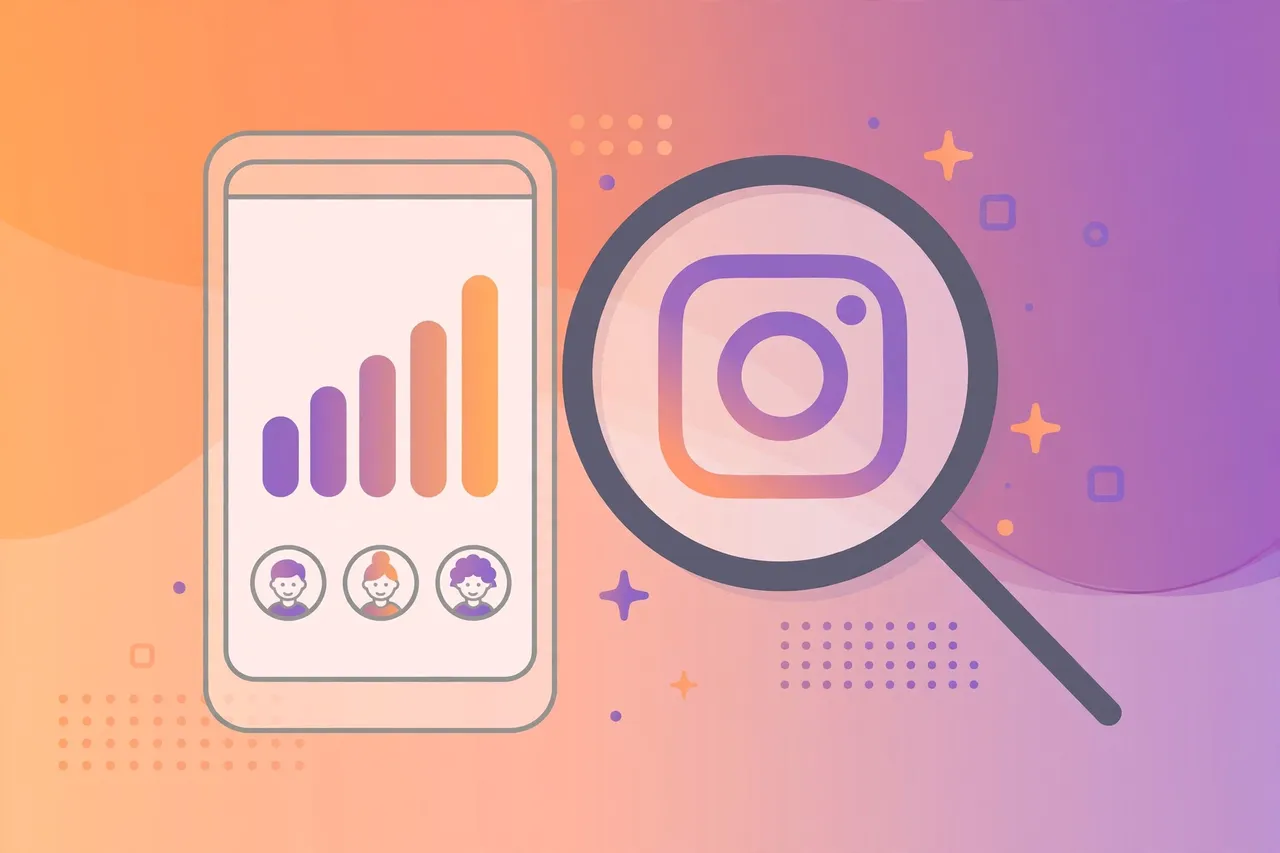
An instagram follower tracker is any tool, app, or dashboard that watches your follower count and your follower list. At its simplest, it records how many followers you have today and compares that number with last week or last month. More advanced trackers try to name the accounts behind those changes.
Most trackers fall into three groups. First, Instagram’s own analytics, called Insights, built into the app for professional accounts. Second, approved analytics platforms that connect through Instagram’s official system without asking for your password. Third, unofficial tracker apps that ask you to log in with your Instagram username and password. That third group is where most of the risk sits.
What Can an Instagram Follower Tracker Show You?
Follower Growth Over Time
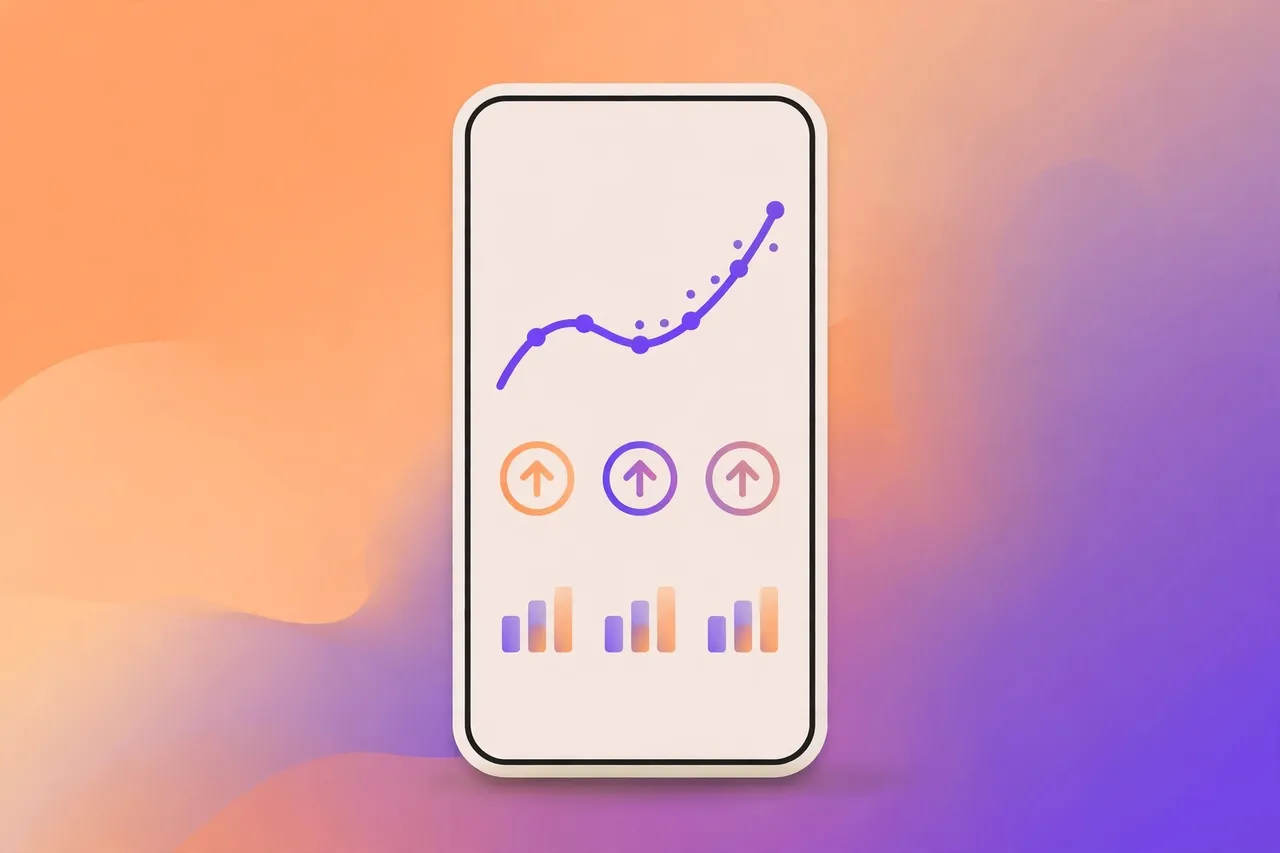
This is the most reliable thing any tracker can show. A growth chart plots your follower count day by day, so you can see whether your audience is growing, flat, or shrinking. Compare that chart with your posting calendar and patterns appear quickly: a reel that gained 200 followers in a day stands out, while a quiet week shows up as a flat line.
Growth numbers are most useful over weeks, not hours. Daily counts jump around for small reasons, such as a post reaching a new audience or Instagram removing spam accounts. Look at the weekly trend instead of worrying about a single day.
Unfollowers and Non-Followers
Many people look for an instagram unfollower tracker because they want a list of everyone who stopped following them. In practice, these lists are often unreliable. Instagram does not give third-party apps a real-time feed of unfollows, so apps compare snapshots of your follower list taken days apart. If the app misses a snapshot, or an account was removed by Instagram rather than unfollowing you, the list can be wrong. Treat it as a rough guide, not a fact.
Ghost Followers and Engagement
Some trackers also flag ghost followers: accounts that follow you but never like, comment, or watch your content. A large silent audience hurts your engagement rate more than it helps. If you want to understand that side of your account, our guide on how to check Instagram engagement rate walks through the simple maths and the healthy ranges for different account sizes.
How to Track Instagram Followers with Instagram Insights
The safest way to track instagram followers is already inside the Instagram app. If your account is set to Professional (Creator or Business), you get Insights for free and never hand your password to anyone.
- Switch to a Professional account. In Settings, go to Account type and tools, then Switch to professional account. Choose Creator or Business. It is free, and you can switch back any time.
- Open your profile and tap Insights. You will see accounts reached, accounts engaged, and total followers.
- Tap Total followers. You get a growth chart for the last 7, 14, 30, or 90 days, plus top locations, age ranges, and the times your followers are most active.
- Check which content brought followers. Under each post or reel, Insights shows how many new follows it generated, so you can see which kind of content grows your audience.
- Repeat weekly. Note your follower count and your best post of the week in a spreadsheet, and the trend will build up over time.
Insights has one clear limit: it shows totals and trends, not names, so it will not list who unfollowed you. For most creators, that is a fair trade. To go deeper into who your audience is, the tools in our Instagram audience research tools guide pair well with Insights.
Free Instagram Follower Tracker Apps: What to Know Before You Install One
A free instagram follower tracker app can look tempting. It promises exact unfollower lists and growth reports, all for free. Before you install one, read the warning signs below.
First, any app that asks for your Instagram password is asking for full control of your account. Instagram’s rules do not allow third-party apps to log in on your behalf this way, and using them can trigger a security flag. Instagram may log you out, ask you to change your password, or temporarily restrict your account. In the worst case, a dishonest app can steal the login and lock you out.
Second, free apps have to make money somehow, often through heavy advertising, selling user data, or paid upgrades. Read recent reviews before installing: if users report lost accounts or spam sent from their profile, stay away. Third, the results are often wrong, because these apps cannot see Instagram’s private data. As a simple rule, if a tracker needs your password, do not use it.
How to Check Who Unfollowed You Without an App
You can check a specific account by hand in under a minute, and the result is always correct.
- Open your Followers list. Search for the person’s username. If they are not there, they do not follow you.
- Check their Following list. Open their profile and tap Following. If your username is missing, they are not following you back.
- Use your downloaded data for a bigger check. In Settings, go to Your activity, then Download your information, and request your followers and following lists. Compare the two in a spreadsheet.
This method takes longer than an app, but it uses only Instagram itself, so there is no password risk and no wrong snapshot.
How to Grow Your Instagram Following the Safe Way
A tracker tells you what happened. Growing your audience is a separate job, and it works best when you focus on the basics. Post consistently, and post when your followers are actually online. Our guide to the best time to post on Instagram shows how to find your own peak hours in Insights instead of guessing.
Make content that earns a follow, not just a like. Tutorials, honest reviews, and useful lists give people a reason to stay. Reply to comments in the first hour after posting, and pin your three best posts so new visitors see your strongest work first.
Avoid shortcuts. Buying followers, joining follow-for-follow groups, and using automation tools that mass-follow strangers all break Instagram’s rules and fill your audience with accounts that never engage. A smaller audience of real people will always beat a large audience of silent accounts.

Troubleshooting: Common Problems with Follower Trackers
Follower count dropped suddenly. This is often Instagram removing spam or inactive accounts, not a mass unfollow. If your reach is steady, your real audience is fine.
Insights shows no follower data. Insights only works on Professional accounts, and new ones need a day or two to collect data. Switch, wait, and check again.
A tracker app locked your account. Change your password immediately in the official app, turn on two-factor authentication, and check Password and security for unfamiliar logins. Then remove the app.
Frequently Asked Questions
Is there a free Instagram follower tracker that is safe?
Yes, the safest free option is Instagram Insights, built into the app for Professional accounts. It shows follower growth, reach, and audience details without asking for your password. Be cautious with free third-party apps, especially any that ask you to log in.
Can an Instagram follower tracker show who unfollowed me?
Some apps claim to, but their lists are often incomplete or wrong. Instagram does not share a real-time unfollow feed with outside apps, so they compare old snapshots of your follower list. For a reliable answer about one person, check your Followers list by hand.
Do I need a tracker app to track Instagram followers?
No. For most people, Instagram Insights is enough. It shows how many followers you gained or lost, which posts brought new followers, and when your audience is online. A separate app only adds value for a specific report Insights does not offer.
Can using a follower tracker app get my account banned?
It can lead to a security flag, a forced password change, or a temporary restriction, especially if the app logs in with your password. Instagram treats that kind of access as a violation of its rules, so stick to Instagram’s own tools.
What is the best way to track Instagram growth over time?
Check Insights once a week and record three numbers: total followers, accounts reached, and follows from your best post. Over a month, those numbers show whether your audience is growing and which content drives that growth.
Conclusion
An instagram follower tracker is genuinely useful when it shows you trends: how fast you are growing, which posts bring new followers, and when your audience is online. Instagram Insights already gives you all of that for free, safely, and without sharing your password. Apps that promise exact unfollower lists cannot deliver on that promise, and the ones that ask for your login put your account at risk.
The practical takeaway is simple. Switch to a Professional account, check Insights once a week, and judge your growth by the trend, not by a single day or a single name on a list. Spend the time you save making content worth following.
Sources: Instagram Help Center, Instagram Creators