
7 Best Instagram Audience Research Tools for Creators and Brands in 2026
Growing on Instagram is no longer about posting more often or chasing the latest trend. The accounts that grow steadily are the ones that understand their audience: who follows them, what those followers care about, and which posts actually earn a response. That is exactly what Instagram audience research tools are built for. They turn raw numbers into practical answers about your followers, your content, and your competitors.
In this guide, you will find seven tools worth your time, from free native analytics to paid platforms for agencies. You will also learn how to read the data, how to compare the tools, and how to pick the one that fits your goals and budget. Whether you run a small business account or manage clients, the right tool replaces guesswork with evidence.
What Are Instagram Audience Research Tools?
Instagram audience research tools are apps and built-in analytics features that help you understand the people who follow, discover, and interact with an Instagram account. Depending on the tool and the account’s permissions, they can reveal follower demographics, engagement patterns, content performance, audience interests, and competitor activity.
The goal is not to collect more numbers. It is to answer practical questions: who is engaging with your content, which Reels and posts hold their attention, where your followers are located, and how your results compare with similar accounts. A smaller, engaged audience is usually worth far more than a large, silent one, and research tools make that difference visible.
Why Audience Research Matters
When you know your audience, every content decision gets easier. Research helps you plan topics your followers already care about, choose formats that earn the most engagement, and time your posts for the hours your audience is actually online.
It also protects your budget. Before you pay an influencer or run a campaign, audience quality checks can reveal fake followers or a mismatch between the creator’s audience and your customers. And when you study competitors, you can spot content gaps they have missed and topics your shared audience wants more of.
For a deeper look at how public accounts compare, our guide to free Instagram competitor research shows which public metrics you can check without paying for a tool.
The 7 Best Instagram Audience Research Tools
These seven tools cover every level, from a creator checking Insights on a phone to an agency reporting across dozens of client accounts. Start free, and upgrade only when a specific limit blocks you.
1. Instagram Insights (Meta Native Analytics)

Instagram Insights is the natural starting point. It is built into every professional account, it is free, and it reports directly on your own followers. You can see reach, impressions, profile visits, follower growth, and the age ranges, genders, and top locations of your audience, plus which posts and Reels performed best.
Best for: individual creators, small businesses, and beginners who want reliable data without a subscription.
Key strength: free, native access to real follower demographics and content performance, with no third-party data in between. Instagram’s own Help Center explains how to view Insights for your professional account and what each metric means.
2. Sprout Social
Sprout Social is an enterprise-grade platform for teams that need structured reporting. Its Instagram reports cover follower growth, engagement rates, audience demographics, and competitor benchmarking, and it connects social activity to customer records through its CRM features.
Best for: marketing agencies, enterprise teams, and established businesses that report to stakeholders.
Key strength: polished, presentation-ready reports and team workflows that scale across many accounts.
3. Hootsuite
Hootsuite combines scheduling and management with analytics and social listening. Its reports track demographic patterns, conversation trends, and cross-channel performance, and it can suggest best times to post based on when your audience is active.
Best for: businesses managing several social networks from one dashboard.
Key strength: social listening and AI-powered posting-time recommendations alongside standard analytics.
4. Iconosquare
Iconosquare is an analytics-first platform built specifically around Instagram. It tracks more than 100 metrics across posts, Stories, Reels, and follower demographics, including language preferences, and it recommends posting times based on your engagement history.
Best for: creators, brands, and agencies that manage several Instagram profiles.
Key strength: deep per-post and per-Story metrics that show exactly which content format your audience prefers.
5. Meta Business Suite
Meta Business Suite is the desktop hub for managing Facebook and Instagram together. It offers insights on content performance, audience activity, and ad results, plus scheduling and messaging in one place.
Best for: small businesses, online stores, and social media managers who work from a computer.
Key strength: unified publishing, scheduling, and cross-platform reporting at no extra cost.
6. HypeAuditor
HypeAuditor focuses on influencer marketing and audience quality. It estimates audience authenticity, flags suspicious follower patterns, and scores creators so brands can check a potential partner before paying for a collaboration.
Best for: brands, agencies, and influencer marketing teams.
Key strength: audience quality indicators and fraud detection that protect influencer budgets.
7. Social Listening Platforms
Demographics tell you who your audience is. Social listening tells you what they talk about. Listening tools from Hootsuite and Sprout Social monitor keywords, brand mentions, and topic trends across social conversations, revealing the questions and frustrations your audience expresses in their own words.
Best for: brands in competitive niches and teams planning campaigns around real customer language.
Key strength: topic monitoring, sentiment analysis, and early warning of trends your competitors have not noticed yet.
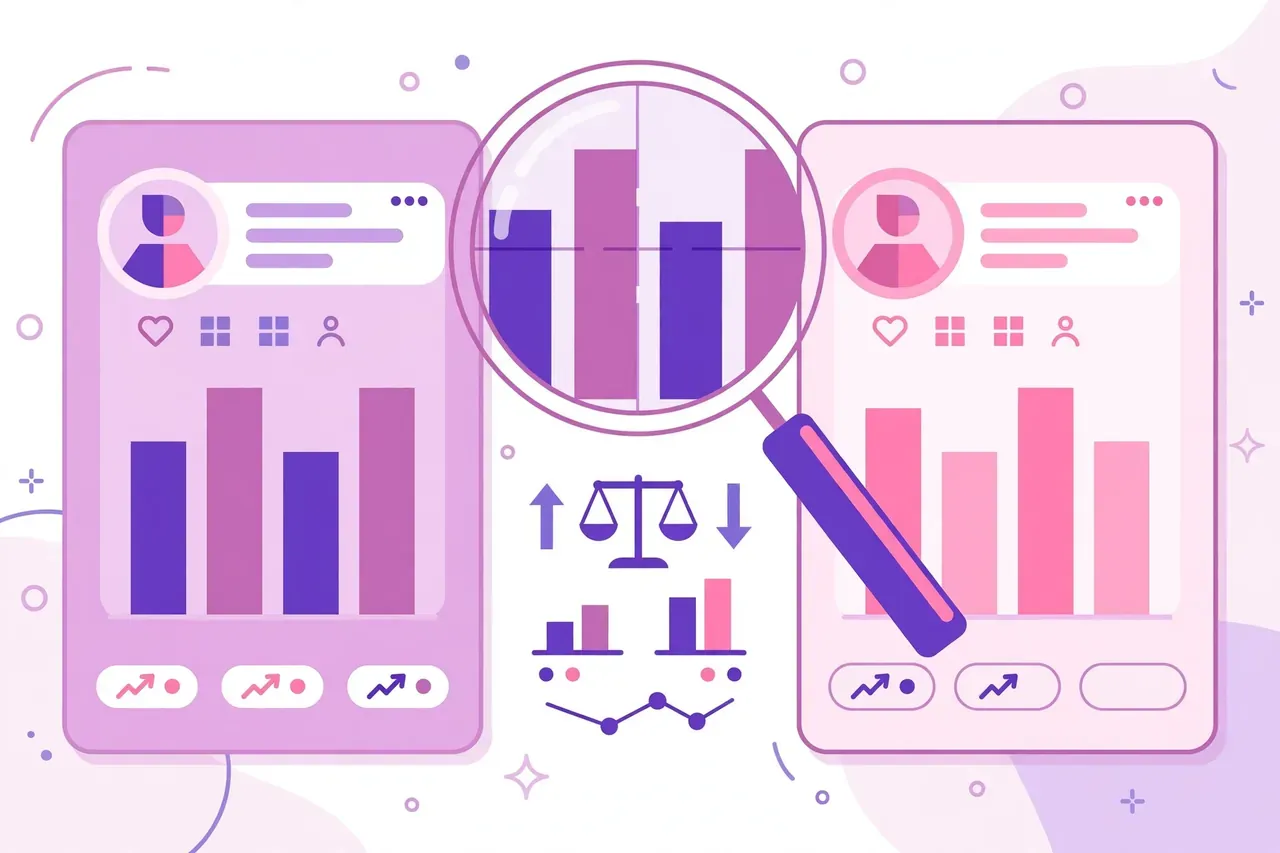
Comparison Table: Which Tool Should You Choose?
| Tool | Main Purpose | Best For | Cost |
|---|---|---|---|
| Instagram Insights | Native account analytics | Beginners and creators | Free (professional accounts) |
| Sprout Social | Detailed analytics and reports | Agencies and enterprise teams | Paid subscription |
| Hootsuite | Management and audience insights | Multi-platform businesses | Plan-dependent |
| Iconosquare | Instagram-focused analytics | Instagram-centric teams | Plan-dependent |
| Meta Business Suite | Business content management | Small businesses and stores | Free |
| HypeAuditor | Influencer evaluation and quality | Brands and marketing agencies | Plan-dependent |
| Social Listening | Conversation and sentiment tracking | Research-focused marketers | Plan-dependent |
How to Use the Data in Your Content Strategy

A tool only helps if you act on what it shows. Follow these steps to turn a report into a plan:
- Check your top locations and age groups. If most followers are in one country or age range, write captions, references, and posting times for them, not for a generic global audience.
- Rank your last 20 posts by engagement rate. Look for the shared pattern in the top five: topic, format, length, or hook. Then make more of that and less of the bottom five.
- Find your best posting hours. Insights shows when your followers are online. Test your most important posts in those windows for two weeks before judging the result.
- Compare your engagement rate with similar accounts. If your rate is well below theirs, the problem is usually content relevance, not reach. Our guide on how to check Instagram engagement rate explains the simple calculation and what a healthy rate looks like.
- Review monthly, not daily. Daily numbers jump around for random reasons. A monthly review shows real trends and keeps you from reacting to noise.
How to Choose the Right Tool for Your Strategy
Choosing among the best Instagram audience research tools comes down to three questions. First, what do you need to learn: basic demographics, competitor benchmarks, influencer quality, or social listening? Second, whose data do you need: your own account, which native tools cover for free, or other accounts, where you are limited to public metrics? Third, what is your budget and team size?
Start with Instagram Insights and Meta Business Suite. Both are free, and for most creators they answer 80 percent of audience questions. Add a paid platform only when you hit a specific wall, such as reporting across many clients, benchmarking competitors at scale, or vetting influencers before a paid deal. Never pay for features you have not already needed in practice.
Troubleshooting Common Problems
Insights is missing from your account. Insights only appears on professional accounts. Switch your account type in Settings, wait a day for data to collect, and check again. Personal accounts do not get audience demographics.
Demographics look wrong or incomplete. Instagram only reports data from accounts that share that information, so small accounts often show rounded or partial figures. The pattern matters more than the exact number.
A tool shows different numbers than Insights. Third-party tools estimate some metrics and sync on their own schedule. Treat native Insights as the reference and use other tools for comparison and trends, not for exact counts.
You cannot see a competitor’s follower demographics. That is by design. Instagram restricts detailed demographics to the account owner. You can still study a competitor’s public posts, posting frequency, and engagement, which is usually enough to learn from their strategy.
Frequently Asked Questions
What are the best Instagram audience research tools?
The best options are Instagram Insights, Sprout Social, Hootsuite, Iconosquare, Meta Business Suite, HypeAuditor, and social listening platforms. Start with the free native tools, then add a paid platform only when your reporting needs outgrow them.
Can I analyse another Instagram account’s audience demographics?
You can study a public account’s posts, engagement, and posting patterns, but detailed follower demographics belong to the account owner and are not shared. Any tool claiming to reveal a competitor’s private audience data should not be trusted.
Are Instagram audience research tools free?
Native tools such as Instagram Insights and Meta Business Suite are free for professional accounts. Advanced features like competitor benchmarking, team reporting, and influencer auditing usually require a paid subscription.
Do I need a professional account to use these tools?
Yes, for native analytics. Switch to a Creator or Business account in your Instagram settings. The switch is free and reversible, and Insights begins collecting data from that point onward.
How often should I review my audience data?
Review the numbers monthly for strategy decisions, and check weekly only when you are testing a specific change, such as a new posting time or format. Daily checks usually show noise rather than useful trends.
Conclusion
The best Instagram audience research tools do one simple thing well: they show you who is actually listening, so you can stop guessing and start creating for real people. Begin with the free tools Instagram already gives you, learn your audience’s age, location, and interests, and let that evidence shape your next month of content. Add paid platforms only when your goals genuinely need them. If you want a quick, no-cost way to explore public profiles while you research, our free online Instagram viewer is a useful starting point. Know your audience first, and the growth will follow.