
Instagram Highlights are the little circles under a profile bio — saved Stories that stay visible long after the usual 24 hours. If you want to view Instagram Highlights anonymously, the honest answer is: it is possible for public accounts, and it is not reliably possible for private accounts. Instagram itself always shows the account owner who viewed their Highlights when you are logged in, so any anonymous method has to work without logging in — and that only works when the Highlights are public.
This guide explains the methods that work, the ones that do not, the risks of third-party viewer sites, and what to do when a Highlight simply cannot be viewed anonymously.
What Are Instagram Highlights, and Who Can See That You Viewed Them?
Highlights are collections of past Stories that a user has chosen to keep on their profile. Unlike a normal Story, a Highlight does not disappear after 24 hours — it stays until the owner removes it.
Two facts decide whether anonymous viewing is possible:
- Highlights follow the account’s privacy setting. A public account’s Highlights can be seen by anyone, including people without an Instagram account. A private account’s Highlights can only be seen by approved followers.
- Instagram records viewers. When you view a Story or a Highlight while logged in, your username appears in the owner’s viewer list. There is no built-in “anonymous mode” inside the Instagram app.
So the whole question comes down to this: can you see the Highlight without logging in to Instagram? If yes, the owner cannot see you. If no, there is no safe shortcut.
Method 1: Use an Anonymous Instagram Viewer Website (Public Accounts Only)
The most practical method for public accounts is a third-party viewer website — a site that loads public Instagram content without asking you to log in.
How to do it
- Open the Instagram profile in your browser and copy the profile username (for example, instagram).
- Open a viewer website that offers Highlight viewing and paste the username into its search box.
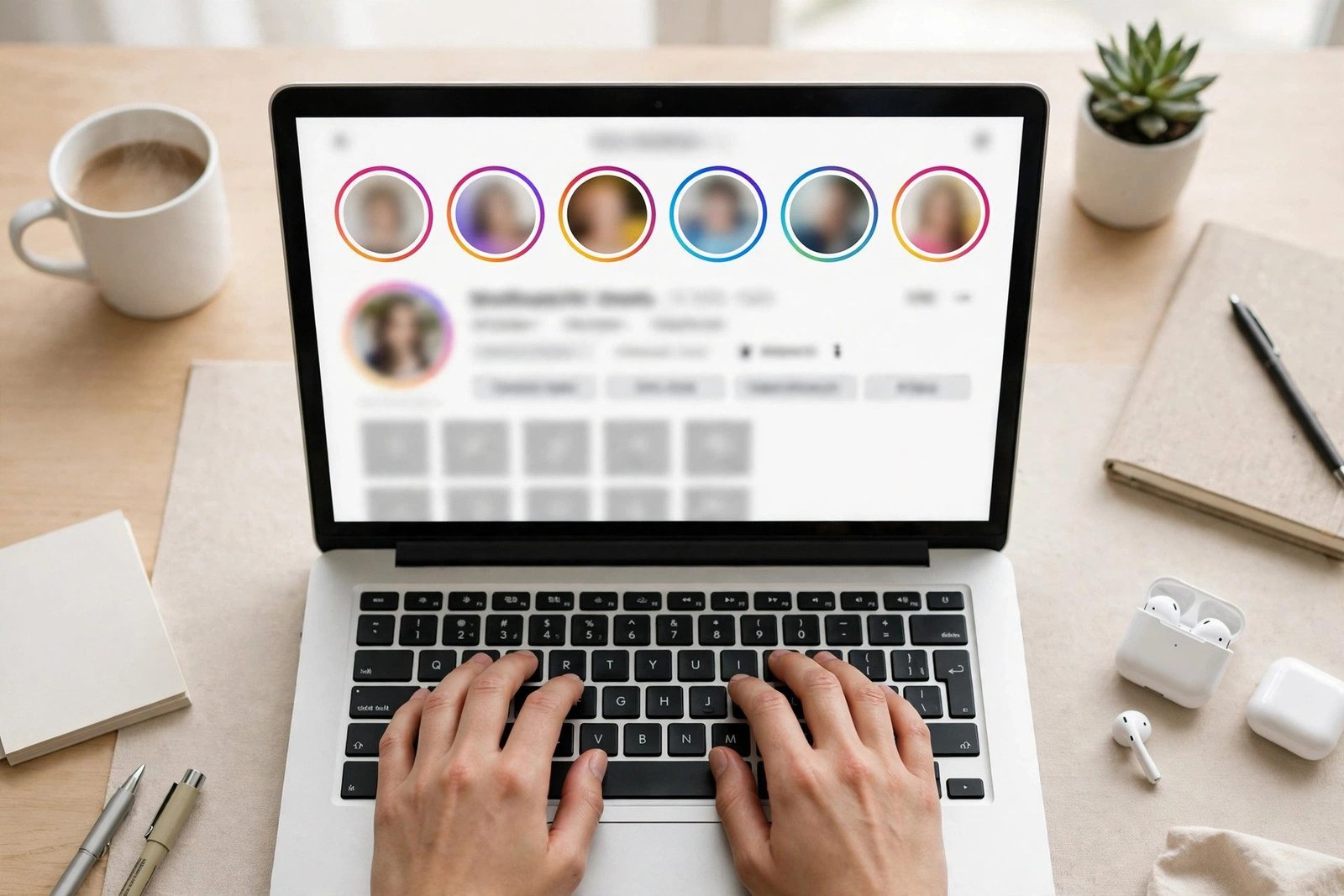
- If the account is public, its Highlights should appear as circles or a list below the profile information.
- Tap a Highlight to view its Stories one by one. You are not logged in, so your name is not added to any viewer list.
What to watch out for
- Only use viewers that do not ask for your Instagram login. A legitimate viewer never needs your password. Any site that asks you to log in to Instagram, download an app, or complete a “human verification” survey is a red flag — close it.
- Expect some viewers to be unreliable. Instagram changes how its public pages load, so a viewer that worked last month may show nothing today. If one fails, try another well-known viewer rather than installing anything.
- Never enter personal information. No email, phone number, or payment details are needed to view a public Highlight.
This method does not work for private accounts. If a site claims it can show you a private account’s Highlights, it is not telling the truth — do not pay for it and do not enter your login there.
Method 2: View Highlights in a Private Browser Window Without Logging In
If you do not want to use a viewer site at all, you can try Instagram’s own website without an account.
How to do it
- Open a private or incognito window in your browser.
- Go to instagram.com/username — replace username with the profile name you want to check.
- If the account is public, you may see its profile picture, bio, post count, and Highlights circles.
- Tap a Highlight circle to view it.
Why this method often fails
Instagram increasingly limits what logged-out visitors can see. You may be asked to log in after viewing one or two items, or the Highlights may not load at all. That is Instagram’s own restriction, not a problem with your browser.
When it works, it is the cleanest option: no third-party site, no login, and nothing installed. When it does not work, Method 1 is the usual fallback — or accept that this Highlight cannot be viewed anonymously.
Method 3: Ask Someone You Trust, or Use a Second Account You Already Own
Sometimes the simplest answer is not technical at all.
- Ask a friend who follows the account to show you the Highlight, or to tell you what is in it. This is fully safe and works for private accounts too — with the account owner’s content being shared by someone who already has permission to see it.
- Use a separate Instagram account you already own if you follow the account with it. Be honest with yourself about this one: the owner will see that second account’s name in their viewer list. It hides your main identity, but it is not truly anonymous.
Do not create fake accounts to follow private accounts under a false identity, and do not use tools that promise to “unlock” private profiles. Those methods break Instagram’s rules and put your own account at risk of being restricted or disabled.
Methods That Do Not Work for Highlights
A lot of advice online is written for Stories, not Highlights — and the difference matters.
- Airplane mode: This sometimes works for a Story that has already loaded on your phone, because the view is not sent until you reconnect. Highlights are loaded from the profile on demand, so switching on airplane mode before opening a Highlight usually means it will not load at all.
- Watching from the Story feed and closing the app quickly: Instagram records the view as soon as the Story or Highlight starts playing. Closing the app fast does not undo it.
- Screenshotting or screen recording: This only captures content you can already see. It does not make the viewing anonymous, and Instagram does not notify the owner about screenshots of Highlights — but the view itself is still recorded if you were logged in.
- “Anonymous viewer” apps that ask for your login: These are the riskiest option of all. An app that holds your Instagram login can post, follow, or message on your behalf, and can get your account banned.
Are Instagram Highlight Viewers Safe?
Viewer websites sit in a grey area, so judge each one carefully:
- Safe signs: no login required, no app download, no payment, no personal details, and the site works for public accounts only.
- Warning signs: asks for your Instagram password, asks you to download an unknown app or browser extension, shows aggressive pop-ups, or claims to unlock private accounts.
- Privacy note: a viewer site can see which public profiles you search for. Do not use one for anything sensitive, and never enter your own Instagram credentials anywhere except Instagram’s own app or website.
- Copyright and respect: Highlights are someone else’s content. Viewing a public Highlight anonymously is a privacy choice; reposting it as your own, or using it to harass someone, is not.
If you only need to check a Highlight once, prefer the logged-out browser method (Method 2). If that is blocked, use one reputable viewer site (Method 1) and nothing else.
For story viewing, see our guide to viewing Instagram stories anonymously.
Troubleshooting: Why Can’t I See the Highlight?
- “Log in to continue” appears: Instagram has limited logged-out viewing. Try a viewer site instead, or log in and accept that the view will be recorded.
- The Highlight circle is missing: the owner may have removed it, or the account may have switched to private. No tool can bring back a deleted Highlight.
- The viewer site shows the profile but no Highlights: the account may have no saved Highlights, or the site may not support Highlight loading. Try a different viewer.
- The Highlight loads but shows only some Stories: the owner may have removed individual Stories from the Highlight. What remains is all that exists.
- The account is private: anonymous viewing is not possible through any legitimate method. Your only options are to follow the account or ask someone who already follows it.
Frequently Asked Questions
Can someone see if I viewed their Instagram Highlight?
Yes, if you view it while logged in to Instagram, your username appears in the Highlight’s viewer list, just like a Story view. If you view a public Highlight without logging in — through a viewer site or a logged-out browser — the owner cannot see your name, because Instagram never received it.
Can I view Instagram Highlights without an account?
Yes, for public accounts. Try opening the profile in a private browser window without logging in, or use a viewer website that does not ask for a login. Private accounts require you to be an approved follower.
Can I view Highlights without following the account?
Yes, if the account is public. Following is only required for private accounts. For public accounts, anyone — follower or not, logged in or not — can view Highlights.
Do anonymous highlight viewer websites really work?
Some do, for public accounts. They load the public profile and its Highlights without a login. None of them can show private account Highlights. Avoid any viewer that asks for your Instagram password, a download, or a payment.
Is it illegal to view Instagram Highlights anonymously?
Viewing a public Highlight without logging in is not illegal — the content is public by the owner’s choice. Accessing a private account’s content without permission, or using tools that try to bypass Instagram’s privacy controls, breaks Instagram’s Terms of Use and can get your account restricted.
Sources: Instagram Help Center and Instagram Terms of Use.
Conclusion
To view Instagram Highlights anonymously, use a logged-out browser window or a no-login viewer website — and only for public accounts. That is the full, honest method. Instagram records every logged-in view, airplane mode does not work for Highlights, and any site that promises to unlock a private account is a scam or a security risk.
If the Highlight belongs to a private account, the safe choices are to follow the account or ask a follower you trust. Anonymous viewing is a privacy preference, not a way around someone else’s privacy settings — and respecting that line is what keeps your own account safe too.
Related guide: View Instagram Without Account
Related guide: How to Download Instagram DP in HD