
Instagram has a new way to share the small, unpolished moments of your day. The Instagram Instants feature, launched on 13 May 2026, lets you send spontaneous, unfiltered photos to close friends or mutual followers from your DM inbox. The photos disappear after viewing, cannot be screenshotted, and never appear on your profile. This guide explains what Instants are, how to use them, and how to turn them off.
Short answer: Instagram Instants are disappearing photos you take live in the app and share with Close Friends or followers you follow back. Open them from a photo stack in the bottom-right corner of your DM inbox, add a caption before taking the photo, and tap to share — no filters, no editing tools, no camera-roll uploads. Friends can react and reply, but cannot screenshot or screen-record your Instant, and it disappears once viewed or after 24 hours. Your own Instants stay in a private archive for up to a year.
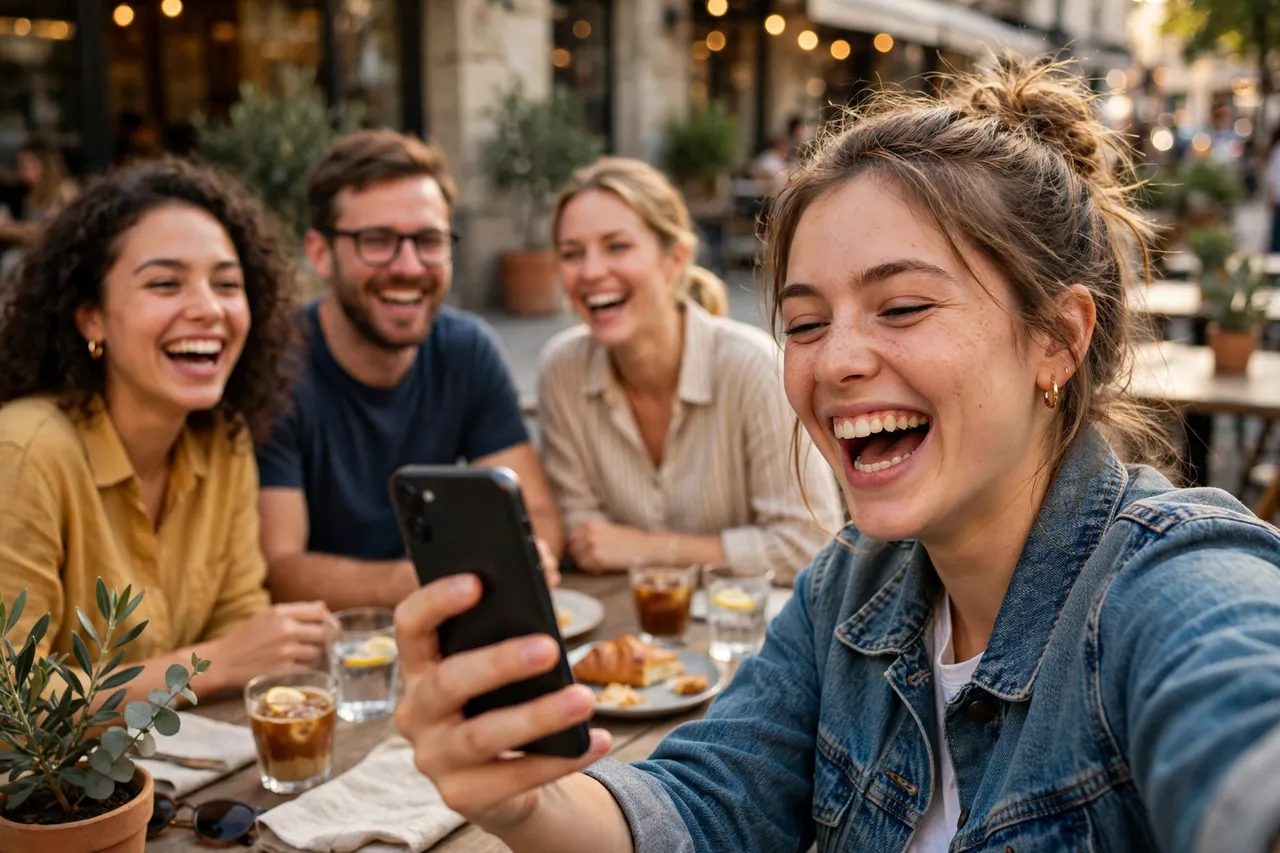
What Is the Instagram Instants Feature?
Most of what we post is polished: we pick the best photo, edit it, write a caption, then share. Instants remove all of that. They are quick, casual photos taken in the moment — a funny face, a meal, a sunset — shared with a small group you trust.
The idea borrows from Snapchat and BeReal, but lives inside Instagram’s messages: “spontaneous, unfiltered photos” with “no edits, no pressure, just life as it happens.”
- They disappear. An Instant vanishes after viewing, and cannot be seen after 24 hours even if nobody opens it.
- They are live only. You take the photo with the Instagram camera — no camera-roll uploads, no filters.
- The caption comes first. Unlike Stories, you write the caption before you tap the shutter.
- They are private by design. Instants go only to Close Friends or mutual followers, and never appear on your profile or feed.
- They cannot be screenshotted. Recipients can react and reply, but Instagram blocks screenshots and screen recordings.
How to Use Instagram Instants
No download is needed. Open Instagram, tap the Messenger icon at the top right, and look at the bottom-right corner: a small stack of photos is the Instants button, and friends’ Instants appear in the same spot.
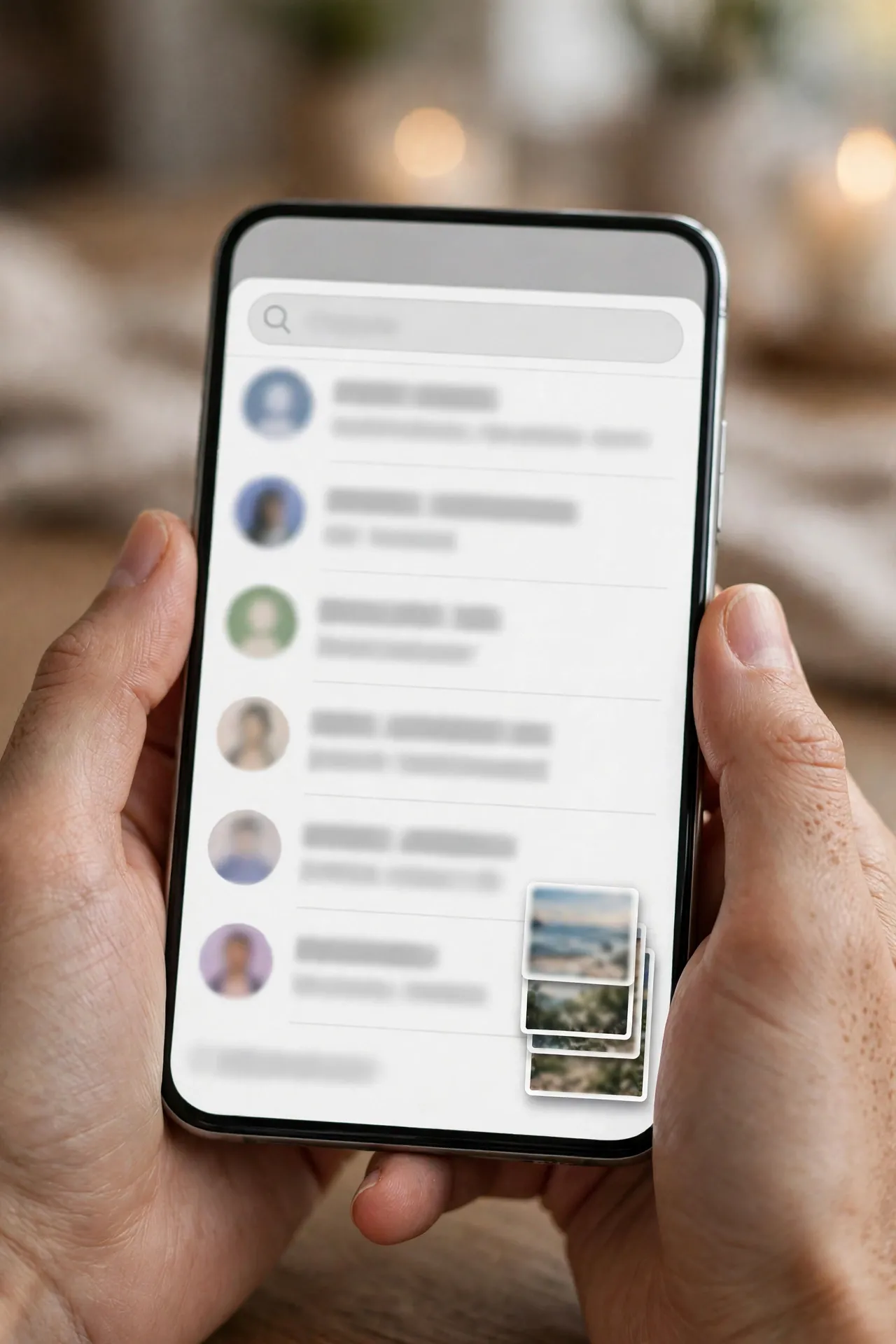
How to Send an Instant, Step by Step
- Open your DM inbox by tapping the Messenger icon at the top right of the home screen.
- Tap the photo stack in the bottom-right corner. The Instants camera opens.
- Add a caption first (optional). Type a short caption before you take the photo — this is your only chance to add text.
- Choose the audience: Close Friends or mutual followers.
- Take the photo. Tap the white button below the camera. You can switch cameras and toggle the flash, but there are no filters.
- Send it — or undo it. The Instant is shared as soon as you tap. If that was an accident, an undo button appears immediately so you can take it back.
- Share as often as you like. There is no daily limit.
Your friends see your Instant as a photo stack in their inbox. They can view it once, react with an emoji, reply, or send an Instant back — the reply goes straight to your DMs.
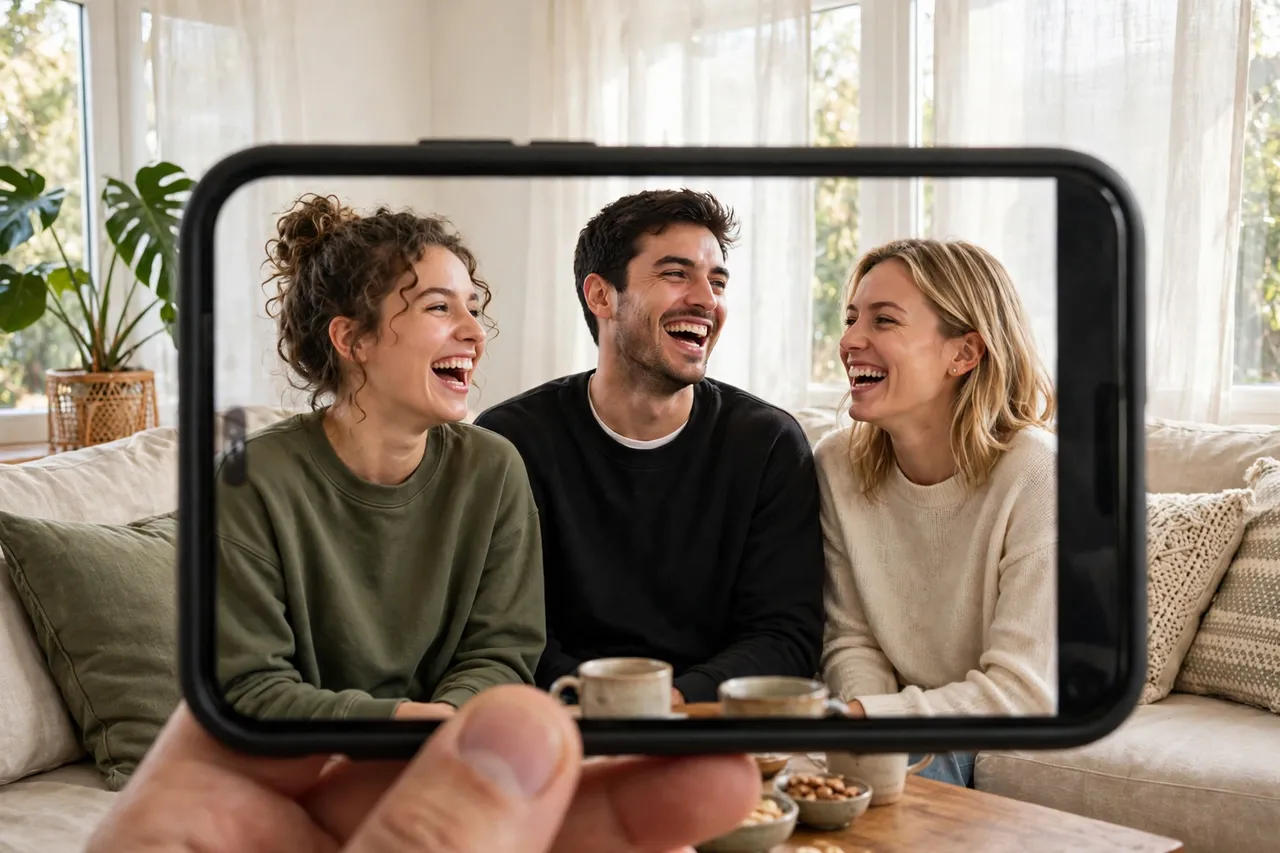
Your Instants Archive and Story Recaps
Friends see each Instant once, but Instagram saves yours in a private archive only you can see — tap the archive icon at the top right. Archived Instants stay there for up to one year.
From the archive, tap “Create recap”, pick the Instants you want, and post the recap to your Stories — the only way an Instant reaches a wider audience. You can also delete an Instant from your archive, which unsends it to friends who have not opened it yet.
Instants vs Stories vs Vanish Mode vs BeReal
Instagram already has several ways to share disappearing content. Here is how Instants compare:
| Feature | What you share | Who sees it | How long it lasts | Editing |
|---|---|---|---|---|
| Instants | Live photo, taken in the moment | Close Friends or mutual followers | View-once, or 24 hours max | Caption only, before capture |
| Stories | Photo or video, camera or gallery | All followers (or Close Friends) | 24 hours | Filters, stickers, text, music |
| Vanish Mode | Messages inside a chat | One person in a DM thread | Disappears when the chat closes | Text, photos, voice notes |
| BeReal | Live photo, front and back camera | Your BeReal friends | Until the next day’s prompt | None |
The difference is intent. Stories are public performances, even a Close Friends Story, with editing tools and a 24-hour window. Vanish Mode is a private chat feature. Instants sit between the two: as spontaneous as BeReal, as private as a DM, as quick as a reaction. Share something polished as a Story or a post; share a raw moment with a few people as an Instant. You can also go live on Instagram — a live video is public and interactive, while an Instant is private and silent.
Who Can See Your Instants?
You control the audience for every Instant: your Close Friends list, or mutual followers — people you follow who also follow you back. Strangers cannot see your Instants, and they never appear on your profile, in search, or in Explore.
This limit is also a safety feature: a random account cannot send you Instants. Keep your Close Friends list small and current, and remember you cannot change an Instant’s audience after sending it — use undo immediately, or delete it from your archive before people open it.
Privacy and Safety: Screenshots, Archive, and Teens
Friends cannot screenshot or screen-record an Instant — Instagram blocks the capture, so the photo cannot be saved or forwarded. This is stricter than Stories, which can be screenshotted freely. Screenshot rules differ across Instagram: Instagram does notify you about screenshots in Vanish Mode chats, but not for ordinary Stories.
No block is perfect: someone could photograph your Instant with a second phone, so only share with people you trust.
Instagram’s normal controls apply to Instants too: mute a friend to stop receiving theirs, or block someone so they cannot send you Instants or see yours.
Teen accounts and parental supervision
Instants are automatically covered by Teen Accounts and Family Center: a parent’s settings for a teen — shared time limits, Sleep Mode, supervision tools — apply to Instants as well, and teen accounts have restricted access by default between 10 pm and 7 am. Parents need to set up nothing new.
How to Turn Off or Snooze Instagram Instants
To snooze Instants, press and hold the photo stack in the bottom-right corner of your inbox, then swipe right. To bring them back, press and hold the same spot and swipe left.
To hide Instants for longer, go to Settings, then Content Preferences, and turn on the “hide Instants in inbox” toggle. To take a break from one person only, mute or restrict them instead.
The Instagram Instants App
Meta is also testing a standalone Instants app in select countries, including Spain and Italy. It gives immediate camera access — log in with your Instagram account and share without opening Instagram first. Instants shared from the app appear in the same place for your friends, and vice versa. There is no wider rollout date yet; if it is not in your country’s app store, use Instants inside Instagram, where the feature is available globally. The approach is familiar: Threads also began as an Instagram companion before going standalone.
At launch, Instants were photos only. Instagram has since begun adding short video support, rolling it out gradually, so some accounts may see a video option while others do not yet. The rules stay the same: the clip is captured live, cannot be edited or uploaded from your gallery, and disappears after viewing or after 24 hours.
Troubleshooting: Why Can’t I See Instagram Instants?
If the feature is missing, check these causes in order. First, update the app — Instants launched in May 2026, so an older version will not have it. Second, the rollout reaches accounts in waves, so wait a few days. Third, check whether you hid Instants by mistake: press and hold the bottom-right corner of your inbox and swipe left, or turn the hide toggle off in Settings, then Content Preferences. Finally, very new or recently restricted accounts may not get new features straight away. Never install a third-party app that promises to unlock Instants — it will ask for your login and can put your account at risk.
Frequently Asked Questions
What is the Instagram Instants feature?
Instagram Instants, launched on 13 May 2026, is for sharing spontaneous, unfiltered photos with Close Friends or mutual followers. Photos are taken live in the app, disappear after viewing or after 24 hours, cannot be screenshotted, and never appear on your profile.
How do I turn off Instagram Instants?
To snooze Instants, press and hold the photo stack in the bottom-right corner of your inbox and swipe right. To hide them longer, go to Settings, then Content Preferences, and turn on the “hide Instants in inbox” toggle.
Can someone screenshot my Instagram Instants?
No. Instagram blocks screenshots and screen recordings of Instants — friends can react and reply, but cannot save the photo. Someone could still photograph the screen with another device, so only share with people you trust.
Where do I find my old Instants?
Your Instants are saved in a private archive only you can see, for up to one year — tap the archive icon at the top right. From the archive, you can create a recap for your Stories, or delete an Instant to unsend it to friends who have not opened it yet.
Is there a separate Instants app?
Yes. Instagram is testing a standalone Instants app in select countries, including Spain and Italy, on iOS and Android. It gives faster access to the camera, and Instants shared from it appear for your friends on Instagram as normal. The feature inside the main app is available globally.
Conclusion
The Instagram Instants feature is Instagram at its simplest: one photo, taken now, sent to a few people you trust, and then gone. It will not replace your feed or Stories. Use it for the moments too small for a post: caption before you shoot, pick your audience carefully, and remember the undo button if you tap too fast. If Instants are not your style, snoozing or hiding them takes seconds. See Instagram’s official announcement and TechCrunch’s coverage for more.