
What Is Threads App? A Simple Guide to Features, Uses and How It Works
If you have seen friends sharing short text posts from an app that looks a lot like Instagram, you have probably wondered: what is Threads app, and do I actually need it? Threads is a text-based social media app made by Meta, the company behind Instagram and Facebook. It is built for short written posts and quick conversations, and it is closely linked to Instagram — you sign in with your Instagram account, and posts can be up to 500 characters long.
Quick answer: Threads is Meta’s text-based social media app, launched as a companion to Instagram. It lets you post short written updates of up to 500 characters, reply to other people’s posts, repost content you like, and follow people you already know from Instagram. It works much like X (formerly Twitter), but with a calmer, more Instagram-style feel, and you need an Instagram account to sign in. It is free to download on Android and iPhone, and you can also browse it on the web.

What Is Threads App Used For?
Threads is used for the kind of quick, public conversation that does not need a photo or a video. People use it to share opinions, jokes, news, questions and short updates, and to reply to other people’s posts in a thread. Because a post can include text, a photo, a short video, a link or a poll, it works for many different kinds of sharing, but text is always at the centre.
For many users, Threads is a place to talk rather than to show off. Creators use it to share behind-the-scenes thoughts and ask their audience questions. Businesses use it to post updates and answer customers in a casual voice. And ordinary users use it to keep up with friends and join conversations that interest them.
Threads is also used for discovery. The feed shows posts from accounts you follow alongside recommended posts, so you can find new people and ideas without searching for them. If you already spend time on Instagram, Threads feels familiar, because the people and the tone carry over.
How Does Threads Work?
Threads is built around a simple idea: a post, called a thread, starts a conversation, and replies keep it going. When you open the app, you see a feed of posts from people you follow and from accounts Threads thinks you might like. You can like a post, reply to it, repost it to your own followers, or quote it with your own comment added on top.
Posts on Threads can be up to 500 characters long, which is longer than the classic short-post limit on X, and you can attach up to 10 photos or a video of up to five minutes. You can also add a link, a poll, a voice note or a location tag in some versions of the app. Features change over time as Meta updates the app, so the exact options you see may differ slightly from what a friend sees on a different phone.
Your Threads profile is linked to your Instagram account. Your name, picture and bio can be imported from Instagram when you sign up, and people who follow you there can find you easily on Threads. This link is also why managing or removing a Threads profile is tied to your Instagram account, so check the current options in the app before you make changes.
Threads App Features
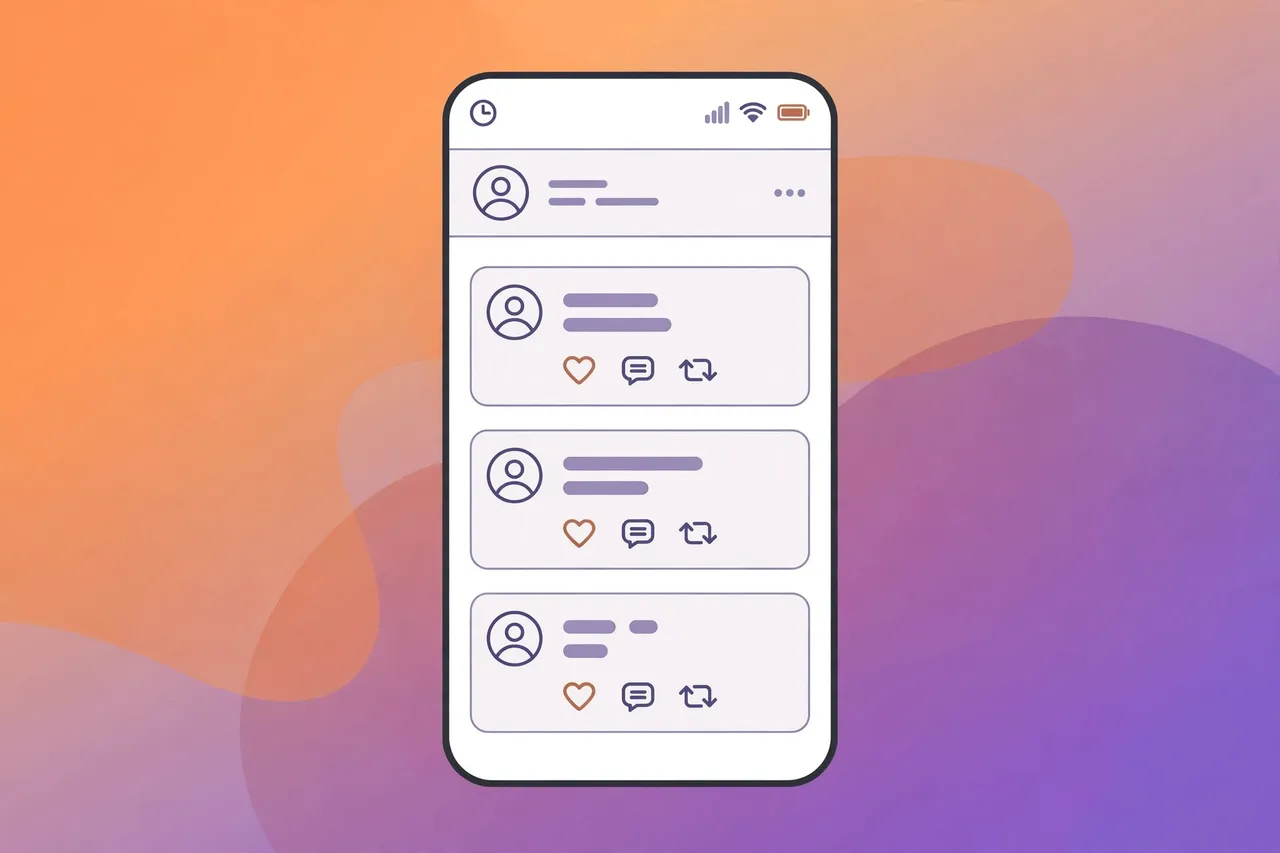
Threads includes the features most people expect from a modern social app, plus a few that reflect its close link to Instagram.
Short text posts
The core feature is the short post itself. Write up to 500 characters, add a photo, video or link if you like, and publish. Your followers see it in their feed, and anyone who finds your profile can read your public posts.
Replies, reposts and quotes
Every post can be replied to, which is how conversations grow. Reposting shares someone else’s post with your followers, while quoting lets you share it with your own comment attached. You can also control who can reply to your posts, choosing everyone, only the profiles you follow, or only the people you mention.
Following and For You feeds
Threads offers a Following feed, showing posts only from accounts you follow, and a For You feed, which mixes followed accounts with recommended ones. Switching between the two lets you choose between catching up with people you know and discovering something new.
Direct messages and sharing
Threads has added direct messaging over time, so you can send private messages to people you follow. You can also share a Threads post to your Instagram story or feed, or copy its link to share it anywhere else, which helps posts travel beyond the app itself.
Privacy and control
You can make your profile public or private, block and mute accounts, hide replies, and report content that breaks the rules.
How to Use Threads App: Getting Started
Getting started with Threads takes only a few minutes, especially if you already have an Instagram account.
- Download the Threads app from the Google Play Store or the Apple App Store, or visit threads.com on a computer.
- Tap Log in with Instagram and sign in with your Instagram account.
- Import your name, bio and profile picture from Instagram, or edit them for Threads.
- Choose whether your profile is public or private.
- Follow the Instagram accounts you already follow, or pick accounts one by one.
- Tap the centre button to write your first post, then tap Post.
Once you are set up, spend a little time exploring before you post a lot. Scroll the For You feed, reply to posts that interest you, and follow accounts in your niche. Replying thoughtfully is often a better way to be noticed than posting into an empty feed.
To write a good first post, keep it short, clear and easy to reply to. A question, a useful tip, a short opinion or a behind-the-scenes note usually works better than a long announcement. Adding one relevant photo can help a post stand out, but the text should make sense on its own.

Threads vs Twitter (X): What Is the Difference?
Threads and X (formerly Twitter) are often compared because they do a similar job: short public posts and fast conversation. The differences are in the details, the audience and the feel of each app.
The biggest difference is the starting point. Threads is built on Instagram, so you bring your Instagram identity and followers with you, and the app encourages the friendly, visual culture Instagram users already know. X is a standalone platform with its own long-established culture of news, debate and real-time commentary, and its audience is broader but often more argumentative.
On features, Threads posts can be up to 500 characters, while X gives free accounts a shorter limit. X has more advanced features for lists, trending topics and detailed search, while Threads keeps things simpler and focuses on the feed, replies and Instagram sharing.
For most people, the choice is not either-or. Many creators post on both, using X for breaking news and fast debate and Threads for calmer conversation with their Instagram audience. If you already have an Instagram following, Threads is the easier place to start, because your audience is already there.
Tips for Growing on Threads
Posting regularly helps, but replying helps more. Aim for a mix: a few original posts each week, plus thoughtful replies to posts in your niche every day. Short posts that ask a question or share a clear opinion tend to get more replies than long statements, and posts published when your audience is awake and scrolling tend to perform better.
Keep your bio clear, pin your best post to the top of your profile, and share Threads posts to Instagram stories occasionally to bring your audience across. If you want to plan when to post, our guide to the best time to post on Instagram is a useful starting point, because your Instagram and Threads audiences often overlap.
Related Guides
If you want more ideas for what to post, try our Instagram Notes ideas for short, friendly updates, and if Threads is part of a wider plan to grow a business account, read how to use Instagram Reels for business for video ideas that pair well with short text posts.
Frequently Asked Questions
Is Threads free to use?
Yes, Threads is free to download and free to use on Android, iPhone and the web. You need an Instagram account to sign in, and there is no charge for posting, following or messaging.
Do I need Instagram to use Threads?
Yes. Threads is built on Instagram, and you sign in with an Instagram account. Your Threads profile is linked to it, and your Instagram followers can find you easily on Threads.
What is the difference between Threads and Instagram?
Instagram is mainly a photo and video app, while Threads is mainly a text app. Instagram is for visual posts, stories and Reels; Threads is for short written posts and public conversation, with your Instagram identity carried over.
Can I delete Threads without deleting Instagram?
Threads profiles are linked to Instagram accounts, and the options for removing a Threads profile have changed as the app has developed. Check the current settings in the Threads app under your profile and account options before you delete anything, because deleting your Instagram account would also affect Threads.
Is Threads better than X (Twitter)?
It depends on what you want. Threads is simpler, calmer and closely tied to Instagram, which suits creators with an Instagram audience. X is stronger for breaking news, advanced search and live debate. Many people use both for different purposes.
Conclusion
So, what is Threads app in simple terms? It is Meta’s text-based companion to Instagram: a free app for short posts, replies and public conversation, where your Instagram identity and followers come with you. It works best for creators, businesses and anyone who enjoys quick written updates, and it pairs naturally with Instagram rather than replacing it. Download it, follow a few accounts you enjoy, reply to a few conversations, and post your first short update — that is the fastest way to find out whether Threads fits the way you like to share online.
Sources: Threads, Instagram Help Center