You have the perfect Instagram handle in mind. Before you build a brand around it, you need one answer: is it taken, or free to claim? An instagram username availability checker promises that answer in seconds — but the truth is more complicated than a green tick or a red cross.
Short answer: The most reliable way to check Instagram username availability is Instagram itself. Open instagram.com/yourname in a browser without logging in — a profile page means taken, while a “page isn’t available” message means it is probably free. Confirm it in the app: a name can look free yet still be refused — banned, reserved, deactivated, or held for 14 days. Never pay a website that promises to reserve a username, and never enter your password into a checker tool.
What an Instagram Username Availability Checker Actually Checks
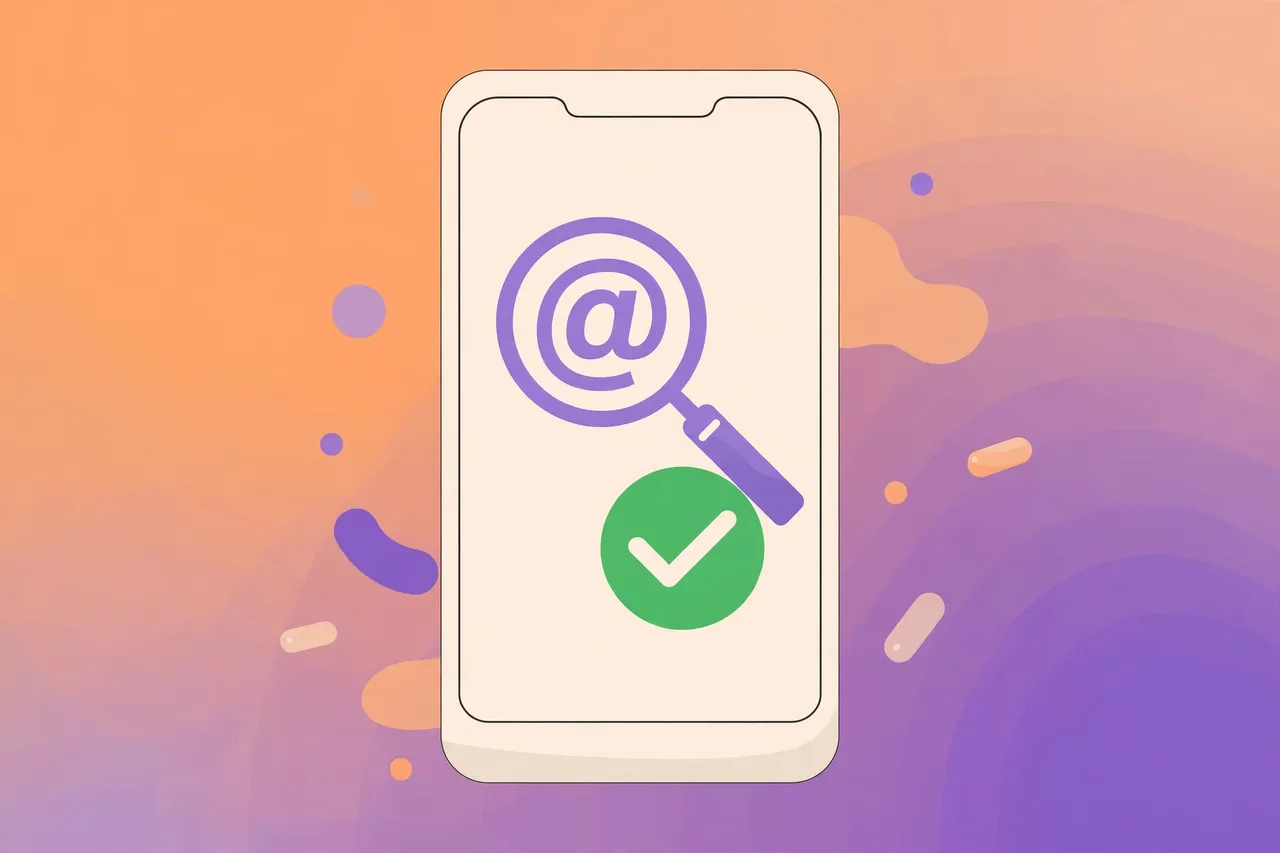
An instagram username availability checker answers one question: does an account currently use this exact handle? But “available” and “claimable” are not the same thing. A checker only sees what is public. Instagram knows more — which names are banned, reserved, on hold, or tied to a deactivated account. That is why every third-party result is a hint — only Instagram gives the final answer.
Most free checkers load the public profile page for the handle: a profile means taken, nothing means it might be free. Better ones use Instagram’s own sign-up check, which talks to its live database directly. For a round-up of checker tools, read our username checker guide. This article is about availability itself — what the answer means, how to check without an account, and what to do when your first choice is gone.
How to Check Instagram Username Availability Without Logging In
You do not need an Instagram account to check whether a handle is taken. These three free methods work from any browser, and none asks for your password. Use them in order — the first is quickest and the last is most reliable.
Method 1: Open the profile URL directly
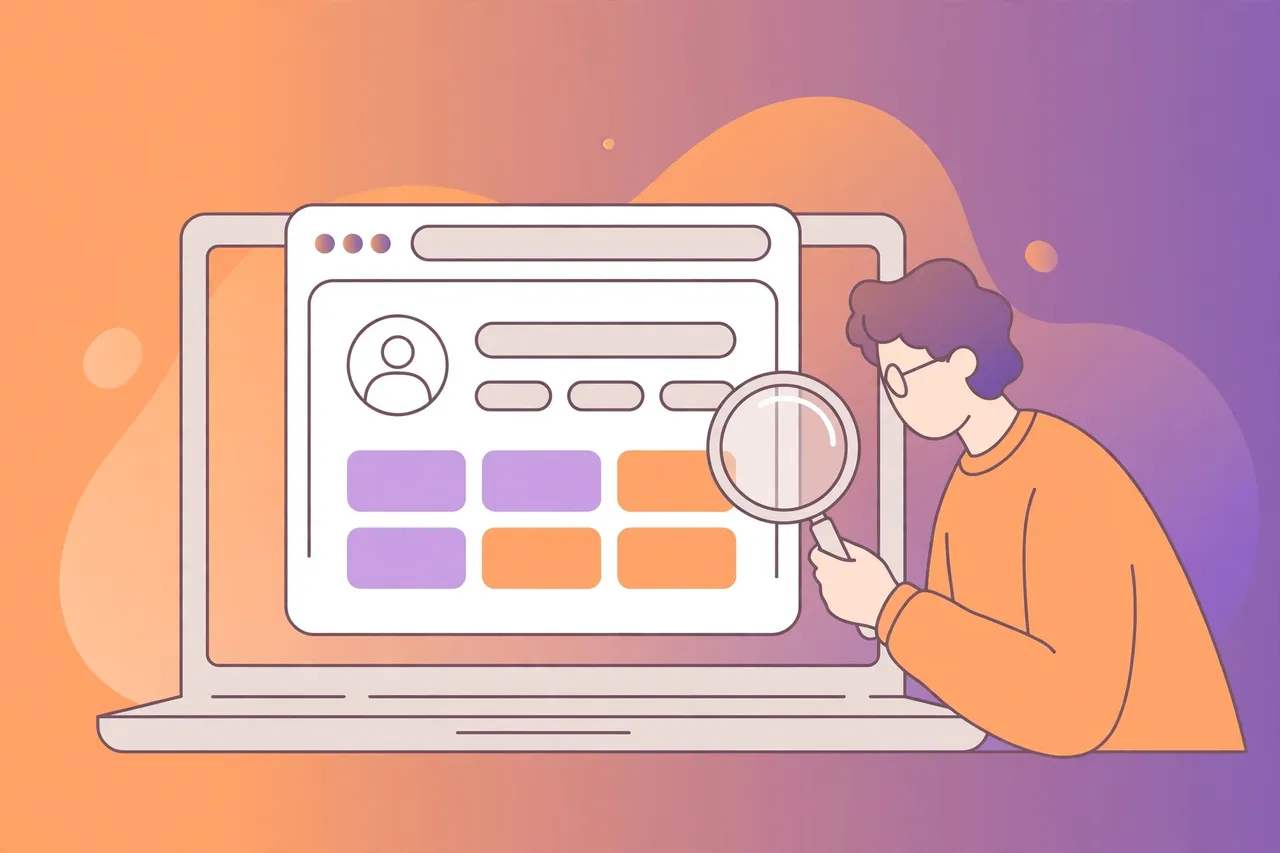
Type instagram.com/ followed by the username into your browser — for example, instagram.com/coffee.with.sara. A profile page means the name is taken; “Sorry, this page isn’t available” means no visible public profile uses it — usually, it is free. One trap: if the account that owns the name has blocked you, its profile will also look unavailable — try the link in a private window while logged out.
Method 2: Search for the name
Search the exact username in Instagram’s search box, in a browser or in the app. An account with that handle in the results means it is taken; nothing matching means it is probably free. It is slower than the URL method, but it helps with spelling variations — Instagram shows close matches as you type.
Method 3: Confirm in Edit Profile or on the sign-up screen
This is the only check that gives a final answer. If you have an account, go to your profile, tap Edit Profile, and type the name into the username field — but do not save it unless you are sure. Instagram checks its full database and tells you immediately if the name cannot be used; new accounts get the same check on the sign-up screen. Use the first two to shortlist and this one to confirm the winner. A free third-party checker can scan a long list quickly, but treat its answer as a shortlist, not a promise — and never type your password into one.
What “Username Not Available” Really Means
When Instagram says a username is not available, it does not always mean another person is actively using it. There are four different reasons, each calling for a different response.
1. Taken by an active account
Someone is using the handle right now — their profile loads at instagram.com/thatname. Instagram does not transfer usernames between users, so your options are a variation of the name, or something different entirely.
2. The account is deactivated
When someone temporarily deactivates their account, their profile disappears from public view — so the URL check says the name looks free — but Instagram keeps the name for them. Only Edit Profile reveals this: Instagram refuses the name even though no profile is visible.
3. The name is in the 14-day hold after a change
When someone changes their username, Instagram keeps the old one for 14 days, in case they want to switch back. During those two weeks the old name looks free to every public checker, but Instagram will not let anyone else claim it — the most common reason a “free” name gets refused. If you suspect this, wait two weeks and check again. To see what names an account used before, read our guide on how to check old usernames on Instagram.
4. The name is banned or blocked by Instagram
Some usernames are blocked because they break Instagram’s rules — for example, names impersonating a well-known person or brand, or names Instagram has reserved for itself. They never show a profile, so they look free to every outside checker, but Instagram will refuse them at sign-up every time. No amount of waiting will free a banned name.
Instagram Username Rules That Decide Availability
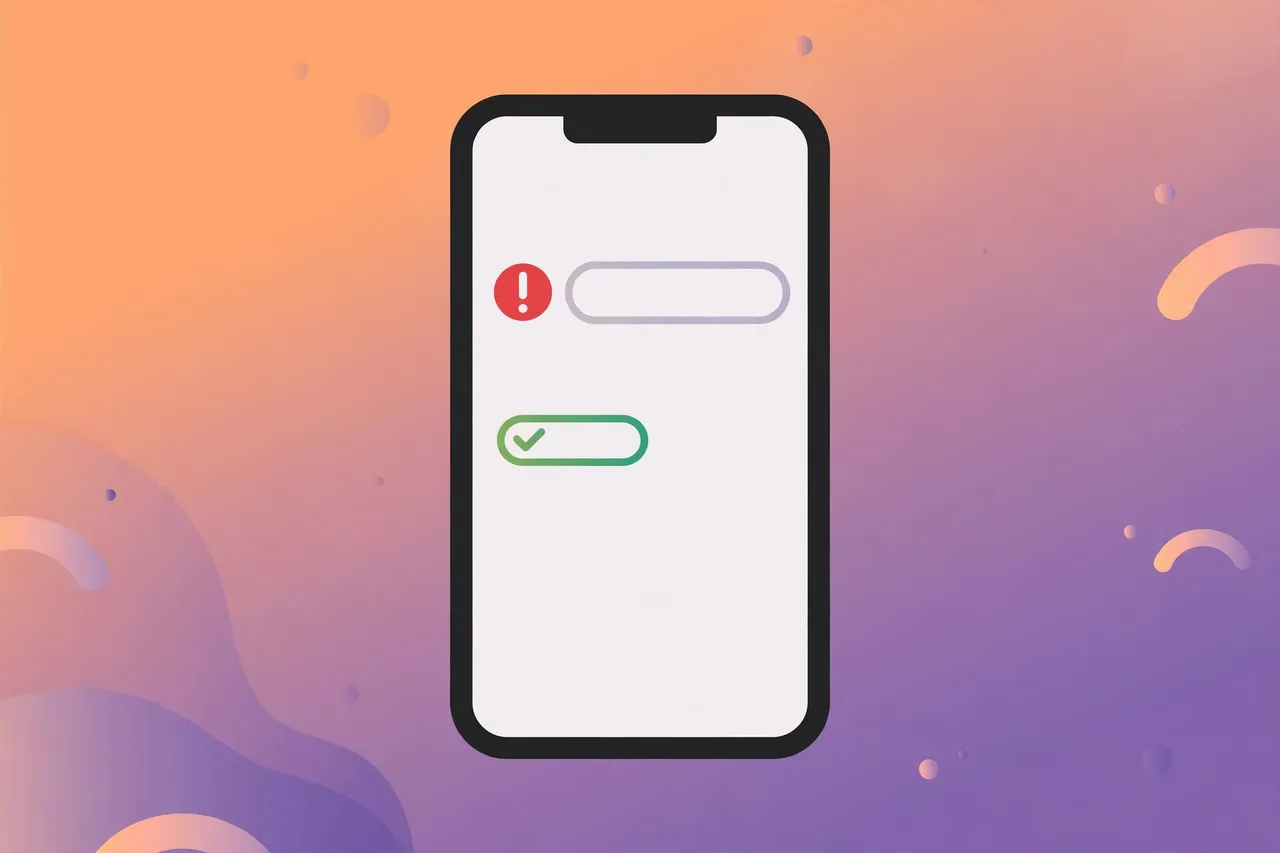
Before you check a list of names, make sure every name on it can actually exist. The rules are short and strict:
- Length: 1 to 30 characters. A single character is allowed if it is free.
- Allowed characters: letters (a–z), numbers (0–9), periods, and underscores only. No spaces, hyphens, or other special characters.
- Periods: a username cannot start or end with a period, and it cannot contain two periods in a row.
- Uniqueness: two accounts can never share the same handle.
- Display name is different: your display name can be almost anything, and many people can share it. Only the username must be unique.
These rules come from Instagram’s own Help Center — if a tool says a name is fine but Instagram refuses it, trust Instagram.
What to Do When Your First Choice Is Taken
Losing your first-choice handle is normal — the short, obvious names were claimed years ago. Aim now for a name that is free, easy to remember, and still clearly yours.
Add one meaningful word, not random characters
Take your name or brand and add one clear word: your topic, your city, or your profession. A baker called Sara might try sara.bakes instead of sara786543 — or topic.yourname instead of yourname.topic. One meaningful word keeps the name easy to say and easy to type after hearing it once. For more patterns, see our Instagram username ideas.
Use a dot or underscore — sparingly
One dot or underscore between words is fine — it is how millions of real accounts are named. Two or more in a row is hard to read and looks less trustworthy, so if you need more than one, change a word instead.
Wait and re-check — but only when waiting can work
Waiting helps in exactly one situation: the 14-day hold after its owner changed it. Check again after two weeks, and it may be free. It does not help with an active or deactivated account, or a banned name. If the profile is visible and active, do not wait — pick a variation.
Do not buy, trade, or “unlock” a username
Instagram does not sell usernames, and no website can reserve, unlock, or transfer one. Sites that charge a fee for this are scams — the safe path is always a different name.

Troubleshooting: Common Availability Check Mistakes
The checker says free, but Instagram refuses the name. It is probably on hold, belongs to a deactivated account, or is banned. Wait two weeks and try once more; if it still fails, choose another.
The checker says taken, but no profile loads. The account may be private, deactivated, or blocking you. Try the link logged out in a private window, then confirm in Edit Profile.
Different checkers give different answers. Trust Instagram over any third-party tool. Free checkers read public pages, which go out of date; Instagram checks its live database.
Every idea comes back “not available.” Your ideas may be too close to popular words. Try a less obvious combination — your topic plus your city, or your name plus what you post about — instead of adding numbers to the same name.
Frequently Asked Questions
How do I check if an Instagram username is available?
Open instagram.com/username in a browser without logging in. A profile page means it is taken; a “page isn’t available” message means it is probably free. Confirm in the app, in Edit Profile or on sign-up — only Instagram sees banned, reserved, and on-hold names.
Are free Instagram username checker websites accurate?
Partly. They can see public profiles, so they are good for a quick first scan. But they cannot see reserved, deactivated, banned, or on-hold names, so they sometimes say a name is free when Instagram will refuse it. Always confirm in Instagram.
Can I check Instagram username availability without an account?
Yes. The profile-URL method and a web search both work without logging in, and free third-party checkers need no account either. You only need one for the final check in Edit Profile.
How long do I have to wait for a taken username to become free?
If the name is in the 14-day hold, it can become free after two weeks. If it belongs to an active or deactivated account, or is banned, there is no fixed waiting time — it may never become free. Check once after two weeks; if it is still unavailable, choose another name.
Conclusion
An instagram username availability checker is a useful starting point, but the real answer always comes from Instagram itself. Check without logging in to build your shortlist, learn what “not available” means before giving up on a name, and confirm the winner in the app. When your first choice is taken, add one meaningful word instead of random numbers — and never pay anyone who promises to unlock a handle.
Shortlist five names today, run the no-login URL check, confirm the best one in Edit Profile, and claim it the same day — a free name today can be taken tomorrow. Then update your links everywhere: the name helps people find you, but your content is what makes them stay.
Sources: Instagram Help Center, Instagram Creators