


How to Use Instagram Reels for Business: A Practical Guide
Learning how to use Instagram Reels for business is one of the highest-value skills a small business can pick up on social media. Reels are Instagram’s short vertical videos, and the format Instagram pushes hardest to people who do not follow you yet — the best free way for a business to be discovered by new customers. A single good Reel can reach more people than a month of photo posts.
This guide covers the whole process: setting up your account, filming a business Reel step by step, what to post, how to get it seen, and how to measure whether it brings in customers. No expensive equipment needed.
Why Reels work for business
Reels work differently from feed posts. A photo post is mostly shown to people who already follow you, while a Reel can be shown to anyone interested in the topic, through the Reels feed and Explore — even if they have never heard of your business. That is why small accounts can suddenly get thousands of views on one Reel.
Video also shows what a photo cannot: how a product works and who the people behind the business are. Customers buy from businesses they trust, and a short honest video builds trust faster than any product description — a bakery showing bread coming out of the oven, or a mechanic explaining a simple car check, sells without feeling like an advert.
Reels also cost nothing but time — no budget to start, no editing skills needed; the app handles trimming, music, and captions.
Set up your account for Reels
Switch to a professional account
Switch to a business or creator account in Settings. It unlocks Insights, so you can see how many people watched each Reel and how many followed you, and it adds contact buttons — call, email, directions, or WhatsApp — to your profile. Those buttons turn viewers into customers.
Complete your profile
Write a clear bio that says what you sell and who it is for, and add your location and a link to your shop. When a Reel performs well, thousands visit your profile — a half-finished bio wastes that traffic.
Know the music rules for business accounts
Business accounts have a smaller music library, because commercial use of popular songs needs a licence. Use the commercial music Instagram offers to businesses, sounds labelled for commercial use, or original audio. A Reel using a song your account may not use can be muted or limited.
How to use Instagram Reels for business: making your first Reel
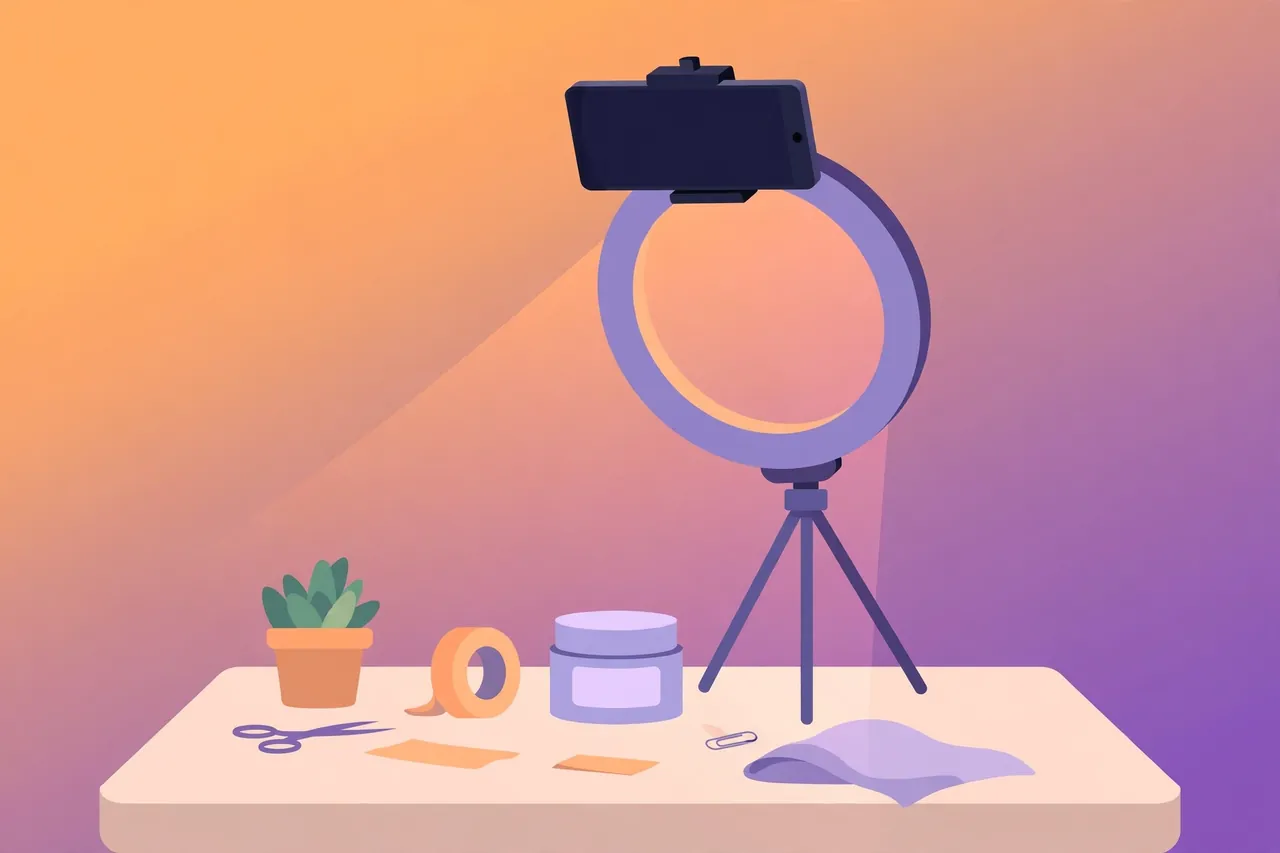
You do not need a camera crew — a smartphone, a cheap tripod, and good light are enough.
Step 1: Pick one clear idea
Every Reel should do one job: show a product, answer a question, or tell a short story. Write the idea in one sentence before you film — if you cannot, it is too big for one Reel.
Step 2: Film vertically in good light
Hold your phone upright — Reels are vertical video, 9:16. Film near a window in daylight, or with a simple ring light, and keep the background tidy. Record a few takes — you only need the best fifteen to thirty seconds.
Step 3: Open Reels and add your clips
Tap the plus button, choose Reel, then select your clips or record in the app. Trim and rearrange clips and add text overlays. Reels can now be up to 3 minutes long, but most business Reels work best between 15 and 60 seconds. For lengths and formats, see our guide on Reels duration.
Step 4: Add audio, text, and captions
Add music from the commercial library or your own voiceover. Put the key message on screen as text too — many people watch with the sound off. Keep text short and in the middle of the screen, away from the edges where buttons cover it.
Step 5: Write the caption and post
Write a short caption that adds something the video does not say — a price, a location, or a question. Add a few relevant hashtags, share the Reel to your feed as well as the Reels tab, and post it, so existing followers see it too.
What to post: 7 Reel ideas for businesses
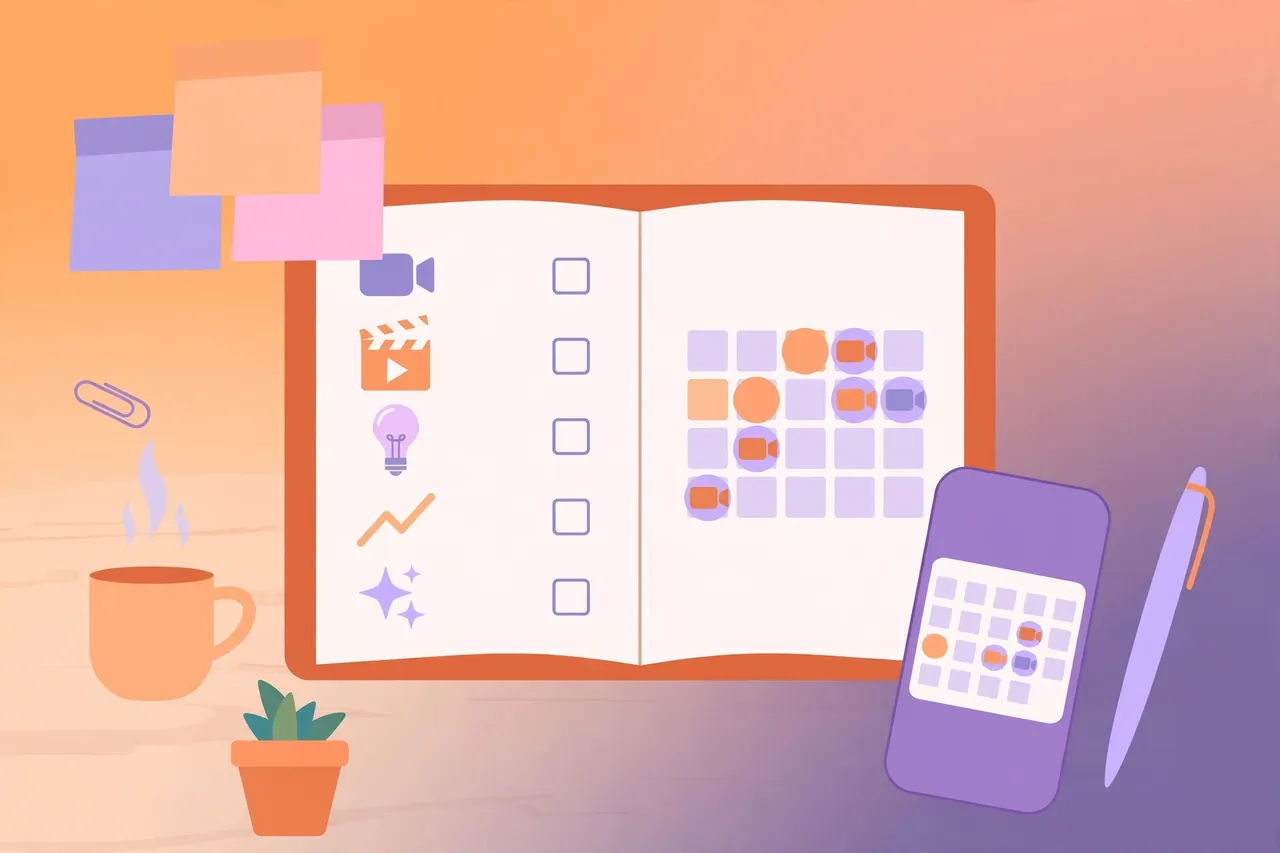
Running out of ideas is the most common reason businesses stop posting Reels. Keep this list beside your desk.
- Product in action. Show the product being used, not sitting on a shelf. A 20-second clip of a product solving a real problem beats a polished photo.
- Behind the scenes. Packing an order or making the product — customers love seeing the work behind the business.
- Answer a customer question. Every customer question is a Reel idea — film a 30-second answer that helps the next ten customers too.
- Before and after. A haircut, a cleaned car, a renovated room — people watch to the end to see the transformation.
- Customer stories. With permission, share a happy customer’s result — real customers beat any claim you make yourself.
- Quick tips. One useful tip per Reel. Tips get saved and shared — exactly what Instagram rewards.
- Trends, done your way. A trending sound or format, adapted to your business.
Reels best practices: what makes a business Reel perform
A few habits separate Reels that get watched from Reels that get swiped past.
- Hook in the first two seconds. Start with the most interesting moment or a bold claim. If the first two seconds look like an advert, viewers leave.
- Keep it short and tight. Cut every second that adds nothing. A 30-second Reel that holds attention beats a 90-second one that loses people halfway.
- Film vertically and in high quality. Blurry, sideways, or watermarked video gets less distribution — never re-upload a video with another app’s watermark.
- Use captions and on-screen text. Many viewers watch silently — text makes your Reel understandable with the sound off.
- Post consistently, not constantly. Two or three Reels a week, every week, beats ten Reels in one weekend followed by a month of silence.
- Reply to comments quickly. The first hour matters: answer comments and ask a follow-up question. Early engagement tells Instagram to show the Reel to more people.
Getting your Reels seen: hashtags, sharing, and timing
Good content still needs help reaching people. Add three to five hashtags that genuinely describe the Reel — your city, your niche, the problem you solve. Avoid copying thirty popular hashtags; irrelevant ones bring the wrong audience and hurt your engagement rate.
Share each Reel to your feed and your profile grid. If you have a Highlights set for products or reviews, save your best Reels there. Post when your audience is online — check Insights for their most active hours and schedule for the hour before the peak. To save a Reel you like for reference, see our guide to the Instagram Reels downloader.
Measuring what works

Views alone do not pay the bills. After each Reel, check plays, shares, saves, and new follows in Insights. Fewer views with many shares and follows beats big views with no action.
Look for patterns across a month of Reels: which topics got the most shares, which format got the most saves, which Reels brought profile visits and follows? Do more of what works and drop what does not. For a fuller explanation, see our guide on how to check your Instagram engagement rate. Also track what happens off Instagram: ask new customers where they found you.
Common mistakes to avoid
- Posting Reels with another app’s watermark. Instagram reduces the distribution of videos carrying a TikTok or other watermark — always upload a clean version.
- Making adverts instead of content. A Reel that only says “buy now” gets ignored. Show value first — a tip, a demo, a story.
- Ignoring the music rules. Using a song your business account is not licensed for can get the Reel muted. Stick to the commercial library or original audio.
- Posting and disappearing. A Reel needs you online afterwards to answer comments. The conversation after posting is half the value.
- Copying competitors instead of customers. Watch what your customers respond to, not what a rival posts. Your audience is the judge.
Troubleshooting common problems
- Reel has very few views. Check it was shared to the feed, has no watermark, and hooks viewers in the first two seconds. Judge a pattern across several Reels, not one.
- Audio is muted after posting. Your business account may not be licensed for that song. Re-upload with audio from the commercial library or your own sound.
- Reel looks blurry. Upload over a strong connection, film in good light, and switch on high-quality uploads in Settings under Media quality.
- Reel was removed. Check Account Status in Settings — usually a copyright or guideline issue — and appeal if you believe it was a mistake.
Frequently asked questions
Do I need a business account to post Reels?
No, but a business or creator account is strongly recommended for Insights and contact buttons.
How long should a business Reel be?
Most work best between 15 and 60 seconds. Instagram allows up to 3 minutes, but longer only helps when the content needs it — a tutorial, for example.
Are Instagram Reels free for business?
Yes. Posting Reels costs nothing, though you can pay to promote one as an ad later. Organic Reels are free and often the best way for a small business to reach new people.
Can I use trending music on a business account?
Only music from the commercial library or sounds labelled for commercial use. Popular songs are often not licensed for business accounts — check before you post, or use original audio.
How many Reels should a business post per week?
Two or three a week is realistic. Consistency matters more than volume — a steady two a week beats a burst of ten followed by nothing.
Final word
Start with one Reel a week: one idea, one sentence, filmed vertically in good light, with a hook in the first two seconds and captions for silent viewers. Share it to your feed, reply to the first comments, and check Insights for plays, shares, and follows. Then repeat, and let the numbers tell you which ideas to film more of. Reels reward businesses that show their real work honestly — and that is something no advertising budget can fake.
Sources: Instagram for Business — https://business.instagram.com/; Instagram Creators — https://creators.instagram.com/