

AI agents are only as useful as the tools they can reach. An agent that can search the web, query a database, or send a message is far more capable than one that can only generate text. But every tool speaks a slightly different language, and that is why ai agent tooling standards matter: they give agents and tools a shared way to connect, so developers stop rebuilding the same integration for every new model.
Quick answer: AI agent tooling standards are shared rules for how AI agents discover, call, and exchange data with outside tools. The best-known standard is the Model Context Protocol (MCP), an open protocol that lets an agent connect to tools and data sources through one common interface. Alongside it, tool-calling formats from providers like OpenAI and agent-to-agent protocols define how agents pass work to each other. Together, these standards make agents interoperable instead of locked to a single vendor.
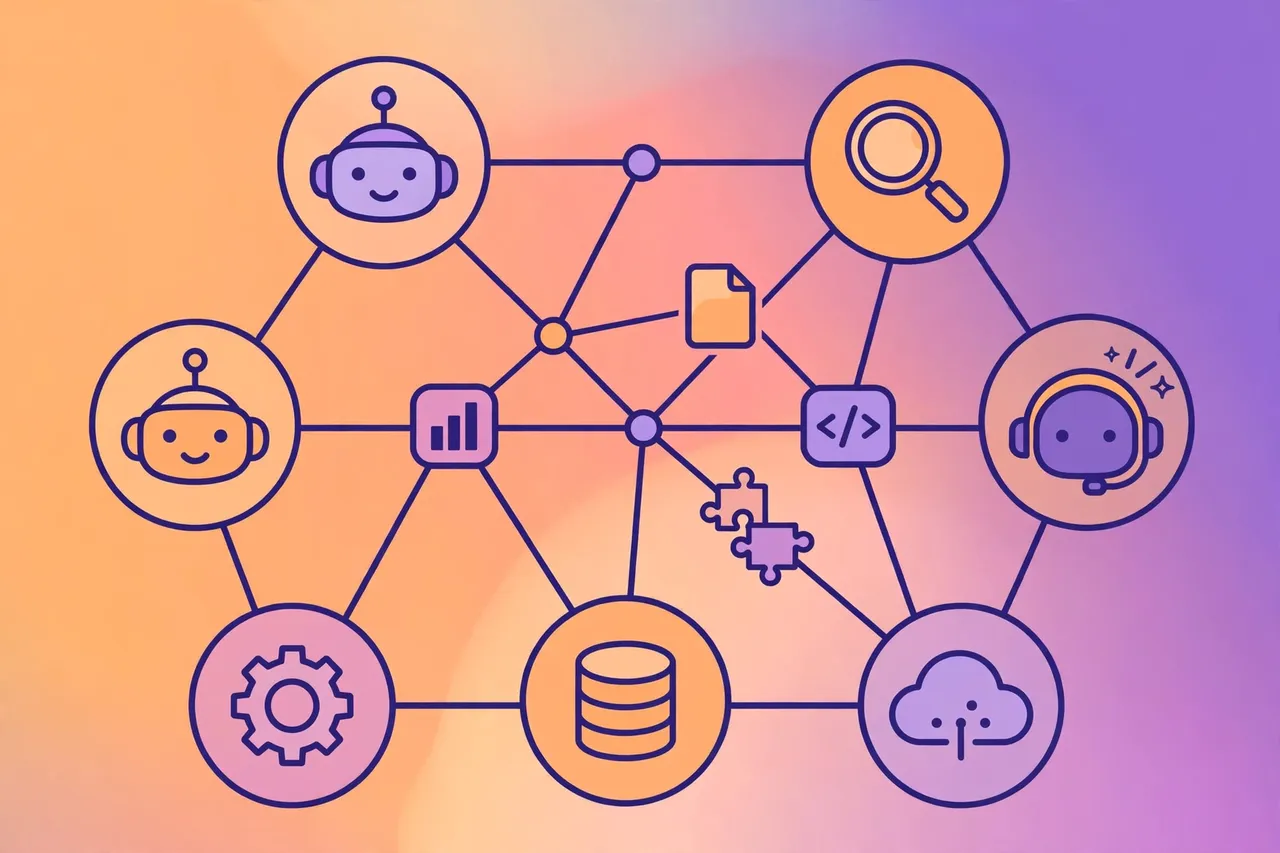
What Are AI Agent Tooling Standards?
An AI agent is software that takes a goal, plans steps toward it, and uses tools to get the work done. A tool can be almost anything: a search API, a calendar, a code runner, a database, or another agent. Without standards, every connection between an agent and a tool is custom work — a developer writes one integration for one model, then rewrites it when the model changes.
Tooling standards fix that by defining the same things for everyone: how an agent finds out what a tool can do, how it sends a request, how the tool returns results, and how errors are reported. When tools follow a shared standard, an agent built for one provider can use tools built by someone else, and a tool written once can serve many different agents.
Three ideas sit at the centre of this. First, tool calling: how a language model asks to run a function and receives the result. Second, interoperability: the ability of agents, tools, and models from different vendors to work together. Third, open protocols: public specifications anyone can implement, rather than private formats owned by one company.
How AI Agent Tool Calling Works
Tool calling is the core skill of an AI agent. When you ask an agent a question it cannot answer from its training alone, it decides which tool could help, calls that tool, reads the result, and then answers you. The process usually follows the same sequence, whatever model or framework you use.
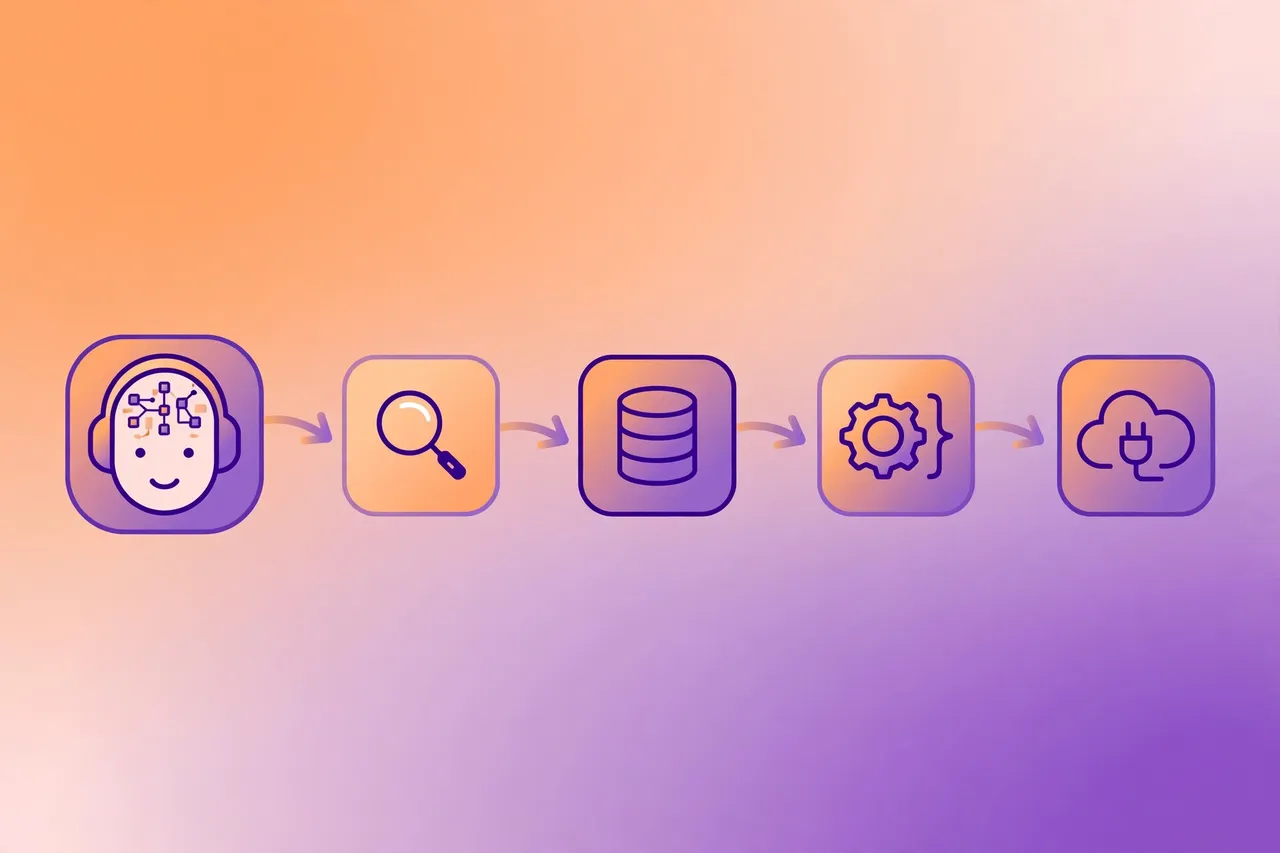
Step 1: The model receives the tool list
Before the agent starts, it is given a list of available tools, each with a name, a short description, and the inputs it needs. This list is sometimes called the tool schema. Good descriptions matter: the model can only choose the right tool if it understands what each one does.
Step 2: The model chooses a tool and its inputs
When a task needs outside information, the model outputs a structured request naming the tool and the values to pass in — for example, a search tool with the query “weather in Lahore”. The model does not run the tool itself; it asks the surrounding software to run it.
Step 3: The software runs the tool and returns the result
The agent framework executes the tool, whether that means calling an API, running code, or querying a database. The result is sent back to the model as text, often formatted as JSON.
Step 4: The model reasons over the result
The model reads the tool’s output and decides what to do next: answer the user, call another tool, or ask a follow-up question. Complex tasks may loop through these steps many times before the agent finishes.
Model Context Protocol (MCP): The Leading Open Standard
The Model Context Protocol, or MCP, is the most widely discussed open standard for agent tooling. Introduced by Anthropic, it defines a common way for AI applications to connect to outside data and tools. Think of it as a universal plug: instead of writing a separate connector for every data source, a developer writes one MCP server, and any MCP-compatible agent can use it.
MCP has three main parts. The host is the AI application, such as a coding assistant or a chat app. The client is the component inside the host that manages connections. The server is the program that exposes tools, data, or prompts — for example, a server that lets an agent read files, query a database, or check a calendar. The official documentation at modelcontextprotocol.io describes the protocol, its architecture, and how to build a first server.
Why does MCP matter for AI agent interoperability? Before it, connecting an agent to a new data source meant custom code for that source and that agent. With MCP, the same server can serve many agents, and the same agent can reach many servers. That reduces duplicated work and lets smaller teams build tools that work with the biggest AI applications.
MCP standardises the connection, but developers must still handle security: which tools an agent may call, what data it may see, and how actions are reviewed before they run. A standard makes integration easier; it does not remove the need for careful design.
Agent-to-Agent Communication and Interoperability
As agents become more common, they increasingly need to work with each other. One agent might plan a project while another books travel or checks a budget. Agent-to-agent protocols define how these agents find each other, describe what they can do, and hand off tasks — including how they report success or failure. Google’s Agent2Agent protocol is one example, designed so agents built by different teams can collaborate without sharing the same framework.
For developers, the practical meaning of ai agent interoperability is simple. Build on open standards where they exist, keep your agent’s tool layer separate from any single model, and document what each tool does in plain language. That way, when a better model appears or a new protocol wins adoption, you swap one piece instead of rebuilding the whole system. If you are choosing tools for a coding agent, our guide to agentic AI coding tools shows what the current generation can do, and our AI tools for coding roundup covers the wider coding-assistant landscape.
A Practical Checklist for Developers
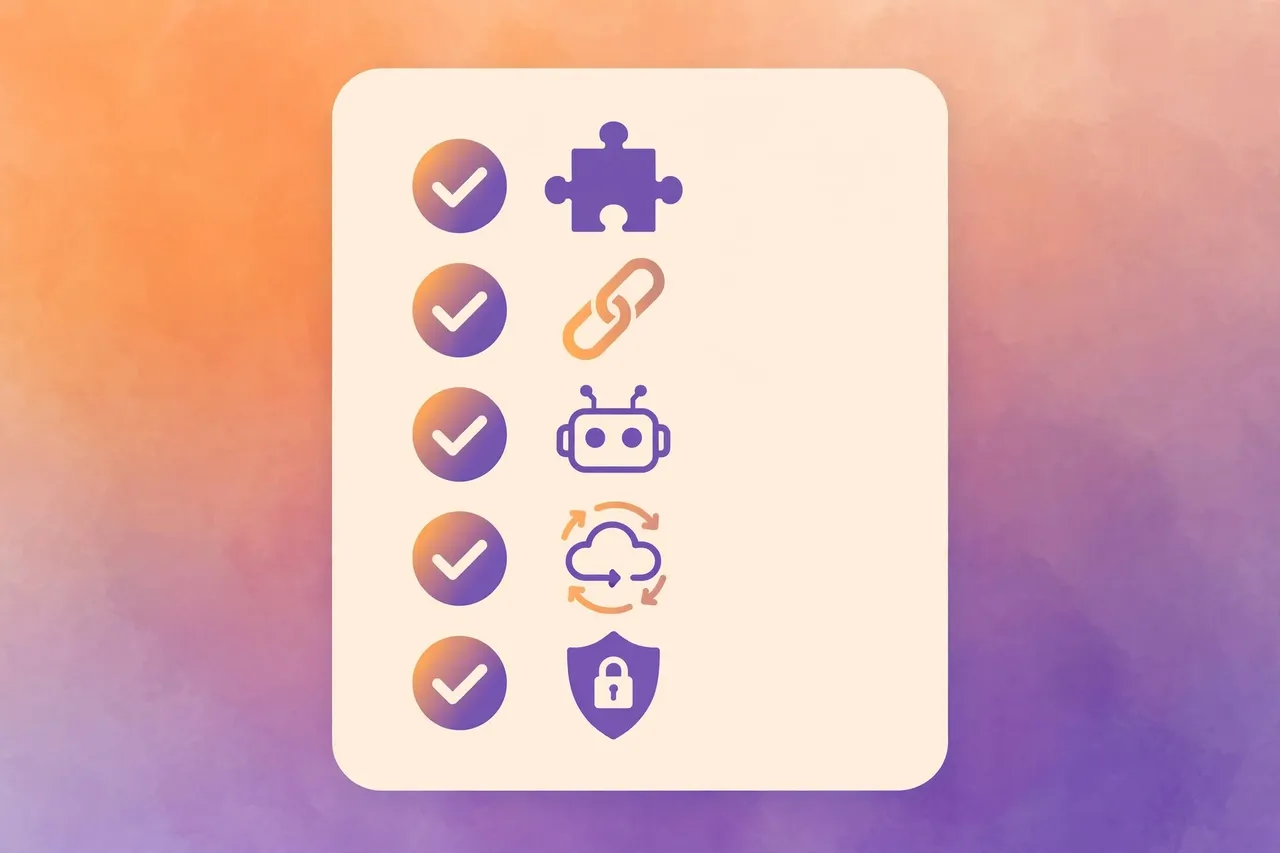
- Prefer open protocols. Choose MCP-compatible servers and standard tool formats before building a custom integration.
- Write clear tool descriptions. The model picks tools from their descriptions, so describe what each tool does, what it needs, and what it returns.
- Limit tool permissions. Give each tool only the access it needs. An agent that can read files should not also be able to delete them unless the task requires it.
- Confirm risky actions. Ask the user to approve actions that send messages, move money, or change data before the agent runs them.
- Handle errors gracefully. A tool can fail, time out, or return unexpected data. The agent should explain the failure and offer a next step instead of stopping silently.
- Log tool calls. Keep a record of which tools ran, with what inputs, so you can debug problems and review what the agent did.
- Keep the model swappable. Put tool definitions behind a standard interface so you can change models without rewriting every integration.
- Test with real tasks. Run the agent on realistic examples before launch, and check that it picks the right tool, not just any tool.
Common Problems and How to Fix Them
Even with standards in place, agent tooling goes wrong in familiar ways. The most common is the model calling the wrong tool, usually because two tools have similar names or vague descriptions. Fix it by rewriting the descriptions so each tool’s purpose is unmistakable, and removing tools the agent does not need for the task at hand.
Another common problem is a tool returning too much data. A search that returns ten full pages will flood the model’s context and slow it down. Fix it by returning short summaries or the most relevant results only, and let the agent ask for more detail when it needs it.
Security problems are the most serious. An agent with broad tool access can be tricked by malicious text in a web page or a document into calling tools it should not. The fix is defence in depth: limit permissions, require confirmation for sensitive actions, and never let tool output override your instructions. Keep up with the field through our AI tools news coverage, where new protocols and agent releases are covered as they appear.
Frequently Asked Questions
What are AI agent tooling standards?
They are shared rules for how AI agents discover, call, and exchange data with outside tools. They define how tools are described, how requests are formatted, and how results and errors are returned, so agents and tools from different vendors can work together.
What is the Model Context Protocol (MCP)?
MCP is an open protocol introduced by Anthropic that lets AI applications connect to tools and data sources through one common interface. A developer writes an MCP server once, and any MCP-compatible agent can use it.
What is AI agent tool calling?
Tool calling is the process by which a language model asks outside software to run a function — such as a web search or a database query — and then receives the result so it can continue its task.
Why does AI agent interoperability matter?
Without interoperability, every agent needs custom integrations for every tool, and switching models means rebuilding everything. Standards let tools be written once and used by many agents, which saves development time and avoids vendor lock-in.
Do I need to follow these standards to build an AI agent?
No, you can build an agent with custom integrations. But using open standards like MCP and standard tool-calling formats makes your agent easier to extend, easier to debug, and easier to move between models as the field changes.
Conclusion
AI agent tooling standards are still young, and the field will keep changing — but the direction is clear. Open protocols like MCP, standard tool-calling formats, and agent-to-agent communication are turning agents from single-vendor demos into systems that can genuinely work together.
For developers, the practical step is small: build on open standards, describe your tools clearly, limit permissions, and keep your model swappable. Do that, and your agent will survive the next protocol shift instead of being rebuilt for it. For background on how a leading provider presents its platform, see OpenAI.