

Instagram Anonymous: How to Browse Instagram Anonymously
To browse Instagram anonymously means to look at Instagram content — Stories, profiles, posts, Reels, and Highlights — without the other person knowing you were there. When you watch a Story inside the Instagram app, your username appears on the poster’s viewer list. But there are ways to view Instagram anonymously, mostly by using viewer tools that run outside the Instagram app, so your name never reaches that list.
This guide covers anonymous browsing in general: what it can and cannot do, how to view Stories, profiles, and posts without being seen, and the safety rules that apply. If story viewing is all you need, our dedicated guides go deeper — see the anonymous Instagram story viewer and the Instagram story viewer anonymous guide.
What does it mean to browse Instagram anonymously?
Inside the Instagram app, very little you do is anonymous. Watching a Story puts your name on the poster’s viewer list, and liking or commenting shows your username to everyone. Visiting a profile is not recorded — Instagram does not tell people who viewed their profile — but the moment you interact with anything, you become visible.
Anonymous browsing means viewing public content from outside the app, through a web-based viewer tool. You do not log in, so Instagram has no account to attach the view to, and the poster never sees your name.
There are two kinds: viewing without an account — opening a public profile or post in a browser without logging in — and viewing without appearing on a list — watching a Story through a viewer tool instead of the app. This guide covers both.
How to view Instagram Stories anonymously
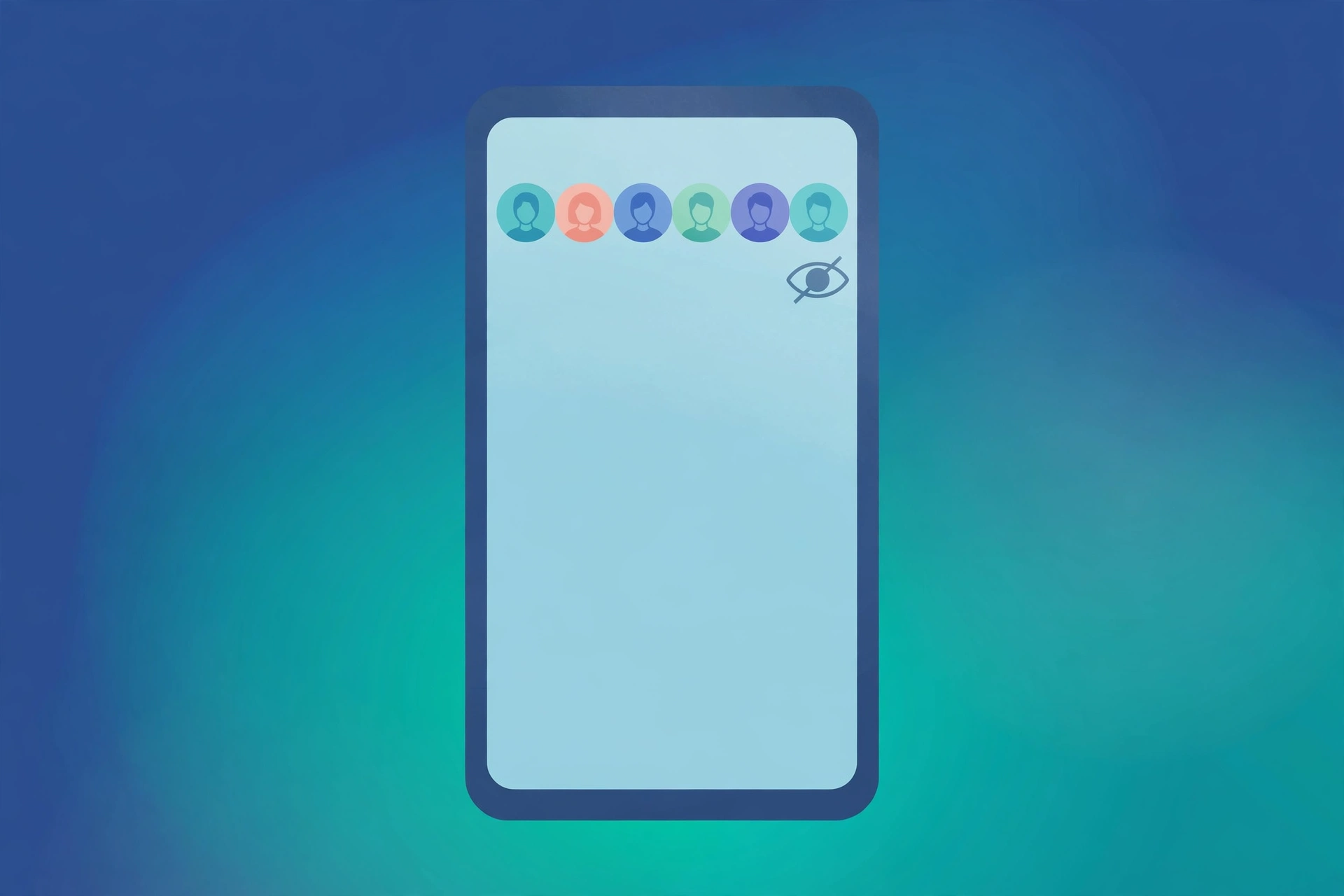
Stories are the main reason people search for anonymous browsing. A Story is the only Instagram format where views are attached to names: watch one in the app, and your username appears on the poster’s viewer list within seconds. The same Story viewed through an anonymous viewer tool leaves no trace at all.
The method is simple, and it works on any device:
Step 1: Open an anonymous story viewer
Go to a reputable anonymous story viewer website in your browser. You do not need to install an app or create an account, and the tool should not ask you to log in.
Step 2: Enter the username
Type the username of the account whose Story you want to watch. The tool fetches the account’s current public Stories. This only works for public accounts — a private account’s Stories are visible only to its approved followers inside Instagram.
Step 3: Watch the Story
Tap a Story to watch it, just as you would in the app. Your name never appears on the poster’s viewer list, because the view never passed through your Instagram account.
For the full method, see our anonymous Instagram story viewer guide, our Instagram story viewer anonymous guide, and our IG anon viewer guide. Highlights work the same way — see our guide on viewing Highlights anonymously.
How to view Instagram profiles anonymously
Viewing a profile anonymously is easier than most people expect, because Instagram does not record profile visits — that feature does not exist. Simply opening a public profile, even while logged in, does not tell the owner you were there.
The anonymous part matters when you want to browse without an account at all, or without Instagram connecting the visit to you. There are two straightforward ways:
Option 1: Browse without logging in
Open a public profile, post, or Reel in your browser while logged out of Instagram. You can see the profile picture, bio, post grid, and recent posts, though Instagram may limit how far you can scroll and show a login prompt after a few posts. Our guide on viewing Instagram without an account explains the limits in detail.
Option 2: Use a profile viewer tool
A profile viewer tool shows you a public profile in your browser without any Instagram login. Enter the username, and the tool shows the profile, posts, and Reels. See our Instagram profile viewer without login guide and our Instagram viewer without login guide for the full method.
A profile viewer tool can only show you what is public. If a profile is private, the only way to see it is to follow the account and be approved.
How to view posts, Reels and Highlights anonymously
Posts and Reels are the easiest content to view anonymously, because Instagram does not record who looked at a feed post or a Reel — the view count is a total, not a list of names. Watching a Reel or scrolling a post grid does not reveal you to the creator.
Where anonymity matters for posts and Reels is when you want to browse without an account. The same two methods apply: browse logged out in your browser, or use a viewer tool. Highlights work like Stories for anonymous viewing — use a viewer tool and enter the username, as explained in our guide on viewing Highlights anonymously.
What you cannot do anonymously is interact. The moment you like, comment, share, or send a post, your username becomes visible — anonymous browsing is viewing only.
What anonymous browsing cannot do
Anonymous viewing has hard limits, and knowing them stops you from trusting a tool that promises too much.
- No private accounts. No tool can show you a private account’s Stories, posts, or Reels. Private content is only visible to approved followers inside Instagram. Any site that promises to open a private account is a scam.
- No interaction. You cannot like, comment, follow, or message anonymously. Those actions need an account, and they reveal your username immediately.
- No deleted or expired content. A Story that has expired after 24 hours, or a post that has been deleted, cannot be viewed by any tool.
- No viewer lists for other people. No tool can show you who viewed someone else’s Story. That list exists only inside the Story owner’s account.
Staying safe: rules and privacy limits
Anonymous viewer tools are mostly simple, harmless websites. A small number are not — here is how to tell them apart.
Signs of a safe viewer tool
- It works in the browser, with no app install and no account.
- It never asks for your Instagram username or password.
- It does not ask for your phone number, email address, or payment details.
- It shows the content before asking you to do anything else.
- It has a clean page, not a maze of pop-ups.
Warning signs to walk away from
- Login required. Any viewer that asks you to log in with Instagram is trying to steal your account. Instagram never asks for your password outside its own app and website.
- “Verify you are human” surveys. Pages that make you complete surveys, install apps, or enter personal details before showing content are harvesting your data.
- Promises about private accounts. No tool can open a private account. Claims otherwise are a trap.
- Endless pop-ups and redirects. If the site keeps opening new tabs or starting downloads you did not ask for, leave it.
What “anonymous” really means
Anonymous browsing hides your identity from the content owner — they never see your name. It does not make you invisible on the internet: the viewer tool itself can see your IP address, just like any website you visit. A VPN adds a layer of privacy, but it does not change what the tool can and cannot show you.
There is also an ethical side. Viewing a public Story anonymously is a privacy choice, and it is fine. Using anonymous tools to watch someone who has blocked you, or to monitor someone without their knowledge, crosses a line. For a fuller discussion, see our guide on ethical anonymous social media browsing.
Troubleshooting common problems
- The tool says the account does not exist. Check the spelling of the username. Usernames are exact — one wrong letter returns nothing.
- The tool shows no Stories. The account may have no active Story right now, or it may be private. Stories expire after 24 hours, so an empty result often just means nothing is live.
- The tool asks for your password. Stop immediately. A legitimate viewer never needs your Instagram login. Close the site and use a different tool.
- You were seen on a viewer list. You probably watched the Story inside the Instagram app, not through the viewer tool. Only views made outside the app stay off the list.
- Screenshots and screen recordings. Taking a screenshot of a Story does not notify the poster — Instagram does not send screenshot notifications for Stories. See our guide on whether Instagram notifies about screenshots.
Frequently asked questions
Can I view Instagram anonymously?
Yes. You can view public Stories, profiles, posts, Reels, and Highlights through a web-based viewer tool without logging in. Private accounts cannot be viewed this way.
Can someone see that I viewed their Instagram Story anonymously?
No. If you watch a Story through an anonymous viewer tool, your name never reaches the poster’s viewer list. Watching the same Story inside the app puts your name on the list immediately.
Do I need an account to browse Instagram anonymously?
No. Anonymous viewer tools work without an Instagram account — you only need the username of the public account you want to view.
Can I view a private Instagram account anonymously?
No. Private account content is only visible to approved followers inside Instagram, and no web tool can access it. Sites that promise this are scams.
Is it legal to browse Instagram anonymously?
Viewing public content without logging in is generally fine. But using anonymous tools to evade a block or harass someone can cross into harassment. Respect blocks and boundaries, and keep anonymous browsing to public content.
Final word
For Stories and Highlights, use a viewer tool and enter the username, so your name never reaches the viewer list; for profiles, posts, and Reels, browse logged out or through a viewer tool. It only works for public accounts, it only covers viewing — never liking, commenting, or messaging — and a safe tool never asks for your Instagram password. Use it as a privacy choice, not a way around someone’s boundaries.
Sources: Instagram Help Center — https://help.instagram.com/; Meta Accounts Centre — https://accountscenter.instagram.com/