
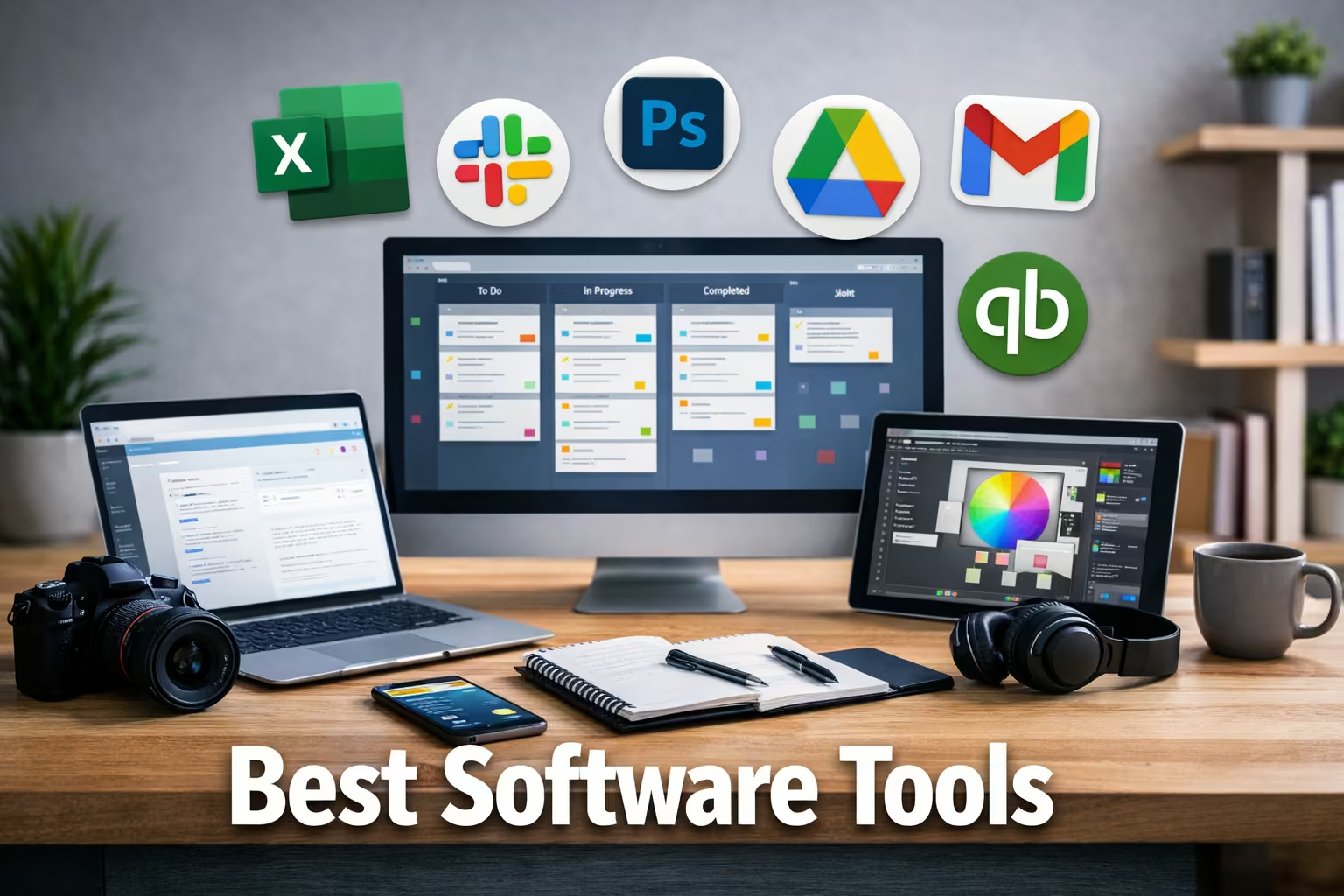
Discover the best software tools for productivity, business, design, and teamwork. Explore powerful, reliable tools professionals use in 2026.
Introduction
The right software can completely change how you work. Whether you’re a student, freelancer, business owner, or part of a growing team, using the best software tools helps you save time, reduce manual effort, and stay organized. From project management to graphic design and communication, modern tools are built to simplify complex tasks. The challenge is choosing the right ones because there are thousands of options available. This guide highlights the best software tools in different categories that professionals rely on in 2026 for speed, efficiency, and better results.
1. Project Management Tools
Managing tasks, deadlines, and teamwork becomes easier with dedicated project management software.
• Trello
A simple visual board system that helps teams organize tasks using cards and lists. Great for beginners and small teams.
• Asana
Ideal for structured workflow management. You can assign tasks, set timelines, and track progress in one place.
• ClickUp
An all-in-one productivity platform combining tasks, docs, goals, and reporting dashboards.
2. Communication & Team Collaboration Tools
Clear communication is essential for remote teams and businesses.
• Slack
Real-time messaging tool with channels for teams, file sharing, and app integrations.
• Microsoft Teams
Perfect for companies using the Microsoft ecosystem. Supports chat, meetings, and file collaboration.
• Zoom
Reliable video conferencing tool for meetings, webinars, and online classes.
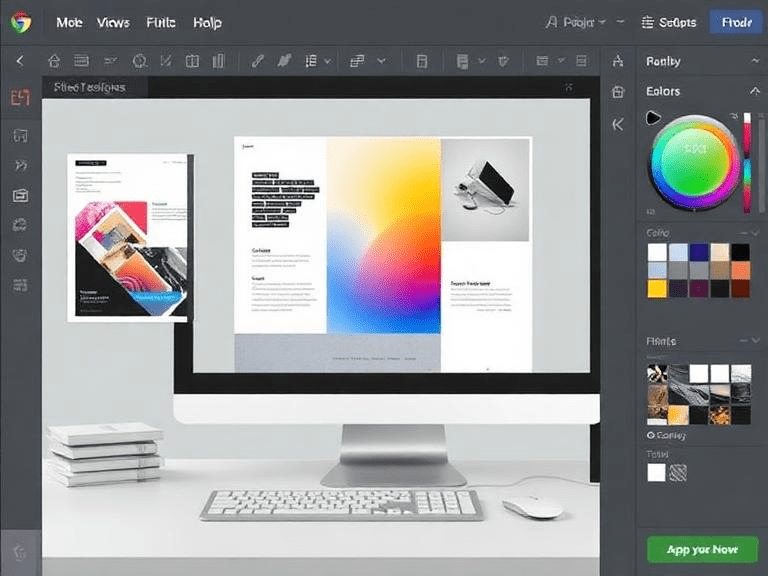
3. Best Software Tools for Graphic Design
Design tools are essential for branding, marketing, and content creation.
• Canva
User-friendly design tool for social media posts, presentations, posters, and ads. No design experience required.
• Adobe Photoshop
Professional image editing software with powerful creative features.
• Figma
Popular UI/UX design tool for website and app interface design with team collaboration.
4. Writing & Content Creation Tools
Content creators, bloggers, and marketers rely on these tools daily.
• Grammarly
Improves grammar, clarity, and tone while writing emails, blogs, or reports.
• Notion
All-in-one workspace for writing, planning, note-taking, and knowledge management.
• Google Docs
Cloud-based document editor with real-time collaboration.
5. Best Software Tools for Business & Accounting
Businesses need reliable tools for finance, invoices, and reporting.
• QuickBooks
Complete accounting software for managing expenses, payroll, and taxes.
• FreshBooks
Great for freelancers and small businesses to create invoices and track payments.
• Zoho Books
Affordable accounting platform with automation and financial reporting.
Useful official resources:
- USA Business Software Guidance: https://www.sba.gov
- UK Business Digital Tools Support: https://www.gov.uk/business
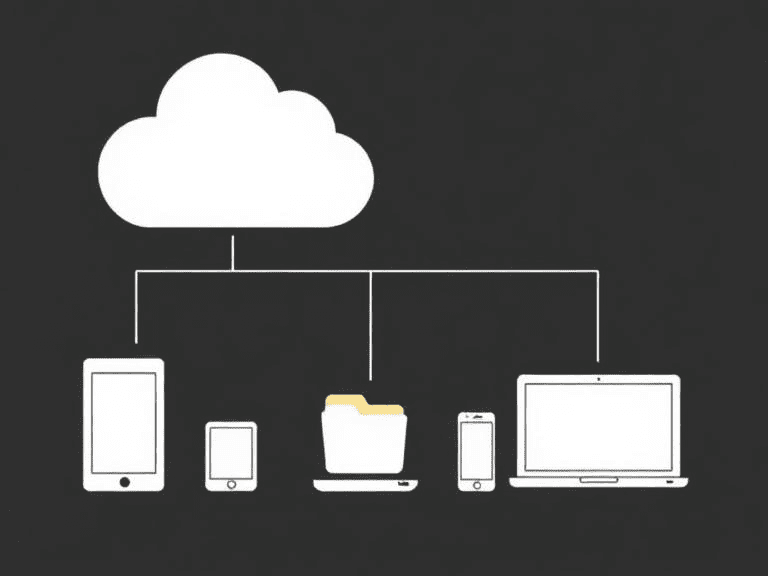
6. File Storage & Cloud Tools
Cloud storage keeps your files secure and accessible anywhere.
• Google Drive
Free cloud storage with file sharing and collaboration features.
• Dropbox
Simple and secure storage with strong file sync performance.
• OneDrive
Best for Windows users with deep Microsoft Office integration.
7. Best Software Tools for Marketing
Digital marketing needs automation and analytics.
• Mailchimp
Email marketing platform for campaigns, automation, and audience management.
• SEMrush
SEO and competitor analysis tool for keyword research and rankings.
• Hootsuite
Social media scheduling and performance tracking tool.
Helpful international digital resources:
- India Digital Services Portal: https://www.india.gov.in
- UK Digital Marketing Support: https://www.gov.uk/guidance
8. Security & Performance Tools
Protecting data and improving system performance is critical.
• Norton 360
Comprehensive antivirus and online privacy protection.
• Malwarebytes
Advanced malware removal and real-time protection.
• CCleaner
Removes junk files and improves computer speed.
9. Best Software Tools for Developers
Developers need powerful coding and testing environments.
• Visual Studio Code
Lightweight but powerful code editor with extensions.
• GitHub
Code hosting platform for version control and collaboration.
• Postman
API testing tool used for development and debugging.
10. How to Choose the Right Software Tools
Before selecting any tool, consider:
- Your specific goal
- Budget (free vs paid tools)
- Ease of use
- Integration with existing systems
- Team size and scalability
Start with free versions, test features, then upgrade if needed.
Conclusion
Using the best software tools is no longer optional. It’s the smartest way to stay competitive and productive. The tools listed above cover essential needs, including project management, design, communication, marketing, security, and development. Choose tools that match your workflow and scale as your needs grow. Smart software choices save hours of effort and help you focus on what really matters—getting results.
aramalarım sonunda buraya geldim ve kesinlikle işime yarayan bir makale oldu. teşekkür ederim
Great information shared.. really enjoyed reading this post thank you author for sharing this post .. appreciated