
VPN Security & Privacy Guide: 10 Ways to Protect Yourself Online in 2026
Every time you connect to public Wi-Fi, log into your bank account, or simply browse the web, you leave behind a trail of data. Internet service providers, advertisers, and sometimes hackers can see far more about your online activity than most people realise. That is why a solid vpn security privacy guide has become essential reading for anyone who wants real control over their digital footprint.
This guide breaks down exactly how VPNs work, what to look for in a trustworthy provider, and the practical steps needed to stay safe online. A Virtual Private Network (VPN) is one of the most accessible privacy tools available, but installing one is not enough — choosing the wrong provider or misconfiguring settings can leave you with a false sense of security.
What Is a VPN?
A VPN creates an encrypted tunnel between your device and the internet, masking your IP address and scrambling your traffic so outsiders cannot easily read it. As Cloudflare’s technical documentation explains, a VPN is fundamentally an internet security service that lets users access the internet as though they were connected to a private network.
Without encryption, none of the privacy benefits people expect from a VPN actually apply. Ordinary internet traffic is unencrypted and very public: your internet service provider can see which websites you visit, and anyone on the same network can potentially spy on the data flowing between your device and the web server. A VPN closes that gap for the stretch between your device and the VPN server.
Why People Use a VPN for Security and Privacy
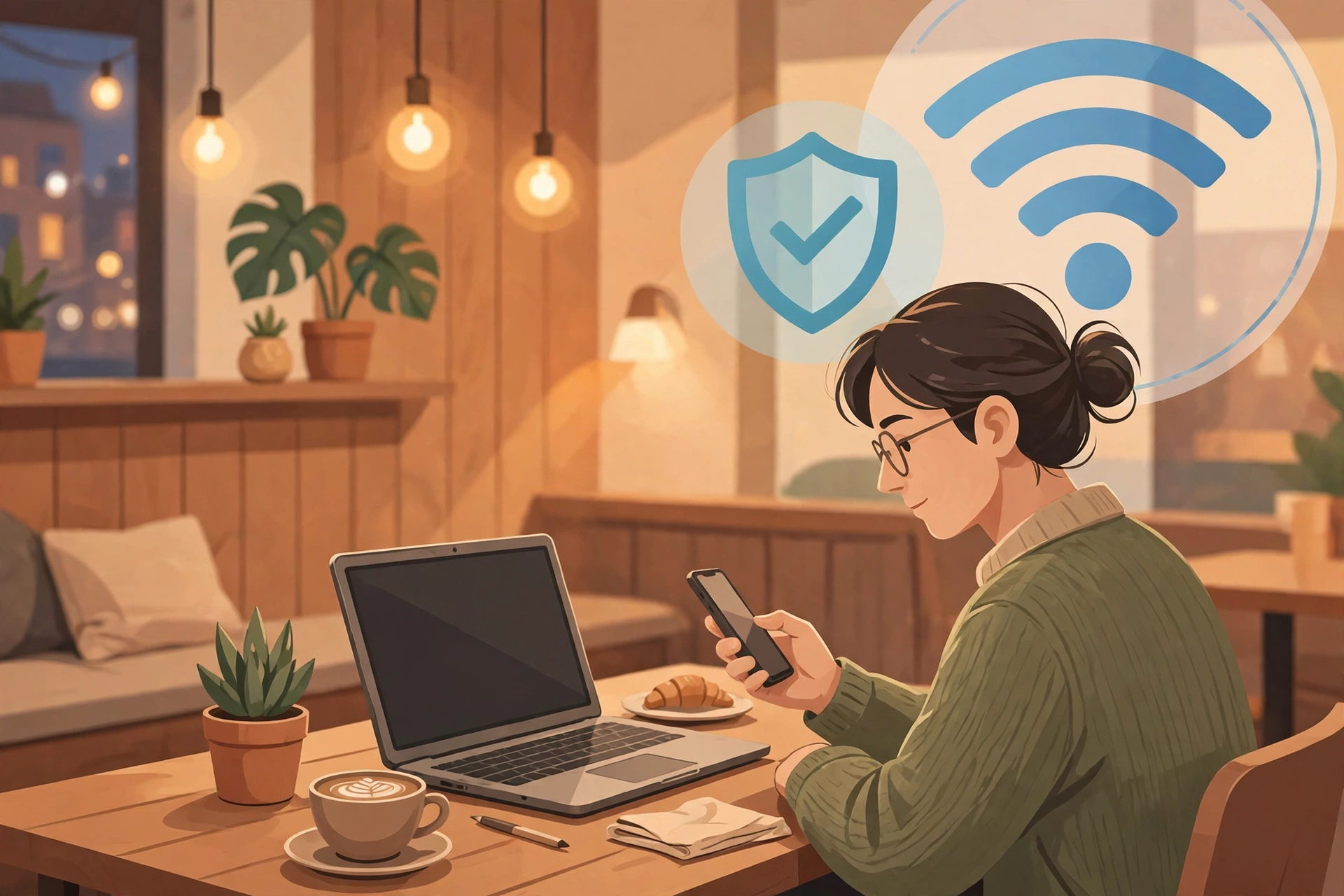
- Protecting data on public Wi-Fi: cafés, airports, and hotels are common targets for snooping.
- Preventing ISP tracking: stopping your provider from logging your browsing habits.
- Accessing region-restricted content: reaching services unavailable in your location.
- Securing remote work: connecting to company networks safely from outside the office.
- Reducing targeted ads: masking your IP address makes tracking harder.
How VPN Encryption Works
Encryption is the backbone of any VPN. When you connect, your device and the VPN server establish a secure tunnel using a VPN protocol. Data is encrypted before it leaves your device and decrypted only at its destination — anyone intercepting it in between sees unreadable data.
One limit worth understanding: the VPN encrypts traffic between your device and the VPN server, but the connection onward is unencrypted unless the site itself uses HTTPS. A VPN and HTTPS work together, not as substitutes.
Common VPN Protocols Compared
The protocol is the set of rules your VPN uses to build its encrypted tunnel. Choosing the right one directly determines how well your traffic is protected.
- OpenVPN: moderate speed, very high security. A reliable general-purpose choice for daily use.
- WireGuard: fast and modern, with strong security. A good pick for streaming, gaming, and mobile devices.
- IKEv2/IPsec: fast and stable when switching networks, such as moving from Wi-Fi to mobile data.
- L2TP/IPsec: slower and older; acceptable only for legacy systems.
- PPTP: the fastest on paper but outdated and weak — avoid it for anything sensitive.
Most good VPN apps choose a sensible protocol automatically, usually WireGuard or OpenVPN. You only need to change this manually if you have a specific reason, such as a network that blocks one protocol.
10 Ways to Strengthen Your VPN Security and Privacy
These ten steps are the practical heart of this guide — they turn a basic VPN subscription into a genuinely secure setup.
1. Choose a No-Logs VPN Provider
A “no-logs” policy means the provider does not record your browsing history or IP addresses. Look for providers whose no-logs claims have been independently audited by a third party, not just stated on a marketing page. An unaudited claim is only a promise.
2. Verify Jurisdiction and Data Laws
Some countries participate in intelligence-sharing alliances that can affect how user data is handled if legally requested. A provider based in a privacy-friendly jurisdiction, with transparent ownership, is a better bet than one that hides who runs it.
3. Enable a Kill Switch
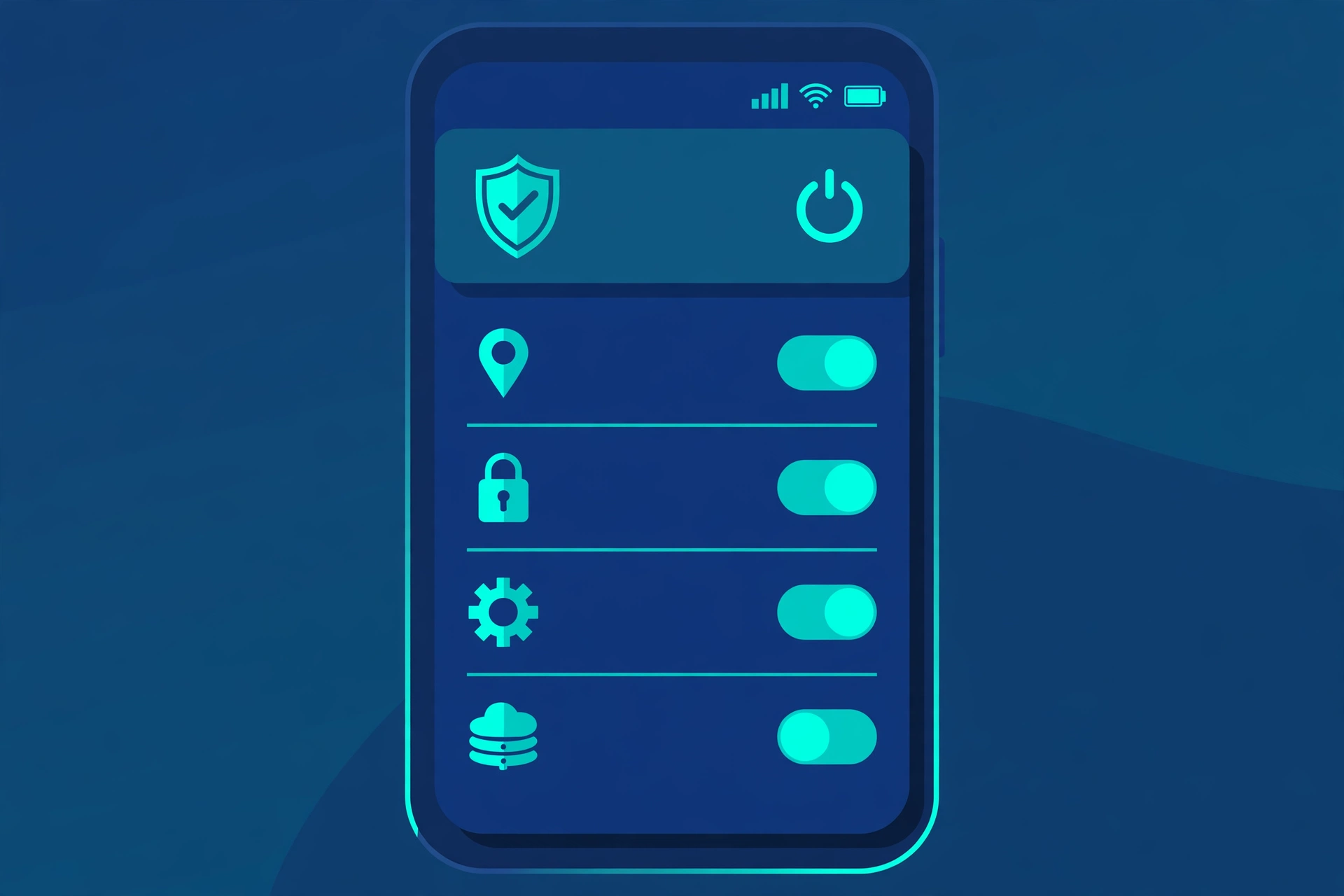
A kill switch cuts your internet connection if the VPN drops, preventing your real IP address from leaking unprotected. Turn it on and leave it on — a VPN without a kill switch can silently fail and leave you exposed without any warning.
4. Use DNS Leak Protection
Even with a VPN active, DNS requests — the lookups that turn website names into addresses — can sometimes bypass the encrypted tunnel. Reputable providers include built-in leak protection. After setup, test your connection with a DNS leak test site and confirm that only your VPN provider’s servers appear.
5. Avoid Free VPN Services for Sensitive Activity
Free VPNs often recoup their costs by logging or selling user data, or by showing intrusive ads. Some are fine for light, low-risk browsing, but for anything sensitive — banking, work, or personal accounts — a paid provider is safer. If a service is free, ask how it pays its server bills.
6. Keep Your VPN Software Updated
Outdated apps can carry unpatched vulnerabilities. Enable automatic updates where possible, and update promptly when your provider releases a new version, especially after a security announcement.
7. Combine VPN Use With HTTPS
A VPN encrypts traffic to its server, but the connection onward still depends on the destination site’s own security. Always check for HTTPS in the address bar, and be wary of sites that still load over plain HTTP. A VPN does not make an insecure site safe.
8. Disable IPv6 If Your VPN Does Not Support It
Some VPNs only route IPv4 traffic, leaving IPv6 traffic exposed unless you disable it manually. Check your provider’s documentation: if it does not support IPv6, turn IPv6 off in your device settings or choose a provider that handles it properly.
9. Use Split Tunneling Carefully
Split tunneling lets you choose which apps use the VPN and which connect directly. It is useful for services that block VPNs, such as some banking apps, but every app you exclude loses VPN protection. Keep the split list as short as possible and review it occasionally.
10. Review App Permissions and Data Collection Policies
Check what permissions a VPN app requests before installing it, and read the privacy policy carefully. A VPN app that asks for contacts, location, or broad device access should raise questions. If you manage many accounts and apps across devices, our guide to managing multiple online accounts pairs well with this step, and our digital tips for social media users cover the everyday habits that complete the picture.
VPN vs. Other Privacy Tools: What Is the Difference?
People often confuse VPNs with other privacy technologies. A VPN encrypts traffic and masks your IP address, but it does not block malware or phishing. Tor Browser routes traffic through multiple nodes for stronger anonymity, but it is slower and not ideal for streaming. A proxy server masks your IP for specific apps but usually does not encrypt traffic. Antivirus software detects and removes malware but does not hide your IP or encrypt traffic. An ad blocker blocks trackers and ads but does not protect network-level traffic.
A well-rounded privacy setup combines a VPN with an ad blocker and updated antivirus software rather than relying on one tool alone. No single tool does everything.
Common VPN Security Mistakes to Avoid
- Leaving the VPN off “just for a quick search” — that quick search is still visible.
- Choosing a provider based only on price, without checking audits or logging policy.
- Ignoring server location choices and connecting to a distant server for no reason.
- Assuming a VPN makes you completely anonymous — logged-in accounts and browser fingerprinting can still identify you.
- Never testing for leaks after setup.
Note too that a VPN can interfere with some services. If a site such as a viewer tool suddenly stops working while your VPN is on, try turning the VPN off or switching servers first — our Pixwox not working guide lists VPN interference as one of the common causes.
How to Choose the Right VPN: A Quick Checklist
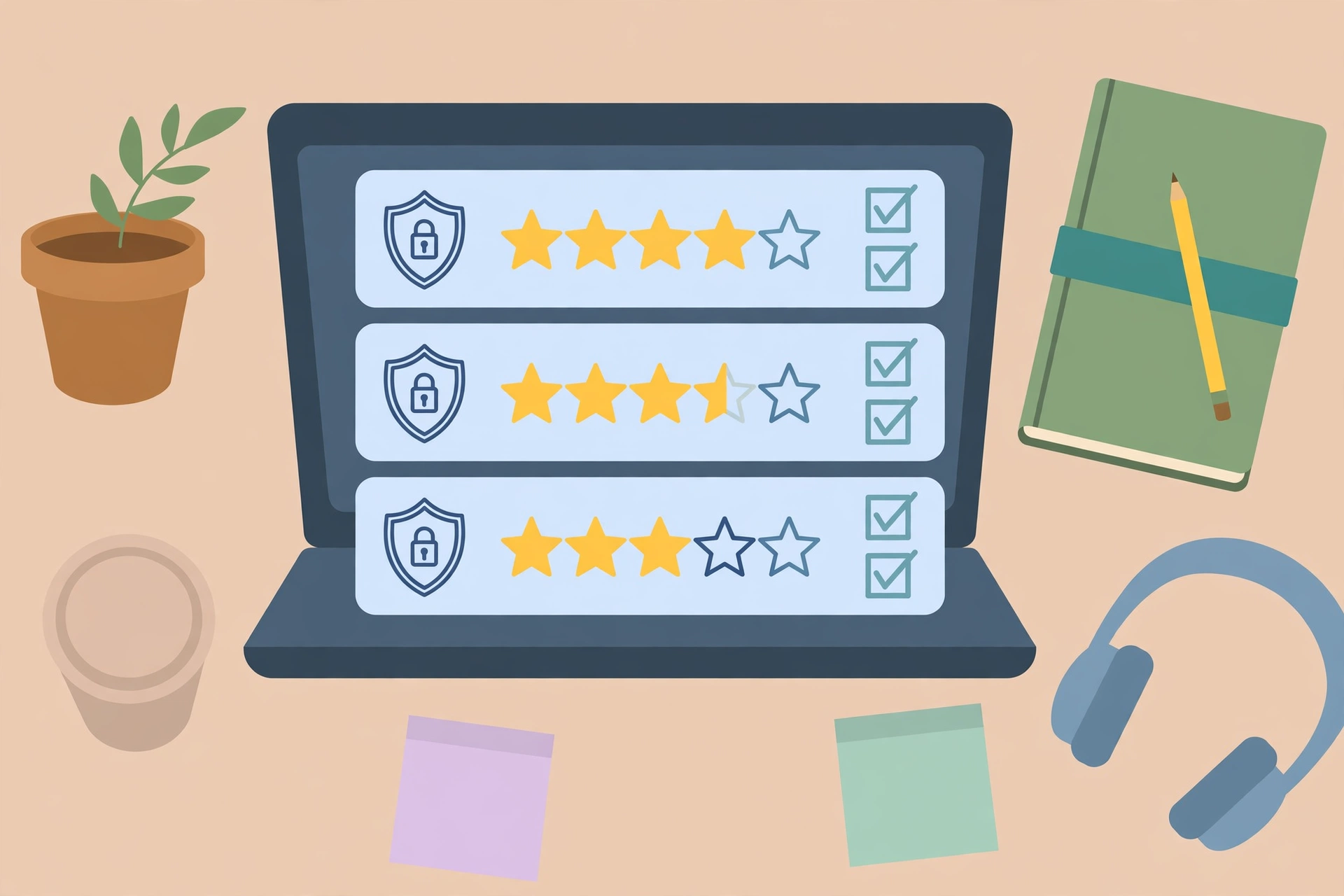
- Independently audited no-logs policy.
- Strong encryption — AES-256 is the current benchmark.
- Kill switch and DNS leak protection included.
- Transparent jurisdiction and ownership.
- Clear, readable privacy policy.
- Reasonable pricing with a refund period, so you can test it properly.
Do You Actually Need a VPN?
If you frequently use public Wi-Fi, want to limit ISP tracking, travel to regions with restricted internet, or handle sensitive remote work data, a VPN adds meaningful protection. For mostly casual home browsing, the urgency is lower — but a VPN still strengthens your overall protection against passive tracking. Weigh the cost against how often you are on networks you do not control: the more public Wi-Fi in your life, the stronger the case.
Frequently Asked Questions
Does a VPN make me completely anonymous online?
No. A VPN masks your IP address and encrypts your traffic, but logged-in accounts and browser fingerprinting can still identify you. Think of it as strong privacy protection, not invisibility.
Can a VPN slow down my internet speed?
Yes, somewhat — encryption and routing add overhead. Modern protocols like WireGuard minimise the impact, and choosing a nearby server keeps speeds close to normal.
Is it legal to use a VPN?
In most countries, yes, though a few restrict or ban VPN use. Check the law where you live or travel before relying on one.
Can my ISP still see that I am using a VPN?
Your ISP can see that you are connected to a VPN server, but it cannot see the content of your encrypted traffic or which sites you visit through it.
How do I check if my VPN is actually working?
Run a DNS leak test and an IP checker before and after connecting, and confirm that your real IP address and DNS servers are not exposed. This one check completes the practical side of this guide.
Conclusion
A trustworthy VPN, used correctly, remains one of the most accessible tools for protecting your privacy online. This guide covered the fundamentals — encryption, protocol choice, provider vetting, and the ten steps that make a VPN setup genuinely secure rather than merely installed. Choose a provider with an audited no-logs policy, turn on the kill switch, test for leaks, and keep the software updated.
Sources: Cloudflare Learning Center https://www.cloudflare.com/learning/access-management/what-is-a-vpn/ and Electronic Frontier Foundation https://www.eff.org/issues/privacy