
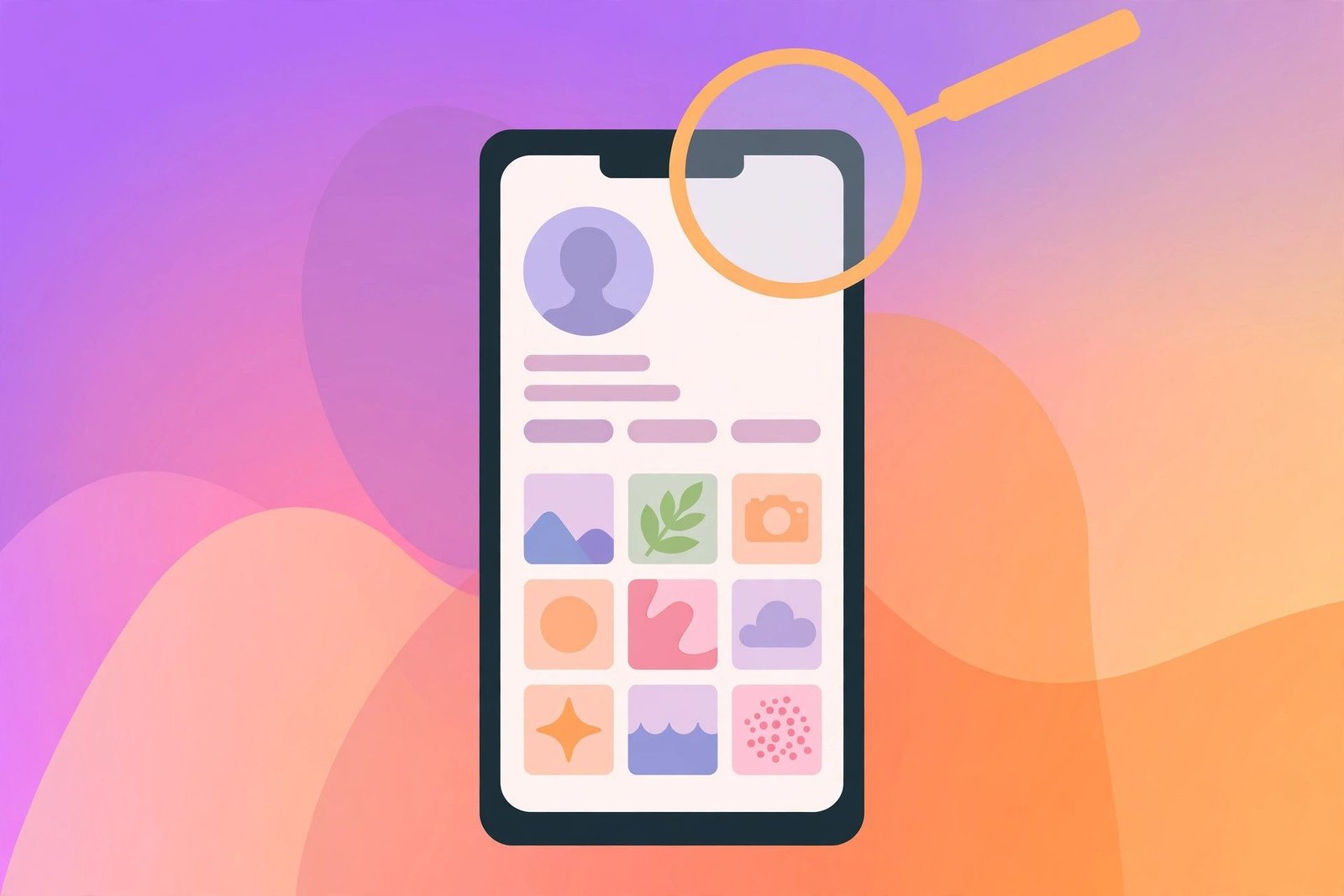
You want to look at someone’s Instagram profile — a business, a creator, an old friend — but you do not have an Instagram account, or you do not want to log in. An Instagram account viewer is built for exactly that: it shows you a public profile, its bio and its posts, without asking you to sign in. Here is the honest version up front: for a public account, you often do not need a special tool at all — Instagram itself shows public profiles to anyone on the web. And for a private account, no viewer in the world can show you the posts. This guide explains what an account viewer really does, how to use one safely, and the hard limits no tool can get around.
What Is an Instagram Account Viewer?
An Instagram account viewer is a web tool that shows you the public parts of an Instagram profile — username, name, profile photo, bio, follower and following counts, and public posts — usually without logging into your own Instagram account. The idea is simple: a public Instagram profile is already visible to the entire internet, and a viewer tool is just a different window onto that same public information. It loads the profile for you, sometimes in a cleaner layout than Instagram’s own logged-out pages, without your username appearing anywhere — because Instagram has no feature that tells anyone who viewed their profile.
Viewer tools go by several names — Instagram profile viewer, Instagram viewer, profile viewer without login — but they all do the same basic job. What they do not do is get you into a private account. If a site claims otherwise, it is a trap for your password.
What You Can and Cannot See
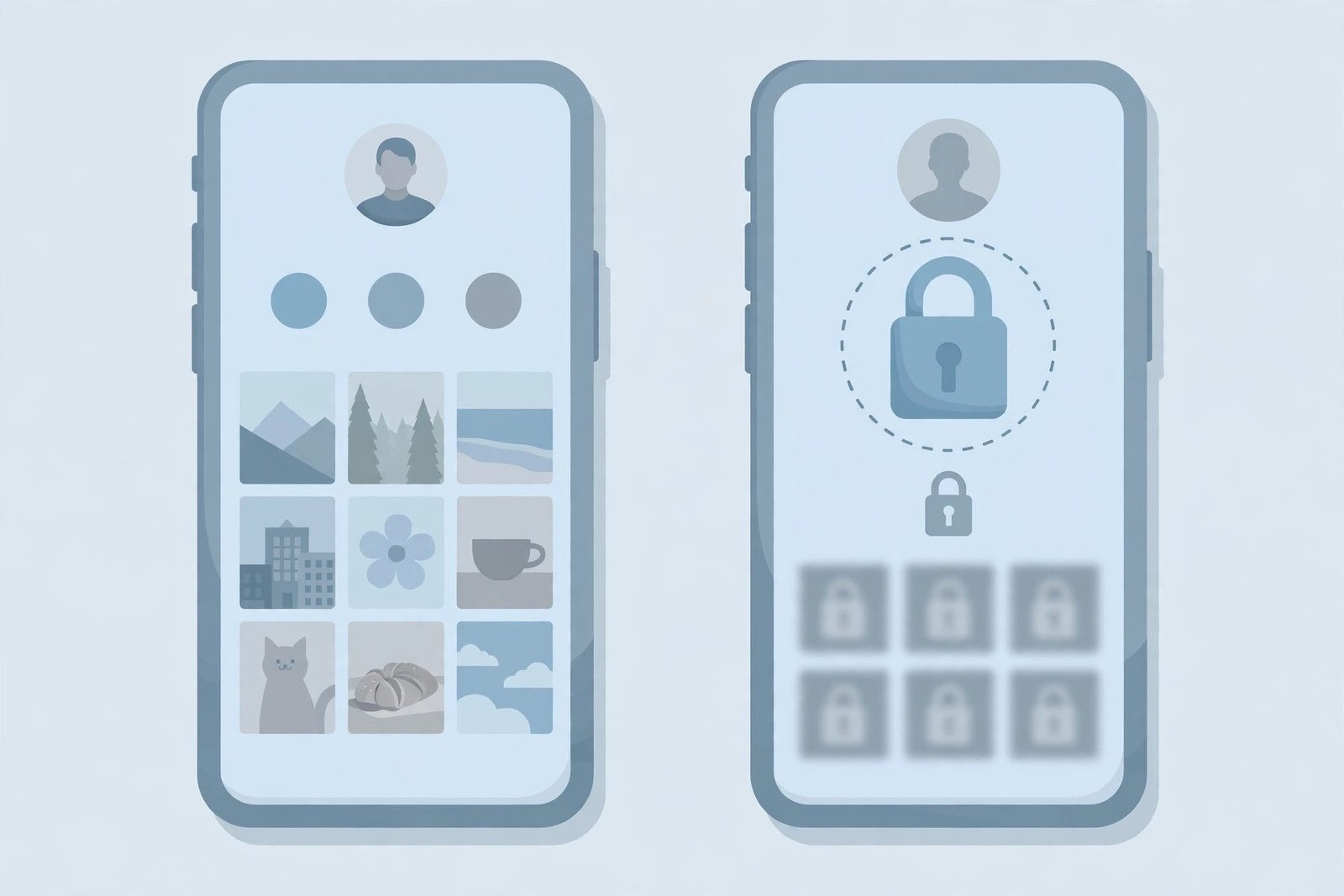
Before using any viewer, know exactly where the line falls — it is decided by one setting on the other person’s account: public or private.
On a Public Account, You Can See:
- profile photo, name, username and bio;
- follower, following and post counts;
- the grid of public posts, photos and Reels;
- individual posts with captions, likes and comments, when opened from a direct link;
- Highlights and stories need a login — a logged-out viewer cannot show stories.
On a Private Account, You Can See Almost Nothing:
A private account shows non-followers only the shell: the photo, name, bio and the three counts. The posts, Reels, Stories and Highlights are sealed off. A good tool shows you that shell plus a note that the account is private, instead of pretending the grid is empty.
There is no exception. Instagram only serves private content to approved followers, and the approval happens inside Instagram when the owner taps a button. No browser trick, viewer site or app changes that. Every site advertising a private profile viewer is a scam.
What No Viewer Can Ever Show You:
Who viewed a profile. Instagram keeps no list of who opened a profile and sends no notification for profile visits. No third-party tool can reveal who looked at your profile, because there is nothing to read — and the follower list is not public data either. Stories without a login. Stories are served only to a logged-in session — a logged-out viewer has no story row at all. Deleted posts. Once a post is deleted, it is gone from every viewer.
How to Use an Instagram Account Viewer: Step by Step
Using a viewer is straightforward — you do not need an Instagram account for any of it.
- Step 1: Get the Username — you need the exact username — the handle after the @ sign. If you only know the person’s name, search for it on Google together with “Instagram” to find the handle first.
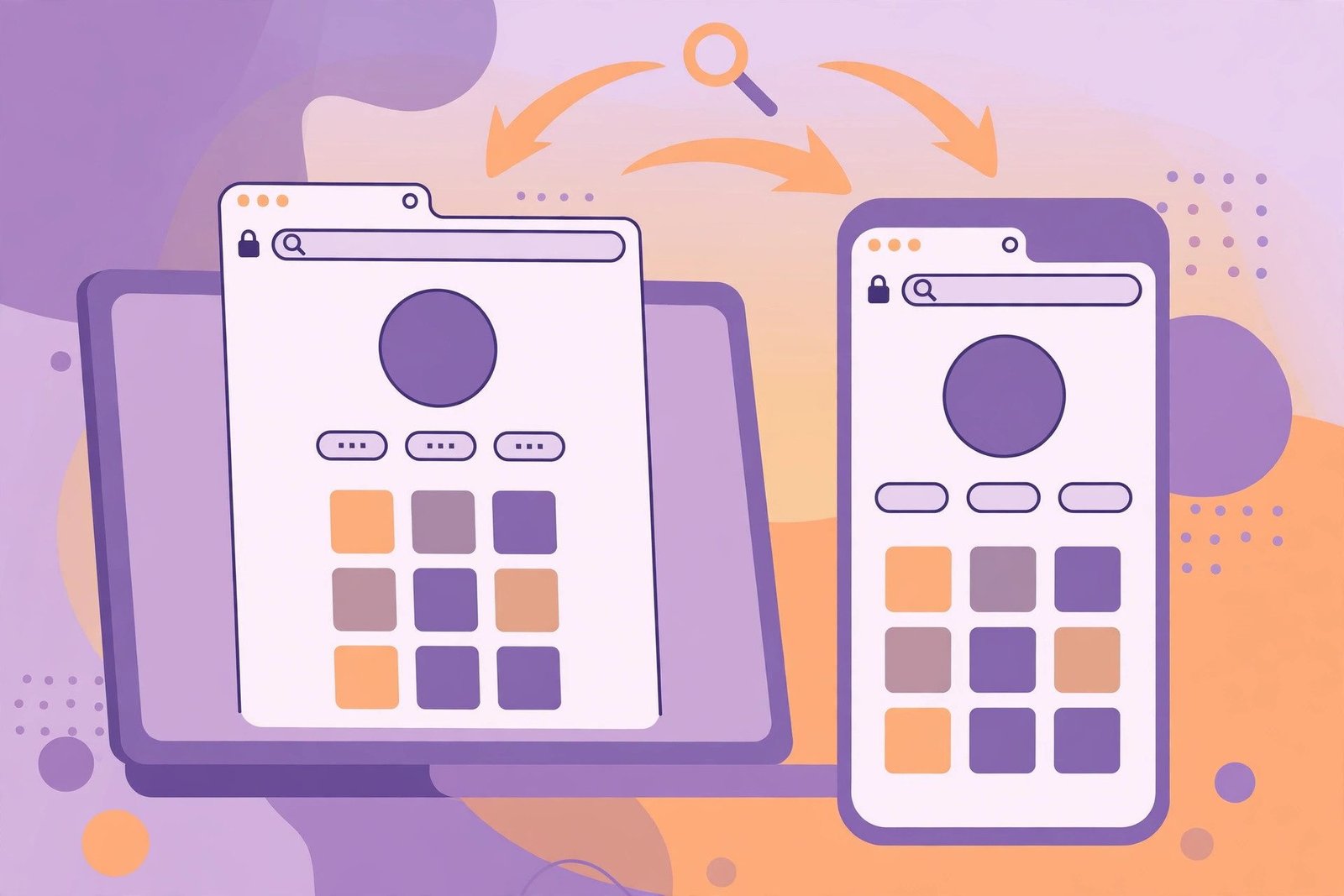
- Step 2: Open the Profile Directly, or Use a Viewer Tool — you have two routes, and the first needs no tool at all: Direct in your browser: type instagram.com/username into any web browser, replacing username with the exact handle. Instagram shows the public profile and a first batch of posts to visitors who are not logged in. Through a viewer tool: open a reputable Instagram account viewer, type the username into its search box, and press Search. The tool reads the public profile and shows the bio, counts and recent posts. The direct route is free, needs no sign-up, and cannot steal your password, because you never enter one. Use a viewer tool only when you want its cleaner layout.
- Step 3: Browse the Profile — scroll the grid, open individual posts to read captions and comments, and watch public Reels from their direct links — the same public content Instagram shows anyone on the web.
- Step 4: Leave Without a Trace — because you never logged in, your visit leaves no record — there is no viewer list for profiles. If you used a viewer tool, close the tab when you are done, and never create an account on the tool itself.
Public vs. Private: The One Rule That Decides Everything
It is worth repeating, because it causes almost every misunderstanding about account viewers: the field that decides everything is a single privacy flag on the account. On a public account, the grid and its posts are all there to read — for you, for a viewer tool, and for anyone on the internet. On a private one, the same lookup returns only the shell. Instagram has tightened logged-out access steadily, and the mobile app demands a login on launch with no logged-out browsing at all. If you need to see a private account, your only legitimate options are to send a follow request, ask a mutual connection, look for the same person on a platform where they post publicly, or accept the privacy setting. A follow request and an approval are the only doors in.
Is Using an Instagram Account Viewer Safe?
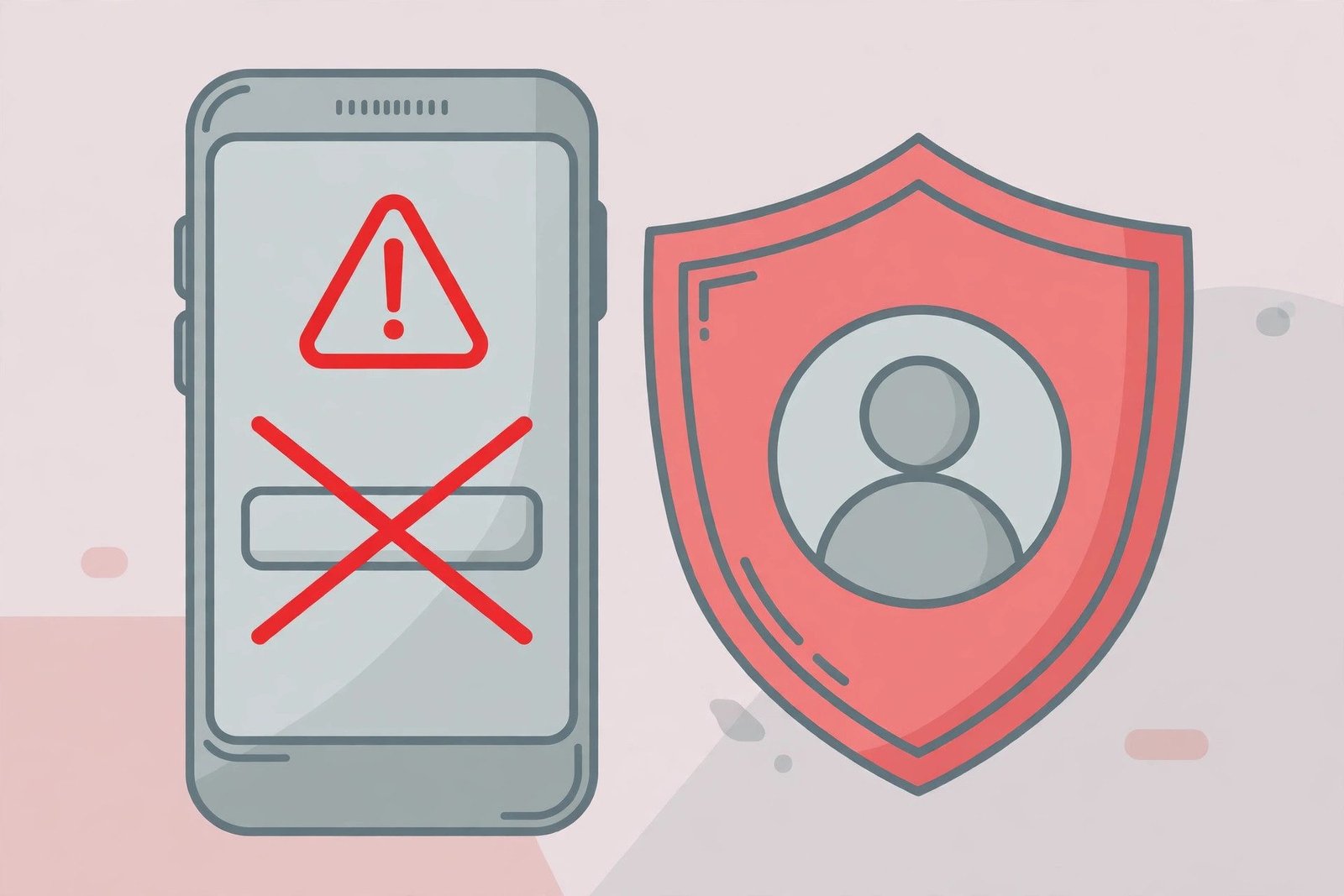
Viewing a public profile through a browser tool is generally safe — but only if you choose the tool carefully. A safe viewer works without any login, never asks for your Instagram password, does not require you to install anything, and does not ask for your phone number or email. Avoid any site that asks you to log in with Instagram, download a .exe or .apk file, complete a “human verification” step, or promises to show you a private account. These are the classic signs of a password-harvesting or malware site. Instagram’s Terms of Use prohibit unauthorised access, and sites promising private-account access violate those terms as well as lying to you.
Safety Tips
- Never enter your Instagram password on a viewer site — a real viewer does not need it, it only reads public pages.
- Never pay for a viewer. Public profiles are free to view, and any site charging for access is selling you something Instagram gives away.
- Do not install anything a viewer site tells you to install — profile viewing works in the browser.
- Prefer the direct route. Typing instagram.com/username into your browser needs no third-party site at all, so there is nothing to trust.
Instagram Account Viewer vs. Logging In
If you already have an Instagram account, logging in gives you more: stories, Highlights, the full feed, search and messages. A viewer is for when logging in is not possible or not wanted — checking a business profile quickly, or confirming an account exists. The trade-off is clear. Logged out, you get the profile card, a first batch of posts, single posts and Reels from direct links — and nothing else. Logged in, you get the whole app. Neither route shows you who viewed your profile: that feature does not exist. If your reason for using a viewer is to check whether someone blocked you, our guide on how to know if someone blocked you on Instagram covers the signs to look for.
Troubleshooting
The profile loads, but I can only see a few posts: that is normal for logged-out viewing — Instagram shows only a first batch of posts to visitors who are not logged in. Log in to see the full grid, or open individual posts from their direct links.
The profile shows only a photo, bio and counts: the account is private. No viewer can show you more, and any site that claims it can is a scam. Send a follow request from your own account if you want to see the posts.
The viewer says “user not found”: check the spelling of the username — one wrong letter is enough. The account may also be deleted, renamed, or unavailable. Search for the handle on Google to confirm it still exists.
The site asks me to log in with Instagram or verify I am human: close it and use a different route. A legitimate viewer needs neither your login nor a survey — the direct instagram.com/username route needs nothing at all.
Can the account owner see that I viewed their profile? No. Instagram has no profile-visitor feature and sends no notification for profile visits. For the same privacy with stories, see our guide on viewing Instagram stories anonymously.
FAQs
Q: What is an Instagram account viewer?
A: An Instagram account viewer is a web tool that shows you the public parts of an Instagram profile — username, bio, photo, counts and posts — without logging into Instagram. It only works on public accounts.
Q: Can I view an Instagram profile without an account?
A: Yes. Type instagram.com/username into any browser and Instagram shows the public profile and a first batch of posts to visitors who are not logged in. Stories, private accounts and following still need an account.
Q: Can an Instagram account viewer show private accounts?
A: No. A private account exposes only its photo, name, bio and counts to non-followers. No viewer, browser trick or app can show its posts — only an approved follower can see them.
Q: Does Instagram tell someone when I view their profile?
A: No. Instagram keeps no list of profile visitors and sends no notification for profile visits. The account owner cannot see that you viewed their profile.
Q: Is it safe to use an Instagram account viewer?
A: It is safe if the tool asks for nothing — no login, no password, no installation, no payment. Avoid any site that asks for your Instagram password or promises private accounts; those are scams.
Conclusion
An Instagram account viewer is useful for one specific job: looking at a public Instagram profile without logging in. The direct route — instagram.com/username in any browser — does the same job with no third-party site involved, and it is the safest option of all. What no viewer can do is open a private account, show you stories without a login, or tell you who viewed a profile. Those limits come from Instagram itself, and any site that claims to break them is lying. Use a viewer for public profiles, never enter your password on one, and remember the only way into a private account is a follow request the owner approves.
Related reading: View Instagram stories anonymously and View Instagram stories without an account.