
You post a story, wait a while, then swipe up to see who watched it — and the instagram story viewer order looks strange. The person at the top is not the one who watched first. Someone who viewed your story within seconds of posting is buried halfway down the list, while a name you barely recognise sits near the top. So what does the order actually mean? The short answer is that the list is not a timeline. Instagram ranks your story viewers using engagement signals, not the clock — at least once your story has enough viewers. Below, we explain exactly how the order works, what it does and does not say about the people watching, and how long the list stays available.
How to See Who Viewed Your Instagram Story
Before the order makes sense, you need to know where the list lives. Only the person who posted the story can see it — viewers cannot see each other, and nobody is told when they watch.
- Open Instagram and tap Your story at the top of the home screen, or tap your profile photo.
- While the story is playing, swipe up from the bottom of the screen, or tap the small eye icon and the viewer count in the bottom-left corner.
- A panel opens showing the total view count at the top and the full list of usernames below it.
- If you posted several photos or videos in one story session, tap through each one — every story slide has its own viewer list.
- A small heart icon next to a name means that person also liked the story, not just viewed it.
The number next to the eye icon is your total view count. Each person counts once, no matter how many times they rewatch the story — Instagram records that they viewed it at least once, not how many times they came back.
What the Instagram Story Viewer Order Means
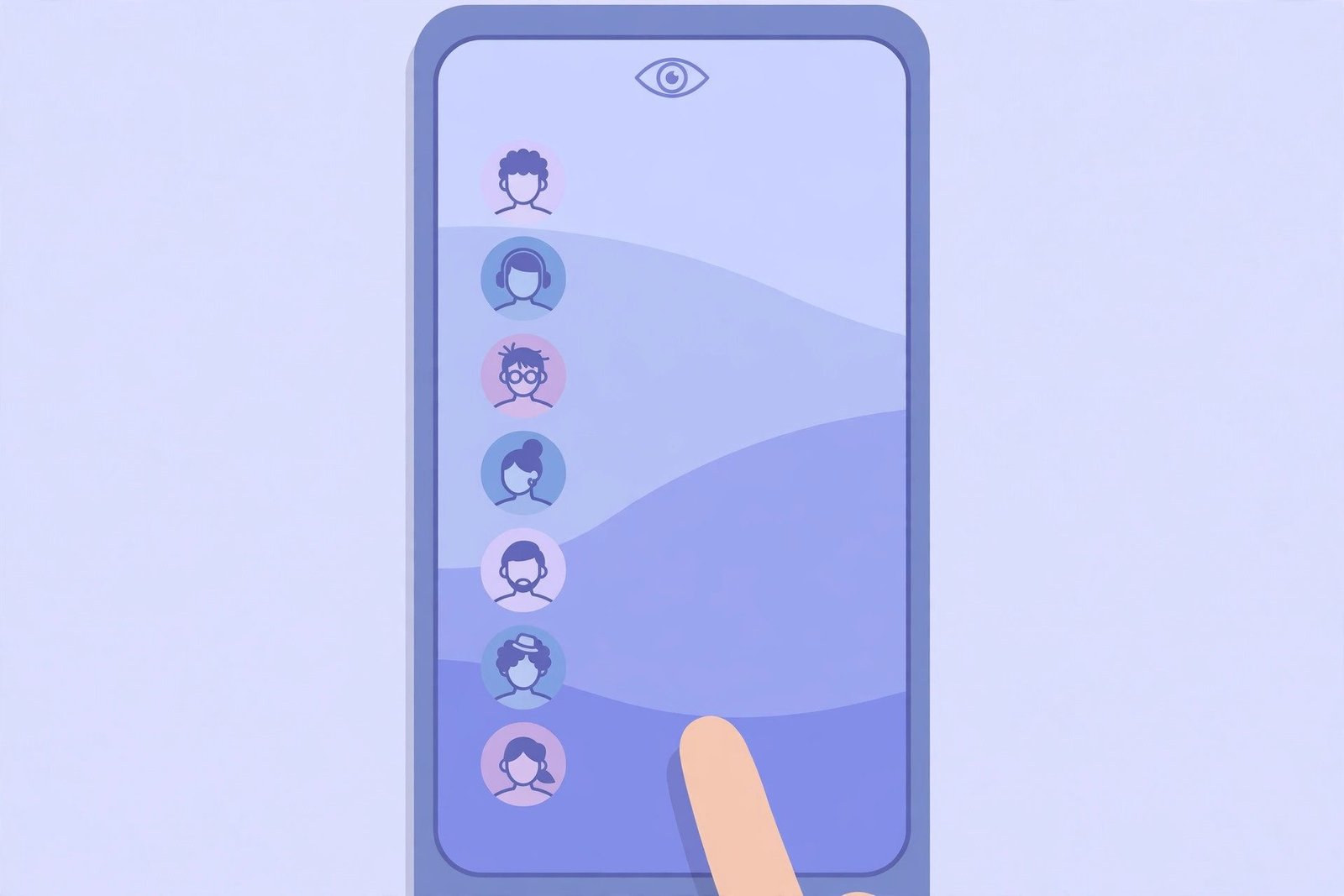
Here is the part most people get wrong: the order of your story viewers is not strictly chronological. It changes depending on how many people have watched.
Under About 50 Viewers: Mostly Newest First
When a story has fewer than about 50 viewers, the list is roughly in reverse chronological order. The most recent viewer sits at the top, and scrolling down takes you back in time. With a small audience, the order tells you very little — the name at the top is simply the last person who watched.
Over About 50 Viewers: Ranked by Engagement
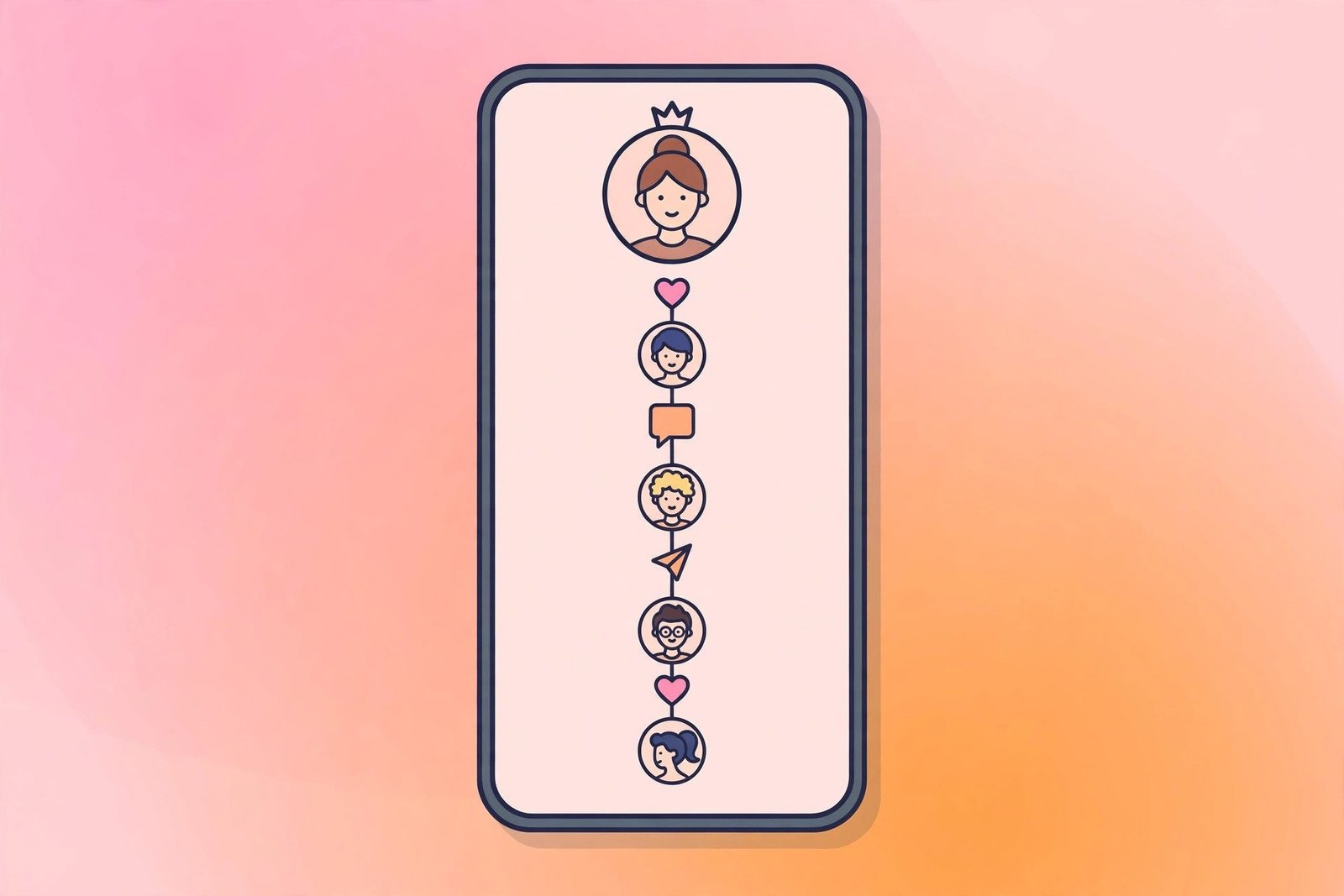
Once a story passes roughly 50 views, Instagram stops sorting by time and starts ranking the list by engagement signals. Independent testing by social media tools (Vista Social and Pallyy) found that the order is shaped by how each viewer interacts with your account: profile visits, likes, comments, direct messages, and how often that person watches your stories. In plain words, the people at the top are the ones who interact with your account the most. The person at the very top might have watched your story eleven hours after you posted it, while someone who watched within the first minute could sit halfway down the list.
Two things are worth stating clearly here. First, Instagram has not published the exact formula, so the 50-viewer threshold and the signals behind it come from outside testing, not from Instagram itself. Treat this as the best current reading, not an official rule. Second, the signals are about the viewer’s behaviour toward you — not yours toward them. Visiting someone’s profile does not push your name to the top of their list.
What the Order Does NOT Mean
The viewer list invites guesswork, and most of the popular theories about it are wrong.
It does not mean someone is stalking you. A name near the top means that person interacts with your account often — they like your posts, reply to your stories, or message you. That is normal engagement, not surveillance. A close friend who comments on everything you post will naturally sit near the top.
It does not mean your crush checked your profile. The order says nothing about who visited your profile. Instagram has no profile-visitor list at all, and no tool can show you one. The ranking reflects interaction with your content, not silent profile visits.
It does not mean the top person watched first. On a story with more than a few dozen viewers, the top of the list is the most engaged viewer, not the earliest one. The only way to know who watched first is to check the list early, when it is still small and mostly chronological.
It does not mean someone is ignoring you. A friend sitting near the bottom did not necessarily watch late or care less — on a popular story, the ranking pushes less frequent engagers down regardless of when they watched.
Why the Order Changes While Your Story Is Live
You may check your viewer list twice and find the order has moved. That is normal. The list is not fixed when your story is posted — it updates as more people watch and as Instagram recalculates the ranking. A story that starts with 20 viewers in chronological order can switch to engagement ranking once it crosses roughly 50 views. You cannot sort the list yourself, change the order, or choose a different view. There is no setting for it, and no third-party app can reorder it for you — any app that claims to show you a “true” order or a hidden ranking is making it up.
How Long the Viewer List Lasts
Stories stay visible for 24 hours, but the viewer list lasts a little longer than the story itself.
- 0 to 24 hours: the story is live, and the full viewer list with names is available by swiping up.
- 24 to 48 hours: the story has moved to your archive, and the viewer list with names is usually still available there. Go to your profile, tap the menu icon, tap Archive, then Story Archive, and select the expired story.
- After 48 hours: the names disappear. Business and Creator accounts can still see the total view count in Insights, but not who watched.
This only works if your story archive is turned on, which is the default setting for most accounts. If you switched Archive off before posting, the story and its viewer data are gone once the 24 hours expire — there is no way to recover a viewer list for a story that was never archived.
Who Can See Your Story Viewer List?
Only you can see who viewed your story. Your followers see the story itself, never the viewer list, the view count, or the detailed insights. On a private account, the list works exactly the same way, except only your approved followers can see the story in the first place — so everyone on the list is someone you already approved. On a public account, anyone on Instagram can view your story without following you, and they will appear in your list the same way. If you have blocked or restricted someone, they cannot view your story at all, so they will never appear in the list. And if you hide your story from someone using the Hide Story setting, they will not see it or appear in the viewer list either.
For more on keeping your story views private, see our guide on viewing Instagram stories anonymously.
There is also no notification involved. Instagram does not notify anyone when you view their story, and it does not notify you when someone views yours. Your name simply appears in their list — and theirs in yours. If you are curious about screenshot alerts as well, our article on whether Instagram notifies you when someone screenshots covers that separately.
Troubleshooting
The viewer list is empty, but the view count is not zero: wait a moment and pull down to refresh. The list sometimes loads slower than the count. If it stays empty, check whether the story has passed the 48-hour window — after that, only the count remains.
I can see the list, but the order keeps changing: this is normal. The list re-ranks as new people watch, and it switches from chronological to engagement-based ranking once the story passes roughly 50 viewers. There is nothing to fix.
A specific person is missing from the list: either they did not watch the story, they are blocked or restricted, or you hid the story from them. There is no way to see attempted views — Instagram only records people who actually opened the story.
The story is gone from my archive: the archive only keeps stories posted while Archive was turned on. If it was off, the story is gone for good. Turn Archive on now under Settings so future stories are saved.
Can I see who viewed my story Highlights? Highlights are saved stories, so they follow the same rules. You can see who viewed a highlight only within 48 hours of the original story being posted — after that, only the total view count remains. Our guide on viewing Instagram Highlights anonymously explains the viewer side of Highlights in detail.
FAQs
Q: What does the Instagram story viewer order mean?
A: The order shows who Instagram ranks as most relevant to you. With fewer than about 50 viewers it is mostly newest first; above about 50 it is ranked by engagement signals such as likes, comments, messages and how often someone watches your stories. Instagram has not published the exact formula.
Q: Does the top viewer mean they stalk me?
A: No. A name at the top usually means that person interacts with your account often — liking, commenting or messaging. It is a measure of engagement, not of someone watching you secretly.
Q: Can someone see that I viewed their story?
A: Yes — if you view someone’s story, your username appears in their viewer list. Only the person who posted the story can see that list. There is no way to view a story without appearing on the list while logged in.
Q: How long can I see who viewed my story?
A: You can see the full list with names for about 48 hours after posting: 24 hours while the story is live, then roughly another 24 hours in your Story Archive. After that, only the total view count remains.
Q: Can I change the order of my story viewers?
A: No. Instagram decides the order, and there is no setting to sort or reorder it. Any app that claims to change the order or reveal a hidden ranking is not telling the truth.
Conclusion
The instagram story viewer order is not a list of who watched first, and it is not a secret ranking of who cares about you most. Below about 50 viewers it is mostly newest first; above that, it is Instagram’s best guess at who interacts with your account the most. The person at the top is usually your most frequent engager, not your earliest viewer — and not a stalker. Check the list while your story is still live if you want the clearest picture, and remember the 48-hour window: after that, the names are gone for good. And if the order ever looks strange, it is not a bug. It is simply Instagram ranking engagement over time.