
Instagram Shadowban Checker: How to Check and Fix a Shadowban in 2026
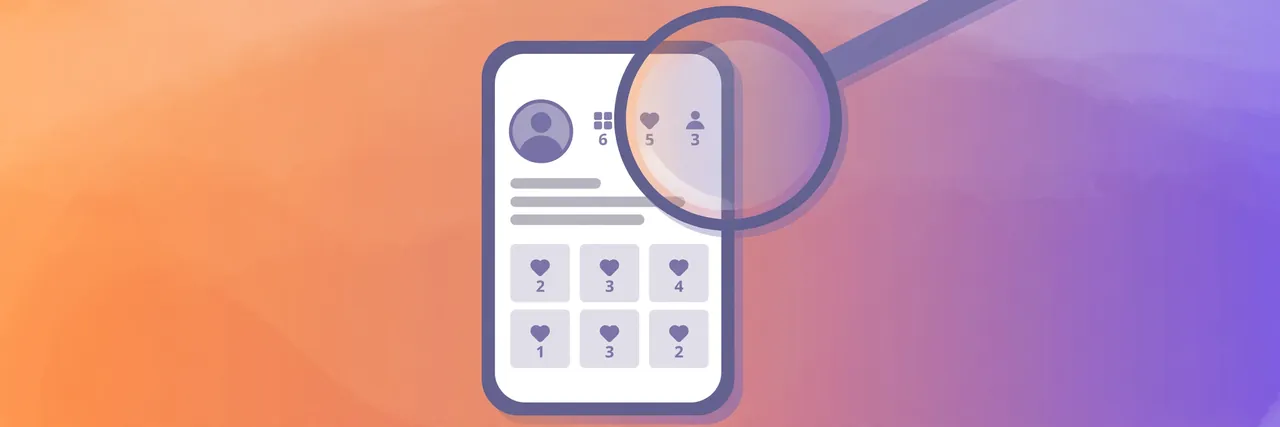
An Instagram shadowban checker is any method or tool that claims to tell you whether Instagram has quietly limited your account’s reach. Your posts stay visible to followers, but stop appearing in search, on hashtag pages, and on the Explore page — so new people stop finding you, and your reach falls without any warning from Instagram.
Here is the honest truth first: Instagram offers no official shadowban checker, and third-party websites cannot see Instagram’s internal data. What you can do is run the real checks Instagram provides, read the signs in your own Insights, and fix the causes. This guide shows you how to test your account and how to fix an Instagram shadowban in 2026.
What is an Instagram shadowban?
A shadowban is not an official Instagram term — Instagram says it does not shadowban accounts the way people imagine. What people call a shadowban is usually a real drop in distribution: Instagram’s systems decide your content is less eligible to be recommended, so they stop showing it to non-followers.
That matters because most growth comes from non-followers finding you through search, hashtags, and recommendations. When that discovery stops, your likes and follows dry up even though followers can still see your posts. The account looks normal from the inside, which is why the problem feels invisible.
Reduced distribution usually has a cause: content that breaks Instagram’s guidelines, spammy behaviour such as mass following or bot-like activity, or banned hashtags. Fixing it means finding and removing the cause, not finding a magic tool.
Instagram shadowban checker: how to test your account properly
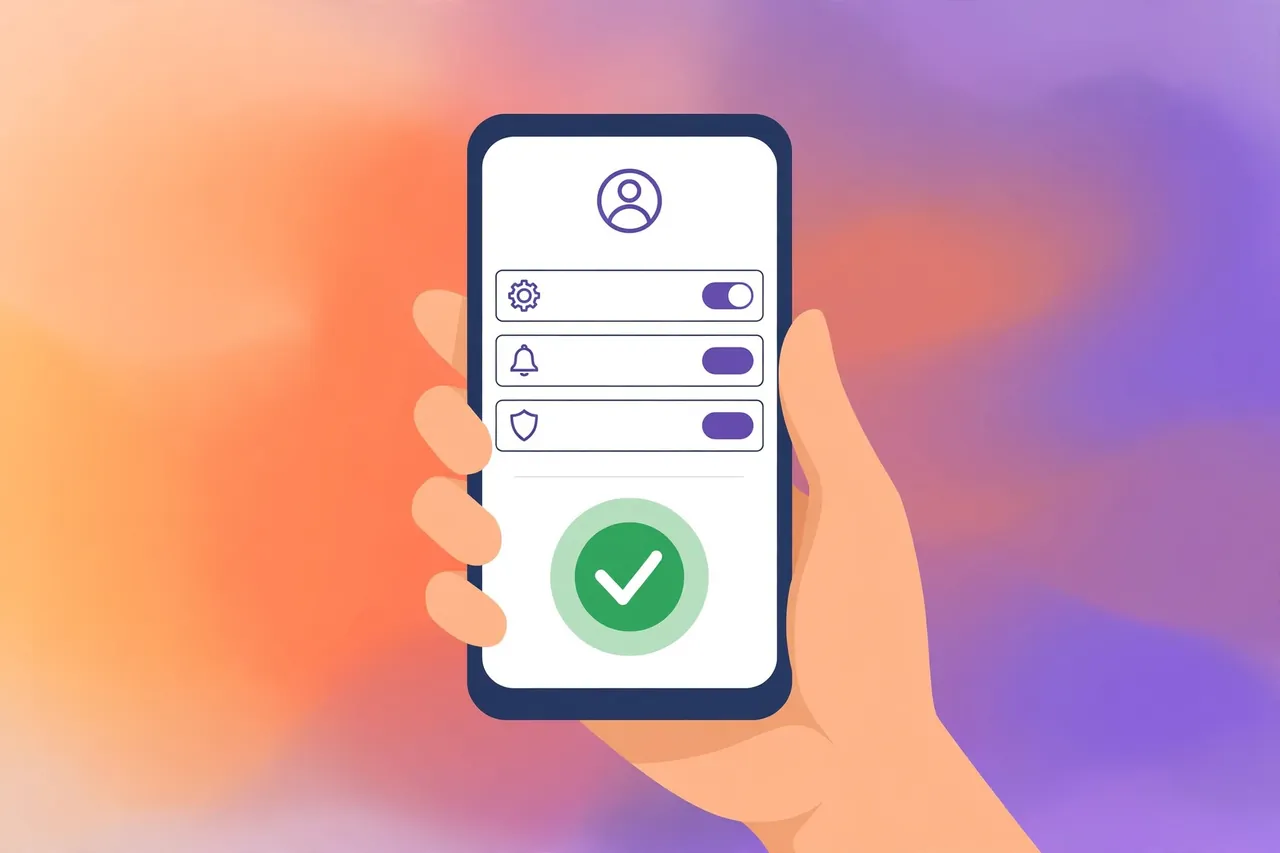
Forget the websites that promise an instant answer from your username. No outside website can see whether Instagram has limited your account — only Instagram can tell you, in Account Status. Work through these checks in order.
Step 1: Check Account Status
Go to Settings → Account Status in the Instagram app. It tells you whether your account or content has been flagged, and whether any posts are not eligible to be recommended to non-followers. If something is listed, Instagram usually says which post is affected and why — and often lets you appeal or delete it. This is the closest thing to an official Instagram shadowban checker that exists.
If Account Status is clean, your account is not under a formal restriction — a reach drop then usually has a different cause.
Step 2: Read your Insights
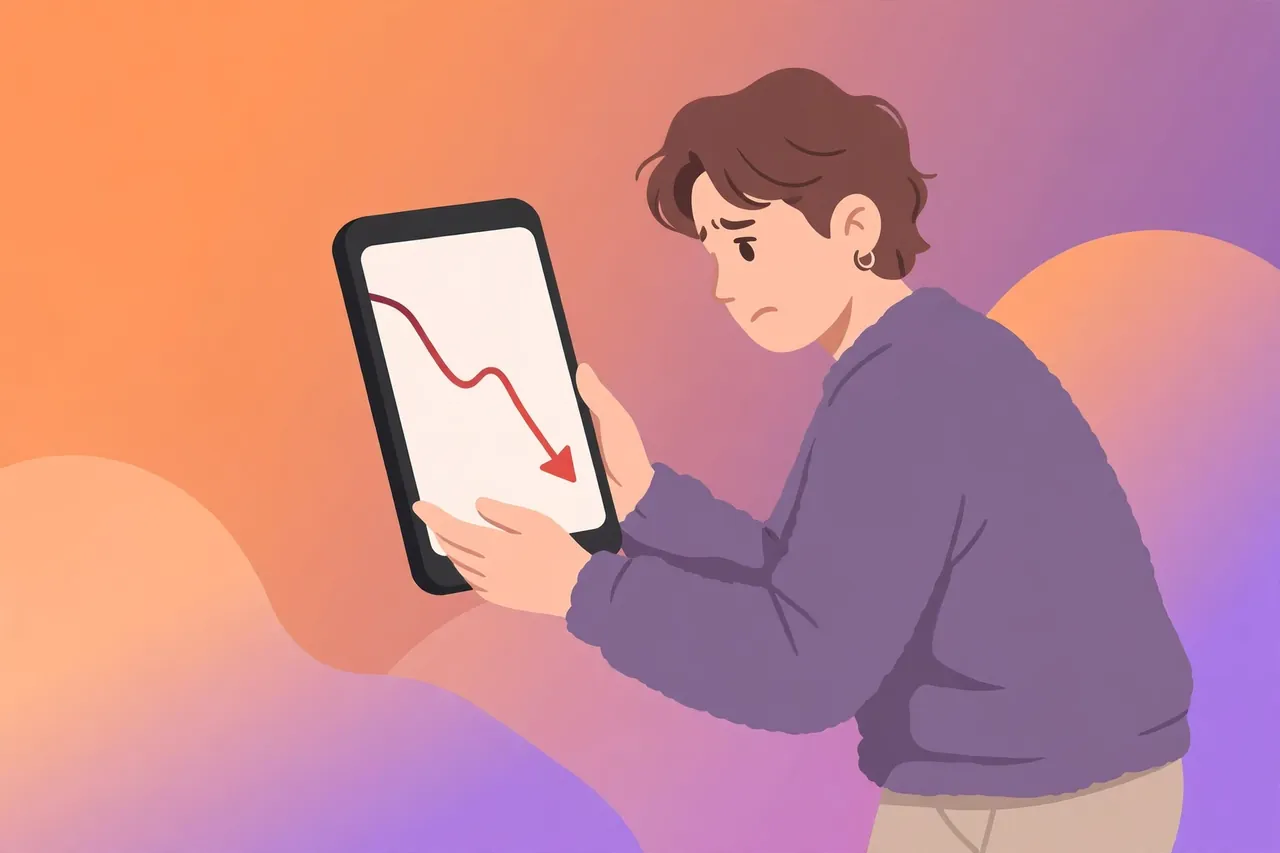
Open Insights and look at the reach of your last few posts, split into followers and non-followers. In a normal account, a healthy share of reach comes from non-followers; in a limited account, the non-follower number collapses while follower reach stays roughly normal. That pattern — followers fine, strangers gone — is the clearest sign of a distribution problem.
Compare against your own past performance. One weak post is normal; a sudden drop across five or six posts is a pattern. Our guide on how to check your Instagram engagement rate explains the key figures.
Step 3: Do the hashtag test
Post a photo or Reel with a small, uncommon hashtag — one with only a few thousand posts, so you can find your post in the results. Then log out, or ask a friend who does not follow you, and search that hashtag. If your post does not appear under Recent, your content is not being shown in hashtag search. Repeat with a second hashtag, because a single test can mislead.
Why third-party shadowban checker sites are unreliable
Dozens of websites offer a free shadowban check: type your username, and they give you a yes or no. They cannot see Instagram’s internal systems, so their answer is a guess based on public signals. That guess is often wrong. Worse, some ask you to log in with Instagram — never do that. A legitimate checker never needs your password.
Common causes of a shadowban
Instagram limits distribution when its systems see behaviour that looks like spam or rule-breaking:
- Breaking the Community Guidelines. Misleading, graphic, or copyrighted material can be limited or removed, and repeat violations limit the whole account.
- Spammy behaviour. Mass following and unfollowing, liking hundreds of posts in minutes, or posting the same comment everywhere looks like bot activity, even when a human is doing it.
- Automation and bots. Apps that follow, like, or comment on your behalf break Instagram’s rules. Instagram detects most of them, and accounts using them get limited.
- Banned or broken hashtags. Some hashtags are restricted because they were abused. Using one can keep that post out of search results, and using several can affect the account.
- Reposting other people’s content. Re-uploads from another account are less likely to be recommended, especially with another app’s watermark.
How to fix an Instagram shadowban in 2026
There is no button that instantly restores your reach. Fixing a shadowban means removing the cause and giving Instagram’s systems time to trust the account again.
Step 1: Stop the behaviour that caused it
Disconnect any automation or bot app immediately, and stop mass following, mass liking, and copy-paste commenting. Revoke any third-party app’s access in Settings under Apps and Websites. This is the most important step — nothing else helps while the behaviour continues.
Step 2: Clean up your content
Open Account Status and deal with anything flagged: delete the post, or appeal if the flag was a mistake. Then review recent posts, delete anything that breaks the rules, and remove banned or irrelevant hashtags from recent captions. Stop reposting other people’s Reels and post original content instead.
Step 3: Take a short break from posting
Pause posting for 48 to 72 hours. You can still reply to comments, but do not publish, follow, or like in bulk. This gives Instagram’s systems a clean window.
Step 4: Appeal if you were flagged by mistake
If Account Status shows a restriction you disagree with, use the appeal option on that screen and explain briefly what happened. A successful appeal can restore a post’s eligibility.
Step 5: Come back with original, rule-following content
When you start posting again, publish original photos and Reels, use a few relevant hashtags, and engage at a normal human pace. Avoid reposting and engagement pods, and do not buy followers — fake followers damage your engagement rate and can trigger limits.
Step 6: Report a problem if nothing changes
If reach has not recovered after two weeks of clean behaviour, use Settings → Help → Report a problem and say when the drop started.
How long does a shadowban last?
There is no fixed length. Once the cause is removed, reach usually starts to recover within a few days and returns to normal within one to two weeks. If the behaviour continues — the bot is still connected, the hashtags are still banned — the limit can last much longer.
If your reach has been low for more than a month despite clean behaviour, the problem is probably not a shadowban — the fix is a content rethink, not a recovery routine.
How to avoid a shadowban in future
- Post original content only. Your own photos, videos, and ideas — not re-uploads of other people’s posts.
- Use hashtags that fit the post. A handful of relevant hashtags beats thirty copied ones. Check that a hashtag is not restricted before using it.
- Grow at a human pace. Sudden bursts of following and liking are the classic bot signal.
- Do not use automation. No app should follow, like, or comment for you. Instagram’s rules are clear on this, and detection keeps improving.
- Check Account Status monthly. A quick look once a month catches flags early. The same troubleshooting habit helps with other account problems — see our guide on Pixwox not working for the general approach.
Troubleshooting common problems
- Account Status is clean but reach is still low. This usually means the content is underperforming, not the account. Check which posts your audience engaged with and post more of that type.
- Only one post is missing from search. A single post can be limited without the whole account being affected — check it for a banned hashtag or reposted content, then delete or edit it.
- You think someone blocked you, not a shadowban. The signs overlap. Our guide on how to know if someone blocked you on Instagram explains how to tell the difference.
- A checker site says you are banned but Instagram says you are fine. Trust Instagram — third-party checkers cannot see your account’s real status.
Frequently asked questions
Is there a real Instagram shadowban checker?
There is no official shadowban checker, and no third-party website can see your account’s real status. The reliable checks are Account Status, your own Insights, and the hashtag test above.
How do I know if I am shadowbanned on Instagram?
Check Account Status first. Then look at Insights: if reach from non-followers has collapsed while follower reach is normal across several posts, your distribution is limited. Confirm it with the hashtag test.
How do I fix an Instagram shadowban in 2026?
Stop automation, disconnect bot apps, delete flagged content and banned hashtags, pause posting for two to three days, then return with original content at a normal pace. Most accounts recover within one to two weeks.
How long does an Instagram shadowban last?
Usually a few days to two weeks after the cause is fixed. Longer than a month despite clean behaviour points to content performance, not a restriction.
Can a shadowban checker website steal my account?
A site that only asks for your public username cannot steal your account, but it cannot give you a real answer either. Any checker that asks for your Instagram password is dangerous — never enter your password outside Instagram itself.
Final word
Do not trust a website that promises to check your shadowban in one click — it cannot see what Instagram sees. Open Account Status, read your Insights, and run the hashtag test yourself. Then fix the cause: disconnect automation, clean up flagged content and hashtags, pause for two or three days, and come back with original posts at a human pace. Most accounts recover within a couple of weeks — and the habits that prevent the next one are the same habits that grow an account.
Sources: Instagram Help Center — https://help.instagram.com/; Instagram — About Instagram — https://about.instagram.com/