


Instagram Story Viewer List: How to See Who Viewed Your Story
Your Instagram story viewer list is the list of everyone who has watched your story. Instagram shows it to you, and only to you: open your own story, swipe up, and there it is — every account that viewed it, with a total view count at the top. No extra app or tool is needed.
This guide explains how to open your story viewer list, what it shows and what it does not show, how long it stays available, and how to control who sees your stories. It is about the list itself — who viewed your story — not what the order of the names means. For the order, see our guide on the Instagram story viewer order.
What is the Instagram story viewer list?
When you post a story, Instagram keeps a record of every account that watches it. That record is your story viewer list. It shows the profile picture and username of each viewer, and a count of total views at the top. If someone watches your story more than once, they still appear once — the list counts people, not repeat views.
Only you can see your own viewer list. Your followers cannot see who else watched your story, and neither can the people on the list. Nobody is told they appear on your list, and nobody can tell how many times you watched a story — only that you did.
The list exists for stories only. Instagram does not show you who viewed your profile, your feed posts, or your Reels — stories are the one format where views are attached to names.
How to see who viewed your Instagram story
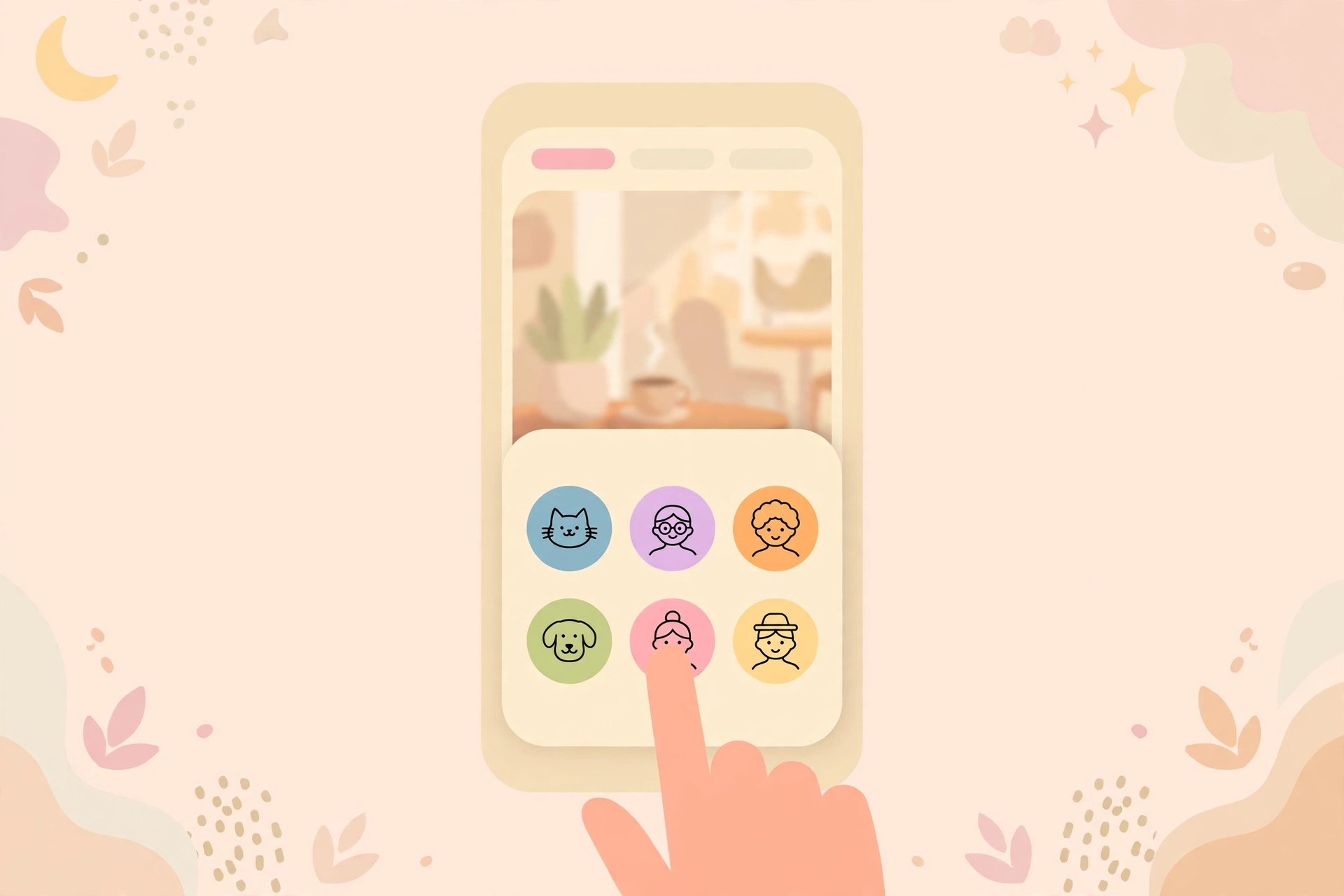
Opening your viewer list takes a few seconds, and the steps are the same on Android and iPhone.
Step 1: Open your story
Open the Instagram app and tap your profile picture at the top of your home screen, or on your profile page, to open your current story.
Step 2: Swipe up
While your story is playing, swipe up from the bottom of the screen. The viewer list opens, with the total view count at the top. You can also tap the eye icon at the bottom-left, which opens the same list.
Step 3: Scroll through the list
Scroll down to see everyone who has watched so far. If your story has several slides, check each one separately: swipe to the slide, then swipe up again.
On desktop, the process is similar. Open Instagram in your browser, click your profile picture to open your story, and click the eye icon or the viewer count at the bottom-left to open the list.
How long does the viewer list stay available?
Your story stays live for 24 hours, and the viewer list is available the whole time. After the story expires, the list does not vanish straight away: Instagram keeps it available for up to 48 hours after you post — 24 hours live, and a further day in your story archive.
To check the list after a story has expired, open your profile, tap the menu, then Archive, and open the story from your archive. If it is still within the 48-hour window, you can swipe up and see the viewer list just as before. After 48 hours, the list is gone for good.
If you posted several stories in a day, each one has its own viewer list, and each list follows its own 48-hour clock from the time that story was posted.
How the viewer list is ordered
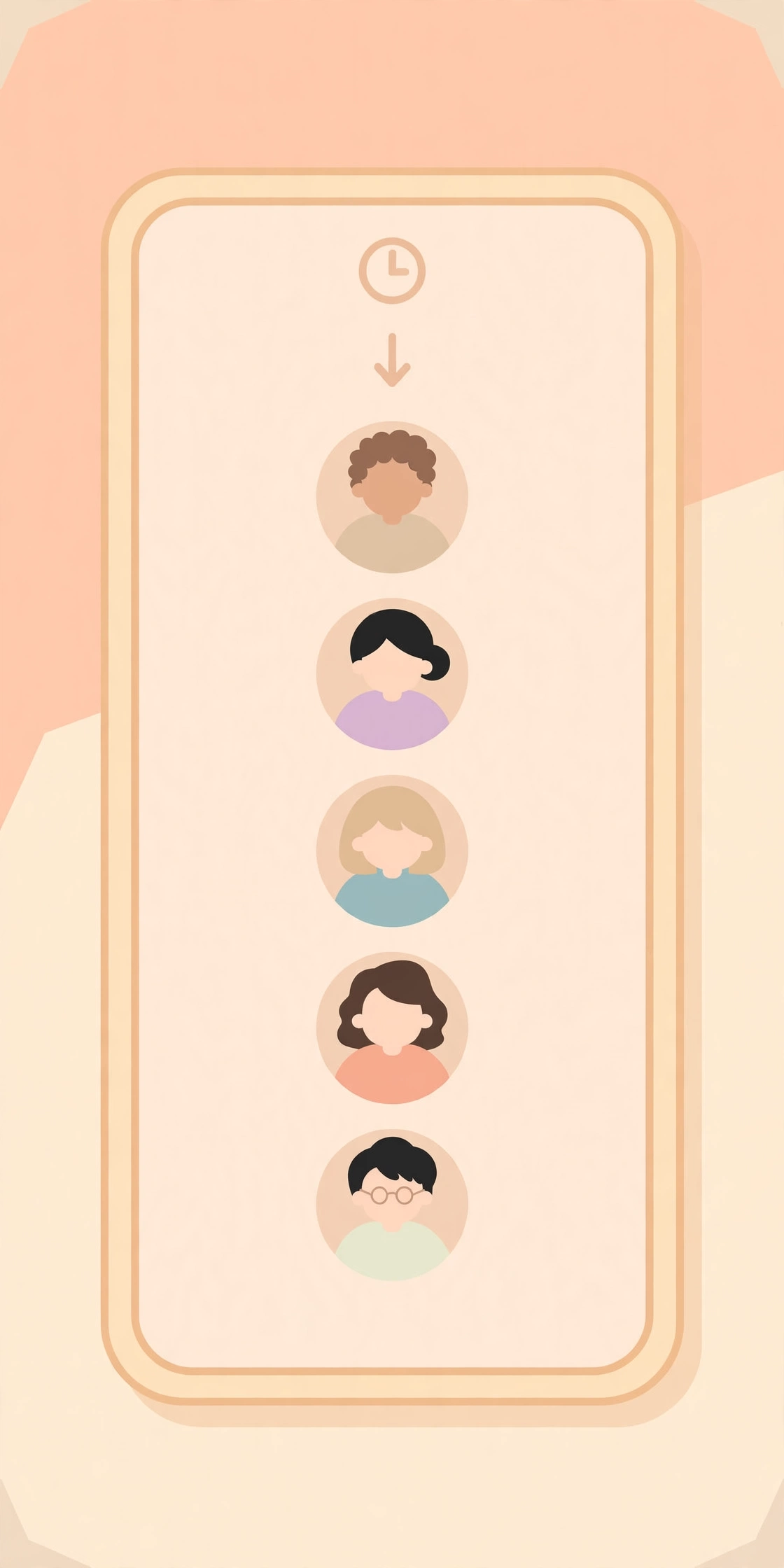
The viewer list is not a simple newest-first timeline. The names near the top are a mix of people who viewed recently and people you interact with most on Instagram — accounts you message, like, or comment on often. Instagram does not publish the exact rule it uses, so the list is a rough guide to who is watching, not a precise record of the order in which people viewed.
That means the person at the top of your list is not necessarily the person who viewed most recently, and it certainly does not mean they are watching you more closely than anyone else. The only reliable thing the list tells you is who has seen your story. For a full explanation of how the order works, see our guide on the Instagram story viewer order.
What the viewer list does not show
The viewer list is useful, but it has limits, and knowing them stops you from drawing the wrong conclusions.
- No exact viewing times. The list shows who watched, but not when — there is no timestamp next to any name.
- No repeat-view count. If someone watches your story five times, they appear once. The total view count can be higher than the number of names on the list, because repeat views add to the count but not to the list.
- No anonymous viewers. Anyone who watches your story inside Instagram appears on the list by name. People who view stories without appearing on it are using a viewer tool outside Instagram, not the app itself.
- No profile visitors. The list only covers your story. It says nothing about who visited your profile or looked at your posts.
- No viewers after 48 hours. Once the 48-hour window closes, the list disappears, and there is no way to get it back.
Who can see your story and how to hide it

On a public account, anyone can watch your story, including people who do not follow you, and every one of them will appear on your viewer list. On a private account, only your approved followers can watch it. Your account setting is the first control over who sees your stories.
Instagram also gives you finer controls. You can hide your story from specific people: go to Settings, then Privacy, then Story, and add people to the “Hide story from” list. Those people will not see your stories at all. For the full set of privacy methods, see our guide on how to hide followers on Instagram.
You can also share a story with Close Friends only. When you post, choose Close Friends instead of Your story, and only the people on that list will see it. And if someone is bothering you, blocking them removes them from your viewer list entirely.
Remember that hiding a story is not the same as deleting it. If you hide a story from someone after they have already watched it, their name stays on the viewer list for that story. Hiding only stops them from seeing future stories.
Can you see who viewed someone else’s story?
No. You can only see the viewer list for your own stories. When you watch someone else’s story, you cannot see anyone else’s name — Instagram keeps each viewer list private to the person who posted the story.
That also means no tool can show you someone else’s viewer list. Apps and websites that promise to reveal who viewed another person’s story are scams: that information exists only inside the story owner’s account. The same goes for tools that claim to show who viewed your profile — Instagram has no profile-visitor feature.
If you want to watch someone’s story without appearing on their viewer list, the only way is to view it outside the Instagram app, with an anonymous viewer tool. Our guide to the anonymous Instagram story viewer explains how those tools work and what they can and cannot do.
Troubleshooting common problems
- The viewer list is empty. If nobody has watched your story yet, the list will be empty. Give it some time, and check again later. A story posted minutes ago may simply have no viewers yet.
- The view count is higher than the number of names. This is normal. Repeat views add to the total count, but each person appears only once in the list.
- A name has disappeared from the list. If someone viewed your story and then blocked you or deleted their account, their name can vanish from the list.
- You cannot find the viewer list after the story expired. The list is only available for up to 48 hours after posting. Check your story archive: if the story is older than 48 hours, the list is gone.
- The swipe-up gesture does nothing. Make sure you are viewing your own story, not someone else’s. Only your own stories have a viewer list. Update the app if the gesture still does not work.
- An app promises to show more viewers than Instagram does. It cannot. Any app that asks for your Instagram password to reveal viewer data is trying to steal your account.
Frequently asked questions
How do I see who viewed my Instagram story?
Open your own story and swipe up, or tap the eye icon at the bottom-left. The viewer list opens, showing the total view count and every account that watched the story.
Can someone see that I viewed their Instagram story?
Yes. Your username appears on their viewer list the moment you watch their story inside the Instagram app. The only way to watch without appearing is to use an anonymous viewer tool outside the app.
How long can I see who viewed my story?
For up to 48 hours after you post it: 24 hours while the story is live, and a further day in your story archive. After that, the list disappears permanently.
Does Instagram show the exact time someone viewed my story?
No. The viewer list shows who watched, but not when. There is no timestamp next to any name on the list.
Can I see who viewed someone else’s story?
No. You can only see the viewer list for your own stories. Nobody else’s viewer list is visible to you, and no app or website can reveal it.
Final word
Your Instagram story viewer list is simple to check and easy to misread. Open your own story, swipe up, and you will see everyone who watched it, available for up to 48 hours after posting. The list tells you who viewed your story — not when, not how many times, and not why they sit where they do. If you want fewer eyes on your stories, hide them from specific people, share with Close Friends, or switch to a private account.
Sources: Instagram Help Center — https://help.instagram.com/; Meta Accounts Centre — https://accountscenter.instagram.com/