

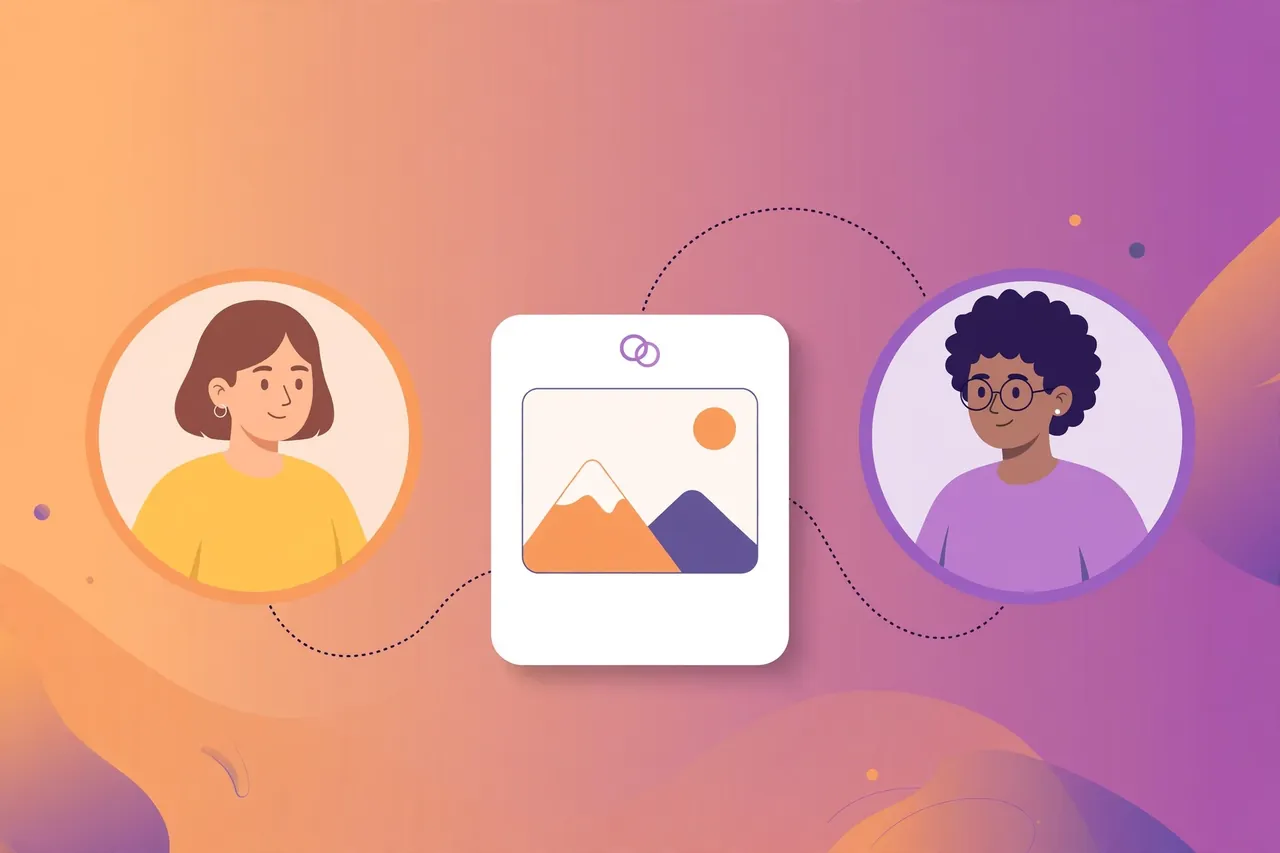
An Instagram collaborative post lets two accounts publish one post together, so the same photo or Reel appears on both profiles and collects likes and comments in one place. It is one of the simplest ways for creators, brands, and friends to reach each other’s audiences without posting the same content twice. If you have ever seen a post with two usernames at the top, you have seen a collab post in action.
Short answer: An Instagram collaborative post is a single post shared by two accounts. One person creates the post and invites the other as a collaborator before publishing. Once the invited person accepts, the post appears on both profiles, and both accounts share the same likes, comments, and view count. You cannot add a collaborator after the post is published — the invite must happen before you share it.
What Is an Instagram Collaborative Post?
A collaborative post, often called a collab post, is a post with two authors instead of one. It can be a photo, a carousel, or a Reel. The post shows both usernames in the header, and it appears in the feeds and profile grids of both accounts. Instead of two separate posts competing for attention, both accounts share a single post and a single conversation in the comments.
Collab posts are popular with creators who work together, brands that partner with influencers, and businesses that run joint campaigns. A fitness coach and a nutritionist can share one workout Reel. A clothing brand and a model can share one product photo. In every case, both audiences see the same post.
The feature works on both personal and professional accounts, and it works for feed posts and Reels. It does not work for Stories or for posts that have already been published — the collaborator must be invited before you tap Share.
How Does an Instagram Collaborative Post Work?
The process is simple. One account, called the author, creates the post as usual and invites the second account as a collaborator before publishing. Instagram sends the invited person a notification and a request. Until that person accepts, the post appears only on the author’s profile, marked as a pending collaboration.
Once the invited person accepts, the post appears on both profiles at the same time. Both usernames appear at the top of the post. All likes, comments, shares, and views are combined on the single post, rather than split across two copies. If the post is a Reel, the combined view count reflects views from both audiences.
Either collaborator can remove themselves from the post, but only the original author can delete the post or edit its caption. If the author deletes the post, it disappears from both profiles.

How to Create an Instagram Collaborative Post
Follow these steps to publish a collab post. Make sure the person you want to invite has a public account, or that they follow you, because a private account may not be able to accept the invite.
- Open the Instagram app and tap the plus (+) icon to create a new post or Reel.
- Choose your photo, video, or carousel and edit it as you normally would. Add filters, crop, or trim the video.
- Write your caption and add hashtags and a location if you want them.
- Tap “Tag people” on the share screen.
- Tap “Invite collaborator” and search for the account you want to collaborate with.
- Select the account and tap Done. You will see the collaborator’s name listed on the post.
- Tap Share to publish the post. The invited person will receive a notification to accept or decline.
- Wait for acceptance. The post appears on both profiles once the collaborator accepts the invite. If they decline, the post stays on your profile as a normal post.
Tip: message the other person before you send the invite, so they know it is coming and accept it quickly. A post that sits waiting for acceptance loses its best moment, because Instagram shows new posts to followers soon after publishing. Posting at a time when your followers are active also helps — see our guide on the best time to post on Instagram.
How Many Collaborators Can You Add to One Post?
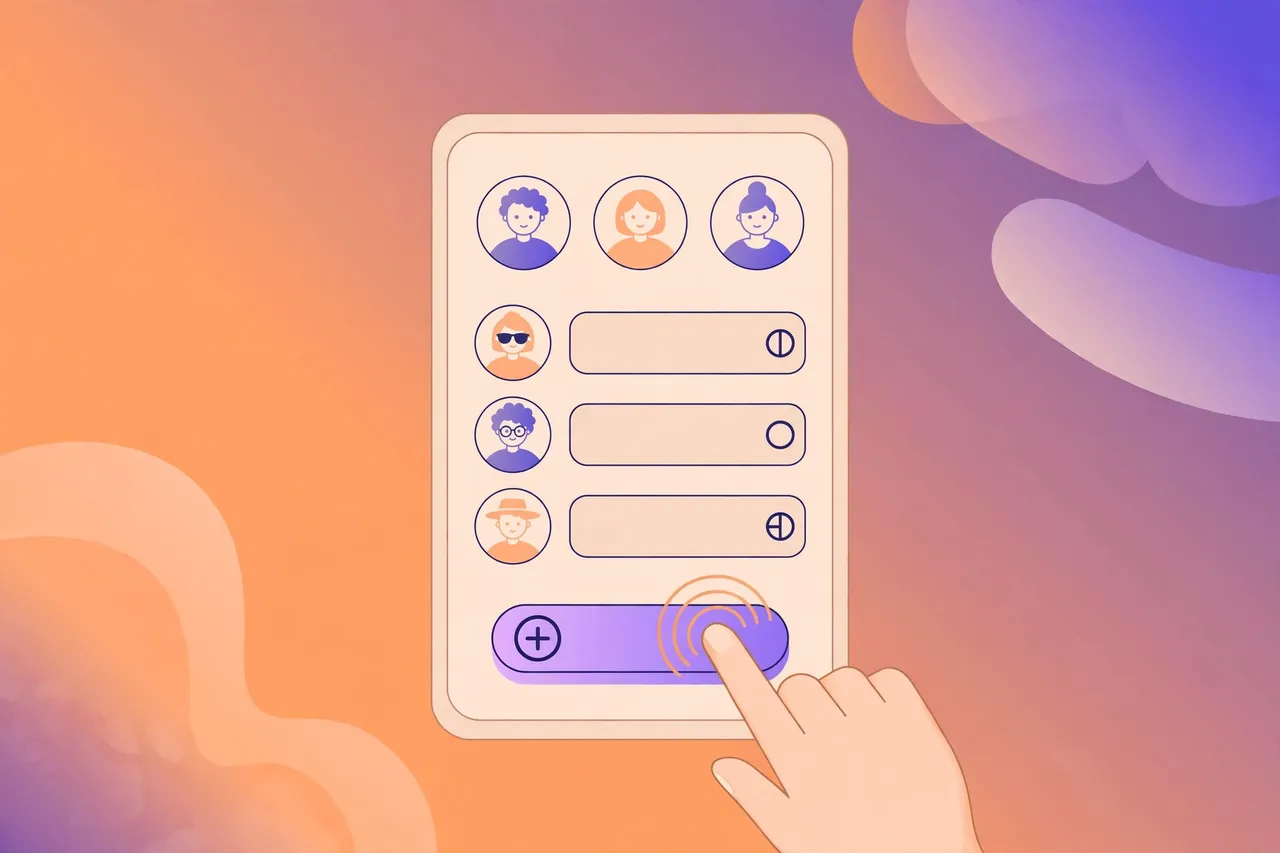
Instagram currently allows only one collaborator per post, in addition to the original author. That means a collab post has a maximum of two authors. You cannot invite two or three collaborators to the same post. If your project involves more than two people, you can tag the extra accounts in the photo or mention them in the caption instead. The tagged accounts will not share authorship, but their followers can still find the post through the tag or mention.
Can You Add a Collaborator on Instagram After Posting?
No. You cannot add a collaborator to a post that is already published. The invite must be sent before you tap Share, and there is no edit option to add a collaborator later. If you forgot to invite someone, your only option is to delete the post and publish it again with the collaborator invited from the start. This is why it is worth double-checking the “Invite collaborator” step before you publish, especially for a campaign post that both sides are promoting.
Why Use a Collaborative Post?
Collab posts are useful because they combine two audiences into one conversation. Here are the main benefits.
- Double the reach. The post is shown to the followers of both accounts, so it can reach people who have never seen your profile before.
- Combined engagement. Likes and comments from both audiences land on one post. A post with more engagement looks stronger and is more likely to be shown to more people.
- Simpler partnerships. Instead of both sides posting their own version, there is one agreed post, one caption, and one set of comments to manage.
- Easier tracking. With one post, both sides can see the same numbers. Use an Instagram follower tracker to watch how the collab affects your follower count over the following days.

Can You Boost a Collaborative Post?
Yes, you can boost a collaborative post, but there are conditions. The original author can promote the post as an ad, and both collaborators need to meet Instagram’s advertising requirements. If either account is a private account, or if the post contains branded content that has not been declared correctly, the boost may be blocked.
Before boosting, agree with your collaborator on who pays, what the budget is, and what audience you are targeting. A boosted collab post will carry the names of both accounts, so both reputations are attached to the ad. If you are running a paid partnership, also make sure the branded content label is set correctly — Instagram’s rules on paid partnerships are explained in the Instagram Help Center.
For most small creators, an organic collab post is enough. A boost is useful when the post promotes a product, an event, or a launch with a deadline, and you want it in front of people beyond both audiences.
Tips for a Successful Collaboration
- Agree on the post first. Both sides should approve the photo or video, the caption, and the posting time before anything is published.
- Choose a partner with a similar audience. A collab works best when both audiences care about the same topic.
- Post Reels for the widest reach. Collaborative Reels tend to travel further than photo collabs. If you use Reels for business, see our guide on how to use Instagram Reels for business.
- Reply to comments from both sides. Answer comments quickly in the first hour. Early engagement helps the post reach more people.
- Promote the post in Stories. Both collaborators should share the post to their Stories on the day it goes live.
Troubleshooting: Collaborative Post Problems
The “Invite collaborator” option is missing
Update the Instagram app to the latest version. The feature may also be unavailable if the other account is private and does not follow you, or if your account is very new. Try again after updating, and check that you are creating a feed post or a Reel, not a Story.
Your collaborator never received the invite
Ask them to check their activity notifications and their direct message requests. If they still cannot find it, delete the post and create it again with a fresh invite.
The post appears on only one profile
This means the collaborator has not accepted yet. The post will appear on both profiles only after acceptance. If they accepted and it still does not show, ask them to check whether they accidentally removed themselves from the post.
You cannot remove yourself from a collab post
Tap the three dots on the post, choose the option to remove yourself as a collaborator, and confirm. If the option is missing, update the app. Only the original author can delete the post itself.
Frequently Asked Questions
How many collaborators can you have on an Instagram post?
You can have one collaborator per post, plus the original author — so a maximum of two authors on a single post. To involve more people, tag them in the photo or mention them in the caption instead.
Can you add a collaborator on Instagram after posting?
No. A collaborator can only be invited before the post is published, on the share screen. If you already published the post, delete it and repost it with the collaborator invited.
How does an Instagram collaboration post work?
One person creates the post and invites another account as a collaborator before publishing. Once the invited person accepts, the post appears on both profiles, shows both usernames, and shares one set of likes, comments, and views.
Can you boost a collaborative post?
Yes, the original author can boost a collab post as an ad, as long as both accounts meet Instagram’s advertising rules and the post is not blocked by a privacy or branded-content issue. Agree on the budget and audience with your collaborator first.
Does the collaborator see the post’s insights?
Both collaborators can see the post on their profiles, but detailed insights are generally available to the original author. Check the insights on the post itself to see what data is shown for your account type.
Conclusion
An Instagram collaborative post is a simple, powerful tool: one post, two authors, and a combined audience. Create the post, invite your collaborator before you tap Share, and wait for them to accept. Remember the two hard limits — only one collaborator per post, and no adding a collaborator after publishing. Agree on the content and timing with your partner first, promote the post on the day it goes live, and track the results so you know which collaborations are worth repeating. For more official guidance, visit the Instagram Creators site.