
Discover how technology and the arts intersect across music, film, museums, and design — with tools, career paths, and honest insight into AI’s impact on creativity.
Technology and the Arts: How Innovation Is Reshaping Creativity in 2026
Technology and the arts used to be treated as opposites: one cold and logical, the other emotional and intuitive. That divide barely exists anymore. Musicians compose with AI-assisted software, sculptors 3D-print maquettes before touching clay, and museum visitors walk through virtual reconstructions of buildings that no longer exist. The line between “artist” and “technologist” has blurred so much that many creative professionals now hold both titles at once.
This article breaks down exactly how technology and the arts intersect today — across visual art, music, theater, film, and museums — and what that means for artists, students, educators, and anyone curious about where creative work is headed. You’ll find real examples, practical tools, a look at the ethical debates around AI-generated art, and guidance for building a career at this intersection.
Why the Relationship Between Technology and the Arts Matters Now
Every major shift in art history has followed a technological shift. Oil paint changed what painters could depict. Photography changed what painters felt they needed to depict. The internet changed who could see art at all.
What’s different today is speed. A new tool — a generative AI model, a motion-capture rig, a spatial computing headset — can move from research lab to a teenager’s bedroom studio within months. That compression means:
- Artists have to make tooling decisions far more often than previous generations did.
- Audiences now expect interactivity, not just observation.
- Institutions (museums, orchestras, publishers) are rebuilding entire business models around digital distribution.
- The skills that count as “artistic training” now often include coding, 3D modeling, or data literacy.
Understanding technology and the arts as a single, connected field — rather than two separate categories — is the only way to make sense of where creative careers and cultural institutions are actually heading.
How Technology Has Transformed Each Major Art Form
Different disciplines have absorbed technology at different speeds and in different ways. Here’s a discipline-by-discipline breakdown.
Visual Art and Design
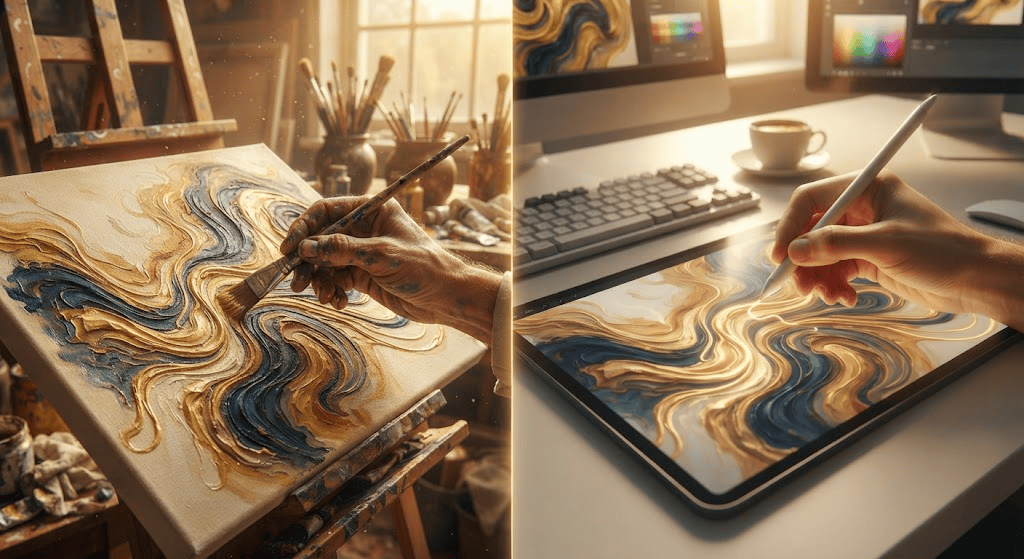
Digital painting software, vector illustration tools, and generative image models have changed both the process and the product of visual art. Artists now routinely work across mediums in a single project — sketching on paper, scanning it, finishing digitally, then producing a physical print or NFT-backed file.
Key shifts:
- Digital-first illustration (Procreate, Photoshop, Clip Studio Paint) is now the default entry point for many working illustrators, not a niche alternative to traditional media.
- Generative AI tools (Midjourney, DALL·E, Adobe Firefly) let artists rapidly prototype concepts, though most professional illustrators still use them as a brainstorming step rather than a final product.
- 3D printing and CNC fabrication have moved sculpture and product design from purely manual carving/casting to hybrid digital-physical workflows.
Music and Sound
Music was arguably the first art form to be fully reshaped by technology, starting with the synthesizer and multi-track recording. Today:
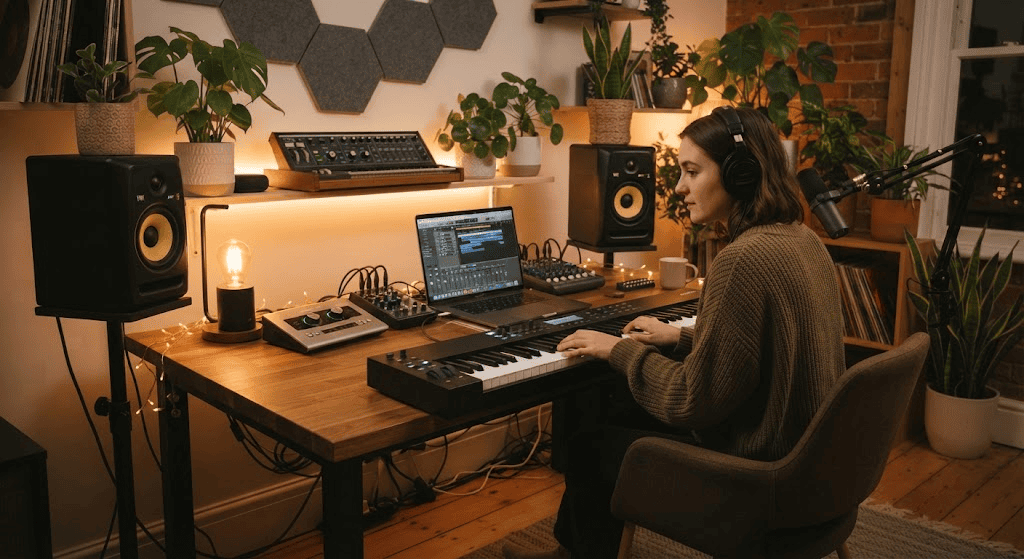
- Digital Audio Workstations (DAWs) like Ableton Live, Logic Pro, and FL Studio let a single person produce a full band’s worth of sound from a laptop.
- AI mastering and stem-separation tools (LANDR, iZotope) have democratized studio-quality production for independent artists.
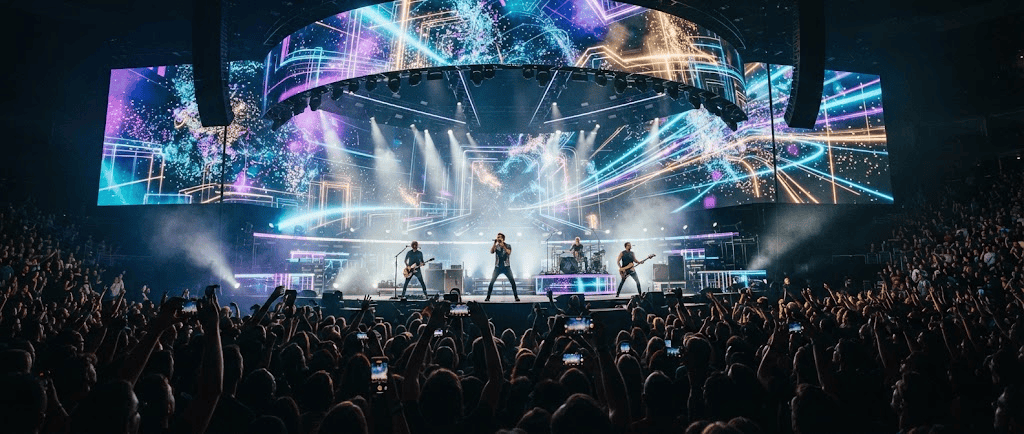
- Live performance technology — from Ableton-triggered visuals to motion-sensor instruments — has turned concerts into synchronized audiovisual events rather than simple performances.
Theater, Dance, and Live Performance
Live performance has embraced technology more cautiously, since it depends on human presence, but the change is still significant:
- Projection mapping now substitutes for physical set changes in many touring productions.
- Motion capture lets choreographers pre-visualize complex group movement before rehearsals begin.
- Hybrid and livestreamed performances, accelerated during 2020–2021, remain a permanent revenue stream for many theater companies.
Film and Animation
Film has always been a technology-dependent art form, but the tools have shifted from expensive studio infrastructure to accessible consumer-grade equipment:
- Real-time rendering engines originally built for video games (Unreal Engine) are now used on major film sets for virtual production, replacing traditional green screens with LED walls.
- AI-assisted editing, color grading, and even dialogue cleanup have shortened post-production timelines significantly.
- Short-form and independent filmmakers can now shoot, edit, and distribute a project entirely on a smartphone and a laptop.
Museums, Galleries, and Cultural Heritage
Museums have become one of the most active adopters of technology and the arts as a combined strategy, partly out of necessity — audiences expect digital access, and institutions need new revenue streams.
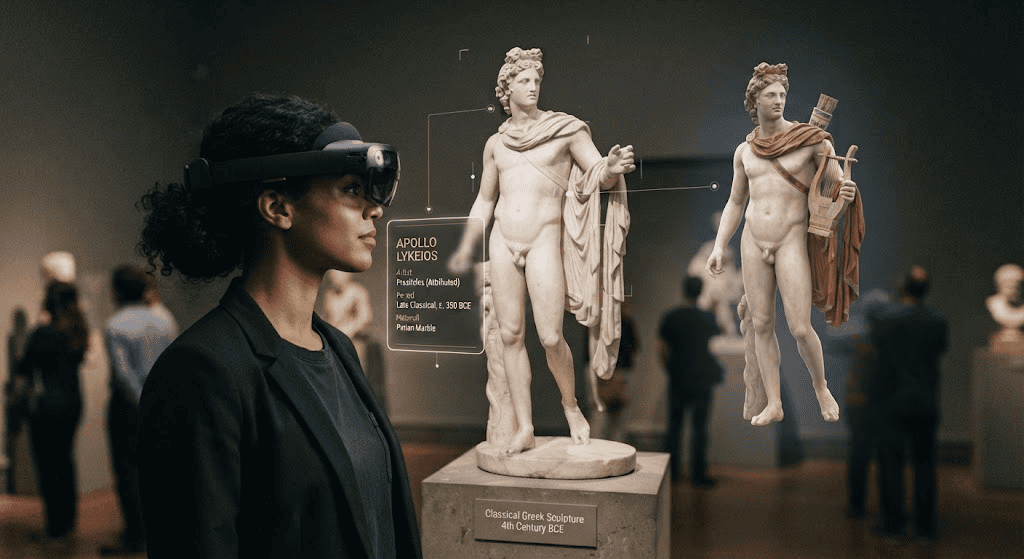
- Virtual and augmented reality tours let people experience exhibits or entire historical sites remotely.
- High-resolution digitization projects are preserving fragile works and making them publicly searchable online.
- Interactive touchscreens and AI-guided audio tours personalize the visitor experience based on interests and time available.
Tools Bridging Technology and the Arts: A Quick Comparison
Choosing the right tool depends heavily on your discipline and goals. Here’s a practical starting-point comparison across common categories.
| Category | Popular Tools | Best For | Learning Curve |
|---|---|---|---|
| Digital illustration | Procreate, Photoshop, Clip Studio Paint | Illustrators, concept artists, comic creators | Moderate |
| Generative AI image tools | Midjourney, Adobe Firefly, DALL·E | Concept brainstorming, mood boards | Low |
| Music production | Ableton Live, Logic Pro, FL Studio | Composers, producers, sound designers | Moderate to High |
| 3D modeling & sculpting | Blender, ZBrush, Tinkercad | Sculptors, game artists, product designers | High |
| Virtual production | Unreal Engine, Unity | Filmmakers, animators, VR artists | High |
| Writing & publishing | Scrivener, Vellum, self-publishing platforms | Authors, poets, playwrights | Low |
A reasonable rule for beginners: pick one tool per discipline, commit to it for at least three months, and resist switching every time a new app trends online. Depth with one tool beats shallow familiarity with five.
The Big Debate: Is AI Helping or Hurting the Arts?
No conversation about technology and the arts is complete without addressing generative AI, since it’s the most disruptive development in decades. The debate breaks down into a few concrete issues rather than a single yes-or-no question.
Arguments that AI is expanding creative possibility
- It lowers the technical barrier to entry, letting people without years of formal training visualize ideas.
- It speeds up repetitive tasks (background generation, rough drafts, reference gathering), freeing time for higher-level creative decisions.
- It has created entirely new hybrid art forms, like AI-assisted generative installations, that didn’t exist before.
Arguments that AI threatens artistic livelihoods and authenticity
- Many generative models were trained on copyrighted work without artists’ consent, raising ongoing legal and ethical disputes.
- Commercial clients increasingly request “AI-style” work at lower rates, undercutting professional illustrators and designers.
- Audiences report difficulty distinguishing AI-generated work from human-made work, which complicates trust and attribution in creative markets.
Organizations like the National Endowment for the Arts have begun funding research and public dialogue specifically on how emerging technologies affect working artists, recognizing that this isn’t a fringe issue — it directly affects income, copyright law, and the long-term health of creative professions.
The most balanced position among working professionals right now: treat AI as a tool with real capabilities and real risks, disclose its use where relevant, and stay engaged with the policy conversations shaping how it’s regulated. Ignoring the debate isn’t a neutral choice — it’s a choice to let others define the rules.
How Technology Is Changing the Audience Experience, Not Just the Creation Process
It’s easy to focus only on how artists make work, but technology and the arts intersect just as much on the audience side.
- Streaming and on-demand access mean people now experience music, theater recordings, and gallery content on their own schedule rather than at fixed times.
- Interactive installations (touch-responsive light art, motion-triggered soundscapes) turn passive viewers into active participants.
- Personalization algorithms on platforms like Spotify or Netflix shape what art people are even exposed to, which raises questions about whether audiences are discovering diverse work or being funneled toward algorithmically “safe” content.
- Accessibility technology — screen readers for digital art descriptions, captioned live performances, AI-generated audio descriptions — has made more art genuinely accessible to people with disabilities than at any prior point in history.
This shift matters for anyone building or marketing creative work: understanding your audience’s technology habits is now as important as understanding their aesthetic taste.
Building a Career at the Intersection of Technology and the Arts
If you’re a student, career-changer, or working artist trying to figure out where to invest your time, here’s a practical roadmap.
1. Identify your discipline-first, tool-second
Decide what you actually want to make — music, illustration, installations, film — before choosing software. Tools change every few years; craft fundamentals (composition, rhythm, storytelling, color theory) don’t.
2. Build a hybrid skill set
The most in-demand creative professionals right now combine:
- A strong foundation in traditional craft or theory
- Working fluency in at least one major digital tool in their field
- Basic technical literacy (file formats, version control, simple scripting) even if they’re not full-time technologists
3. Study emerging roles, not just traditional job titles
New hybrid roles have emerged directly from the technology-arts intersection:
- Creative technologist — bridges design and engineering on interactive projects
- Technical artist (common in game studios) — solves visual problems using code
- Digital preservation specialist — works with museums and archives on digitization
- Generative AI art director — curates and refines AI-assisted visual campaigns
- Immersive experience designer — builds VR/AR content for entertainment or education
4. Follow institutions actively researching this space
Outlets like MIT Technology Review regularly cover the technical and ethical developments shaping creative industries, which is useful for staying current without needing a computer science background.
5. Protect your work early
Register copyrights where relevant, understand the licensing terms of any AI tool before using it commercially, and keep dated records of your creative process — this matters more now than it did a decade ago, given ongoing disputes over AI training data and attribution.
Common Challenges Artists Face When Adopting New Technology
Even enthusiastic adopters run into predictable friction points. Recognizing them early saves time and money.
- Tool fatigue: New apps and platforms launch constantly, and chasing every trend prevents mastery of any single one.
- Cost of entry: High-end VR, 3D printing, or motion capture equipment can be expensive; renting time at a local maker space or university lab is often more practical than buying.
- Preservation risk: Digital-only artwork is vulnerable to file corruption, platform shutdowns, and format obsolescence in a way physical work isn’t. Regular backups across multiple formats and locations are essential.
- Audience skepticism: Some collectors and audiences still associate “technology-assisted” with “less authentic.” Being transparent about your process tends to build more trust than hiding it.
- Learning curve time cost: Budget real time — often 3 to 6 months of consistent practice — before expecting comfortable fluency with a new creative tool.
Practical Advice: Getting Started Without Overwhelm
If all of this feels like a lot, here’s a simple entry point regardless of your art form:
- Pick one tool that’s genuinely relevant to your discipline (see the comparison table above).
- Spend two weeks just exploring it with no pressure to produce a finished piece.
- Recreate one existing piece of your own traditional work using the new tool, so you have a direct before/after comparison.
- Join one online community (Discord server, subreddit, forum) specific to that tool — troubleshooting alone is the biggest time sink for beginners.
- Set a small, real deadline (a local exhibition, a friend’s event, a personal project) to force completion rather than endless tinkering.
Frequently Asked Questions
Does using technology make art less authentic?
No — authenticity comes from intent and execution, not the tools used. A digital painting created with real skill and vision is no less authentic than an oil painting; the medium is a choice, not a moral statement.
Do I need a technical or computer science background to work in this field?
Not usually. Most creative technology tools are built for artists, not engineers. Basic technical literacy helps, but deep coding knowledge is only necessary for specialized roles like technical artist or creative developer.
Is AI-generated art actually “art”?
This remains genuinely contested. Most professionals distinguish between AI as a brainstorming or production aid (widely accepted) versus fully AI-generated final work presented without human refinement or disclosure (more controversial, especially in commercial contexts).
What’s the best first tool to learn if I’m new to digital art?
For illustration, Procreate (iPad) or Photoshop are the most widely taught and have the largest tutorial communities. For music, GarageBand or Ableton Live Lite are common low-cost starting points.
How is technology affecting museums specifically?
Museums are investing heavily in digitization, virtual tours, and interactive exhibits both to preserve fragile works and to reach audiences who can’t visit in person, while also using AI-guided tools to personalize on-site visitor experiences.
Final Thoughts
Technology and the arts aren’t competing forces — they’re two halves of the same evolving creative ecosystem. Painters use tablets, museums use headsets, musicians use algorithms, and audiences experience all of it through screens and speakers that didn’t exist a generation ago. The artists and institutions thriving right now aren’t the ones that chose technology over craft, or craft over technology — they’re the ones that learned to move fluidly between both.
Whether you’re a student choosing a creative career path, a working artist deciding which tool to learn next, or simply someone curious about where culture is heading, the throughline is the same: technology and the arts will keep reshaping each other, and the most resilient creative careers will belong to people comfortable navigating that change rather than resisting it.